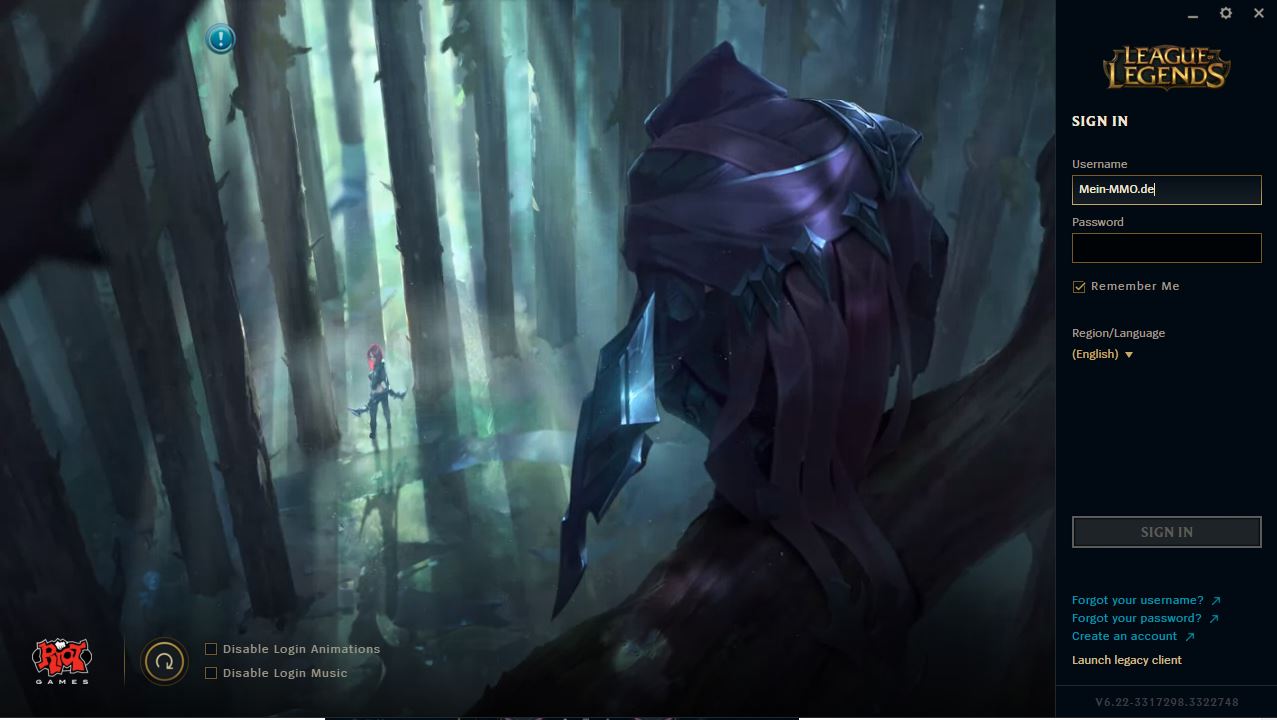
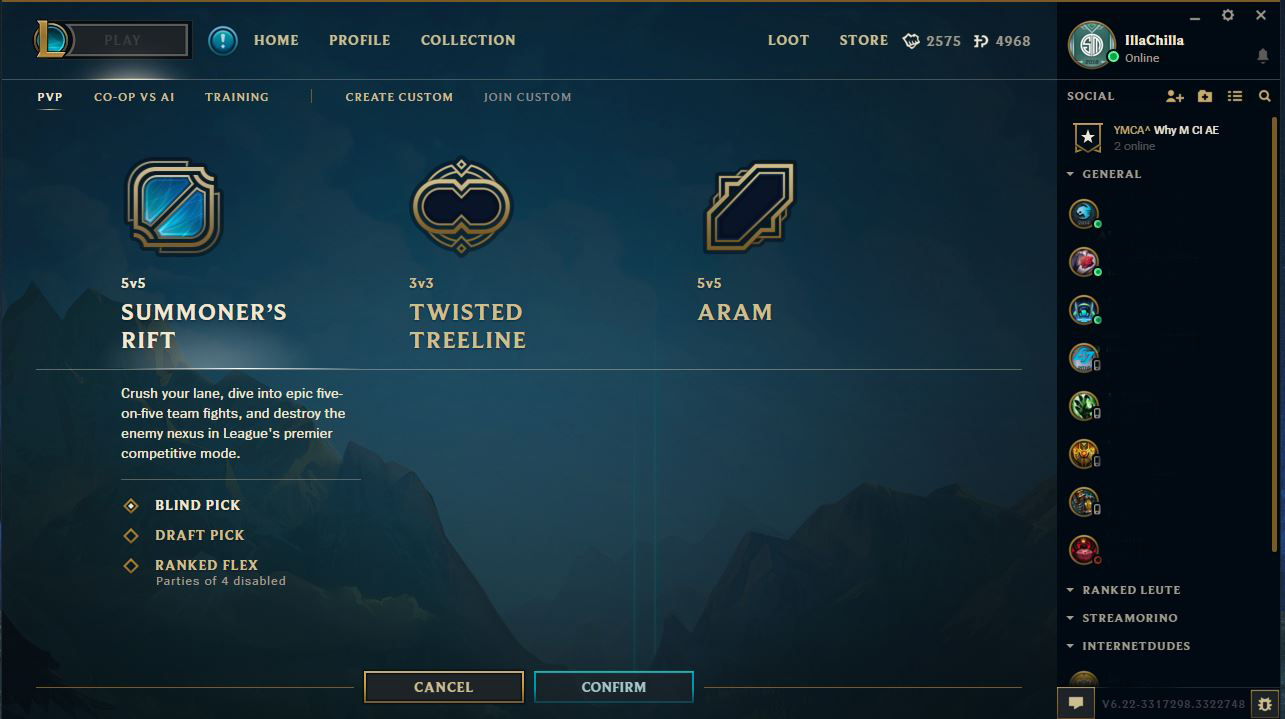
The open beta for the LoL client has started in some regions. We show you how to participate in the beta phase now.
A new client has long been the wish of many “League of Legends” players. The reason for this is that while Riot has updated the in-game graphics and regularly updates champion skins, the client still seems outdated. For several months, there has already been an alpha phase in which selected players could test the new client. The alpha phase has now turned into an open beta phase that all players can test. Initially, this was only supposed to be available for certain regions. However, with a trick, you can also participate in the beta on the EU servers.
LoL Client Open Beta for EUW
Riot Games has now announced that the open beta is available for players. However, this beta will be gradually unlocked in various regions. This phase started on the “Oceania” servers. You can easily bypass this restriction for other regions with a small trick. And don’t worry, The_Cactopus from the Riot team confirmed on Reddit that this trick is not prohibited and players are allowed to use it.

To download the update in this region, you need to set the region to Oceania in the first part of the launcher. Your client will then download the update for the League of Legends open beta client. Once the update is installed, you can easily switch your region back to EUW (or your current server) and try out the new features of the client.
As long as the beta phase is active, you can switch back to the old client and enjoy the last days or weeks of “nostalgia.” However, once the client is released, it will be mandatory for everyone. Which features will be implemented during the beta phase and how you can switch back to the old client can be found in our League of Legends Beta Client Overview.
Have you already tried the client? What do you think of the new design?