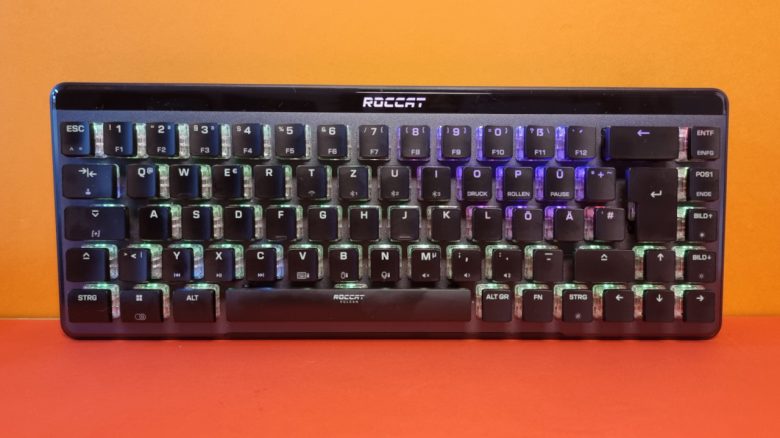
The Vulcan II Mini Air from Roccat offers a mini-format gaming keyboard. MyMMO editor Benedikt Schlotmann tested the keyboard and explains whether it is worth recommending.
With the Vulcan II Mini Air, Roccat has introduced a mini-format (65%) gaming keyboard. While they already have TKL-format keyboards in their lineup, the mini version is even smaller. At the same time, Roccat promises the same features as in the other Vulcan models.
For its wireless mini version, Roccat demands a suggested retail price of 179.99 Euros. In a test, I looked at the Vulcan II Mini Air and explain whether the keyboard is worthwhile compared to other keyboards and whether the price is justified.
Who tested it?
I am the Tech Editor at MyMMO and have a penchant for peripherals, testing mice, keyboards, and gaming headsets. Since 2019, I have been testing hardware for our readers at MyMMO. Particularly, gaming mice are among my absolute favorites. Besides the PS5, I also play on my Steam Deck.
The manufacturer provided me with the Vulcan II Mini Air for testing.

Benedikt Schlotmann
Hardware Editor MyMMO
The Roccat Vulcan II Mini Air at a glance:
| Design/Interface | wireless (Bluetooth, radio) and wired | ||||||||||
| Key type | optical Titan Switches II (2nd generation) | ||||||||||
| programmable keys | Yes | ||||||||||
| Lighting | Yes | ||||||||||
| Compatibility | PC (with software) | ||||||||||
| Scope of delivery | Keyboard, wireless dongle, manual | ||||||||||
| Special features | 65% design with arrow keys | ||||||||||
| Price (RRP) | 179.99 Euros | ||||||||||
| |
*Affiliate-Links. Wir erhalten bei einem Kauf eine kleine Provision von Amazon. Vielen Dank für Eure Unterstützung! |

Scope of delivery, design, and construction
What does the scope of delivery look like? In the box, in addition to the keyboard, there is the obligatory manual, a USB-C to USB-A charging cable, and a wireless dongle.
How is the keyboard constructed? The keyboard comes in a 65% design. The keyboard ends to the right of the arrow keys and also offers no function key row (F keys). The USB-C cable can be detached from the back, and the model can be used wirelessly via Bluetooth or a wireless adapter.
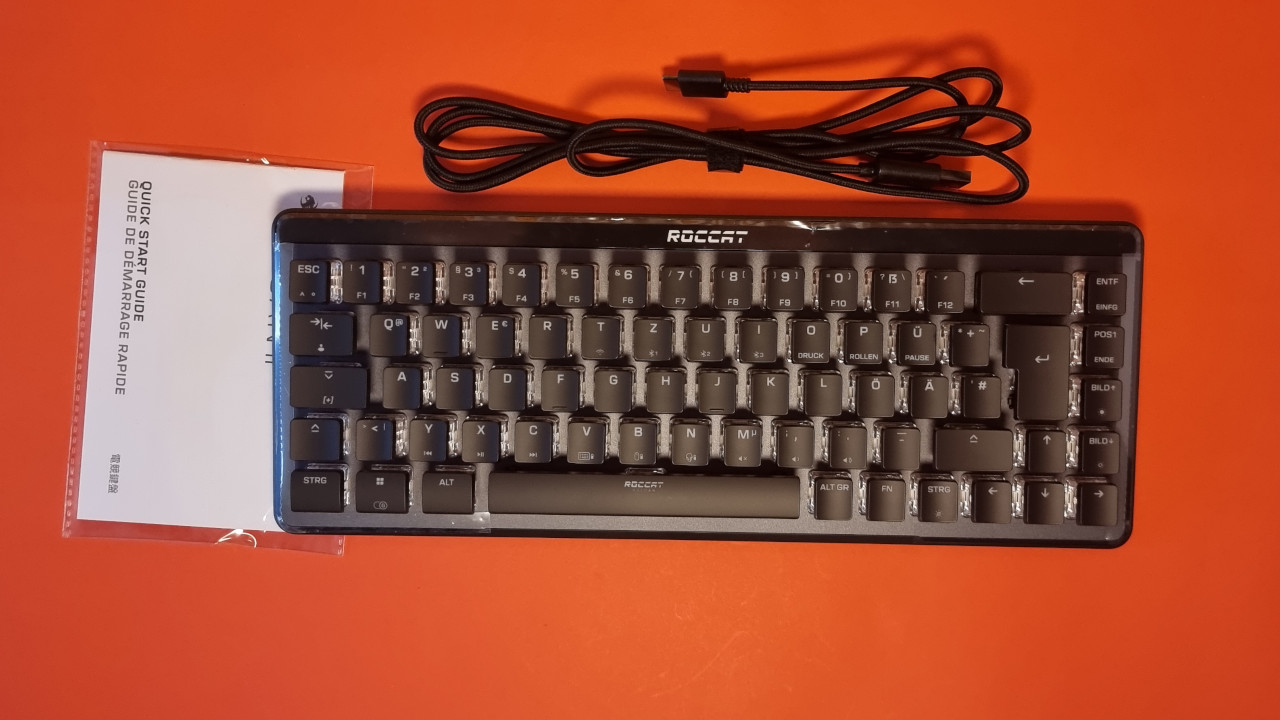
What does the keyboard look like? The keyboard comes in a simple black but features an open design: The key switches are exposed on the body of the keyboard, which gives the lighting a completely different effect.
However, the open design of the keyboard also has an annoying downside: dirt, such as dust or pet hair, tends to collect quickly between the keys.
The lighting is typically very good for Roccat: All keys are clearly visible and appropriately illuminated. Even without strong backlighting, all keys are easy to see.
On the back, the USB dongle can be stored, and the USB-C cable can be plugged in. A switch for turning the keyboard on and off is also located on the back. By the way, after a fixed time interval, the keyboard automatically enters power-saving mode.
Processing
The keyboard uses a plastic body with an integrated aluminum plate. This gives the keyboard a valuable feel. For the edges, Roccat opts for a glossy surface. It looks nice but is not immune to fingerprints. The USB dongle can be elegantly stored inside the keyboard.
However, I find the keycaps used by Roccat to be of lesser quality. The manufacturer continues to use thin ABS keycaps here. From experience with other Roccat keyboards with the same keycaps, I know that these wear down and become dull over time. After just a few days, the keycaps no longer look nice.
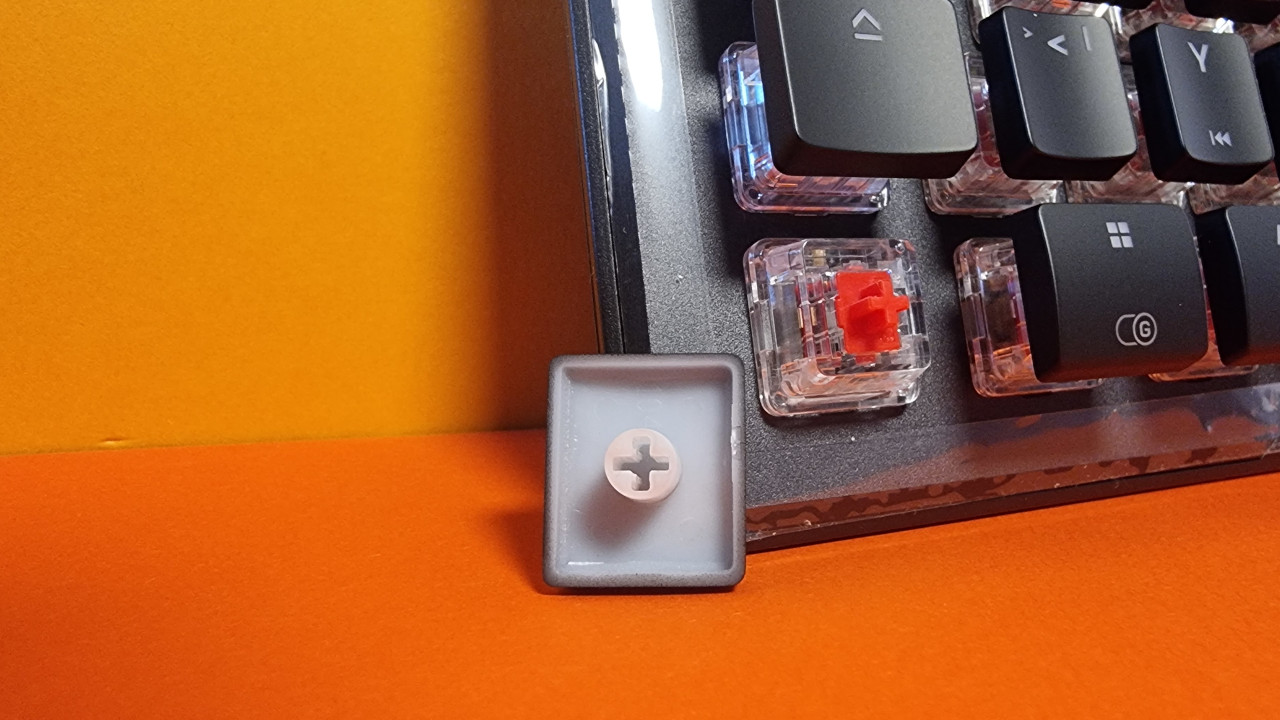
In principle, you can also replace Roccat keycaps with any Cherry-mount keycaps, but then the Vulcan II Mini Air loses its unique design and looks “just like a mechanical keyboard in mini format.”
Furthermore, Roccat does not include any padding or similar measures in the keyboard. Thus, you can hear the red or brown switches of the keyboard clattering away happily. You would have to like that, but the noise level is not unusual for mechanical keyboards. The Roccat Vulcan II Mini Air is also not louder than other mechanical keyboards with red switches.
Software
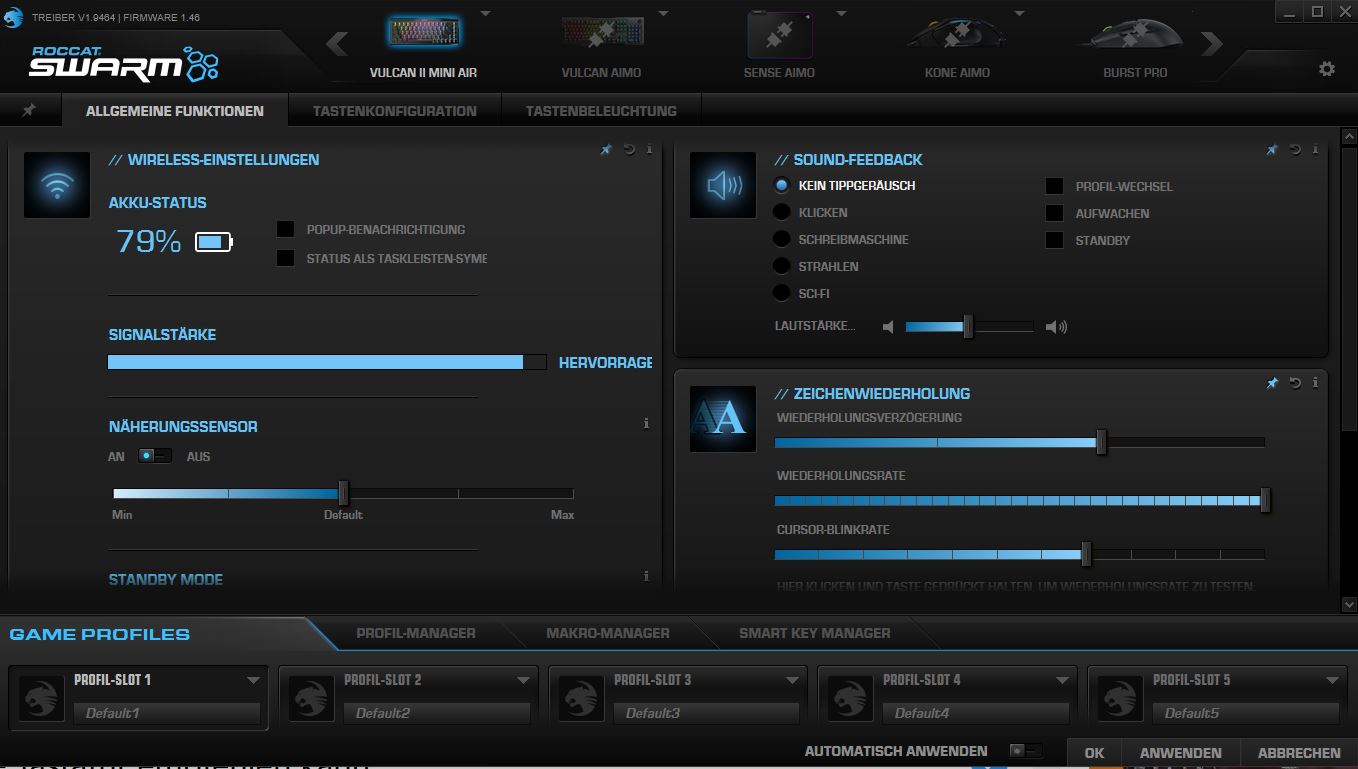
The Vulcan II Mini Air utilizes Roccat’s “Swarm” software. At first, it seems a bit confusing, but you quickly get the hang of it. Keys can be easily assigned, and macros can also be created.
Thanks to Easy-Shift, keys can also be doubly assigned. You press the Easy-Shift key and activate a second overlay. This can be quite practical if you want to use certain keys multiple times without having to switch profiles every time.
The battery life can be easily read within the software.
On the next page, you can read everything about the ergonomics and the keys of the keyboard. In the conclusion, you can find out who I would recommend the keyboard to.
- 1
- 2