

The new Xbox Game Pass Ultimate for PC is currently very popular in the gaming community. We will show you how to install, download, and set up the Xbox app on Windows 10.
What is it about? The Xbox Game Pass Ultimate subscription includes more than 100 high-quality games that you can play for a monthly fee. This way, you can enjoy exciting games on your PC or Xbox for a small fee.
You can play new Xbox exclusive titles on the day of their release.
The Xbox Game Pass Ultimate includes:
- The Xbox Game Pass Console Games plan
- the Xbox Game Pass PC Games plan
- and Xbox Live Gold
Installation on PC:
For the Xbox Game Pass Ultimate to run on your PC, you need the new Xbox app and the latest version of Windows. You can find the app in the Windows Store as Xbox (Beta).
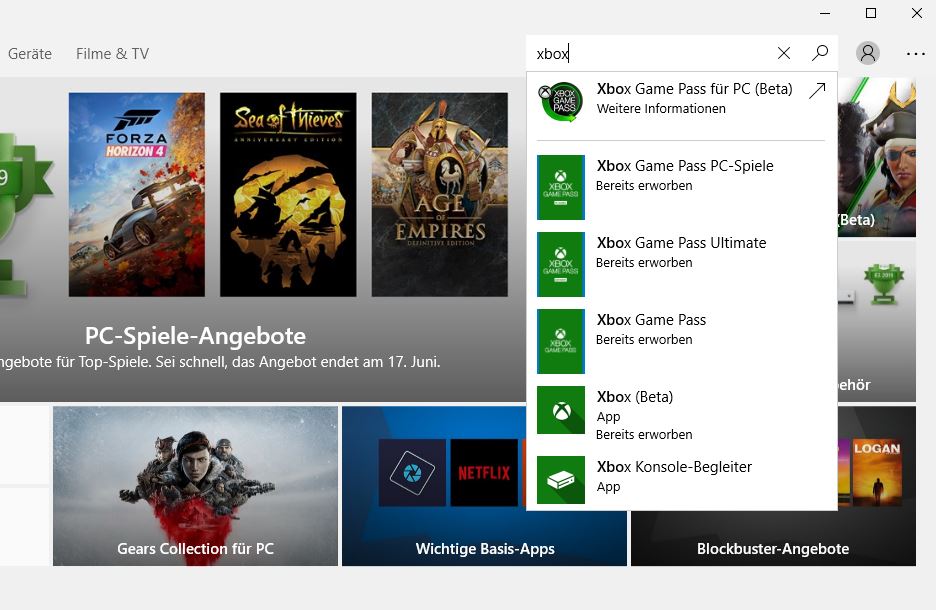
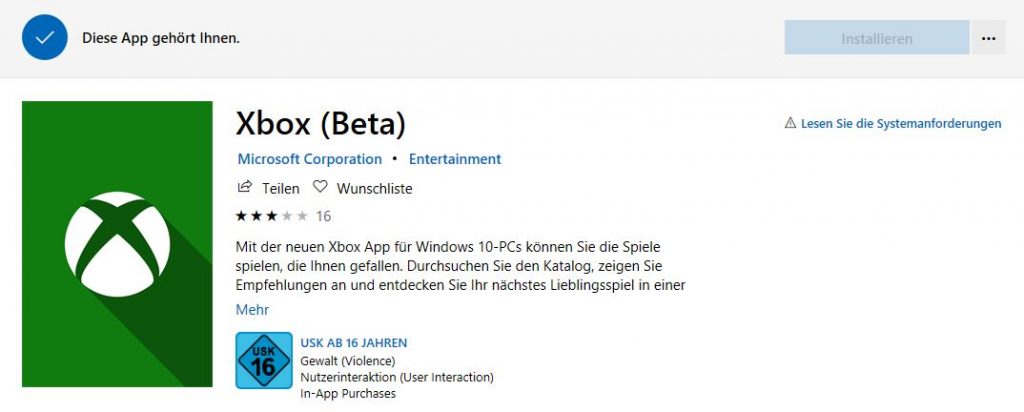
The Download: Open the Windows Store on your PC. Type “Xbox” in the search and then select the Xbox (Beta) app. It should look like this:
If your system meets the requirements and is updated, then the app is now ready for installation. After that, it will be ready to start.
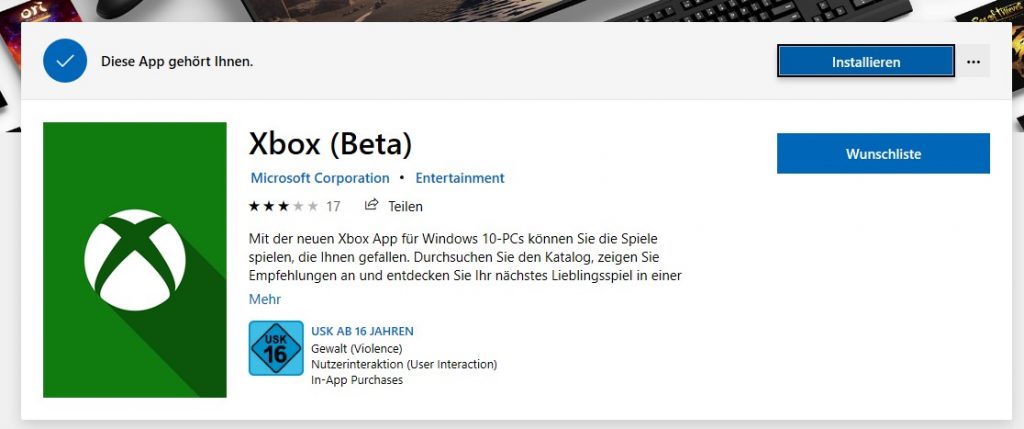
Xbox Installer: On the Xbox website, you can download the app with an installer. It will guide you through the installation process. If you are missing a Windows update, the installer will take care of that for you. After that, restart your computer and you should be able to use the app. Here’s the download at xbox.com.
Installation Not Possible – Troubleshooting
If you don’t have the required version of Windows installed, you will get an error when installing the app. It will look like this:
Option 1 – Update Windows: To fix this error, you usually just need to update your operating system. This can be done by opening the settings, selecting “Update & Security”, and then checking for updates. Install the found updates.
Option 2 – Sign Up for Windows Insider Program: If you don’t receive the required Windows version through the regular update, you can download the needed Windows version from the Windows Insider Program. You can sign up on the Insider.Windows.com website.
Once you are signed up, link your Windows account with it. To do this, click on Start in Windows, type “Settings”, and open it. Then select “Update & Security” and then the “Windows Insider Program” option.
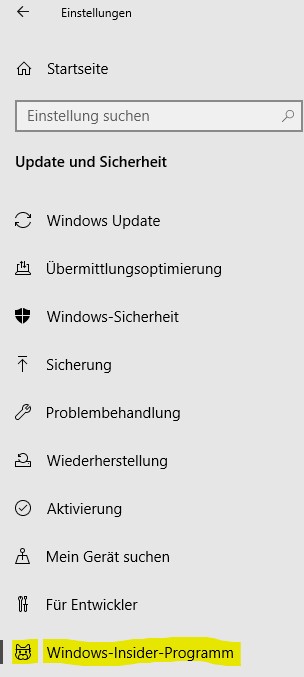
Keep the top menu point on Updates and Updates. Select your Windows account at the bottom that you want to link with the Insider Program.
Now select the “Windows Update” point on the left and then “Check for Updates”. Now the required version of Windows should be found and downloaded automatically. Then follow the installation. Restart your PC if prompted to.
Afterwards, Windows 10 is ready for the Xbox app, and you can install it as described above.
Install and Play Xbox Game Pass PC Games
This is how you use the app: After installation, you have the option to pin the app to “Start” and start it from there. Alternatively, you can create a shortcut or start it via the Microsoft Store.
If you open it, you go directly to the overview of the Game Pass.
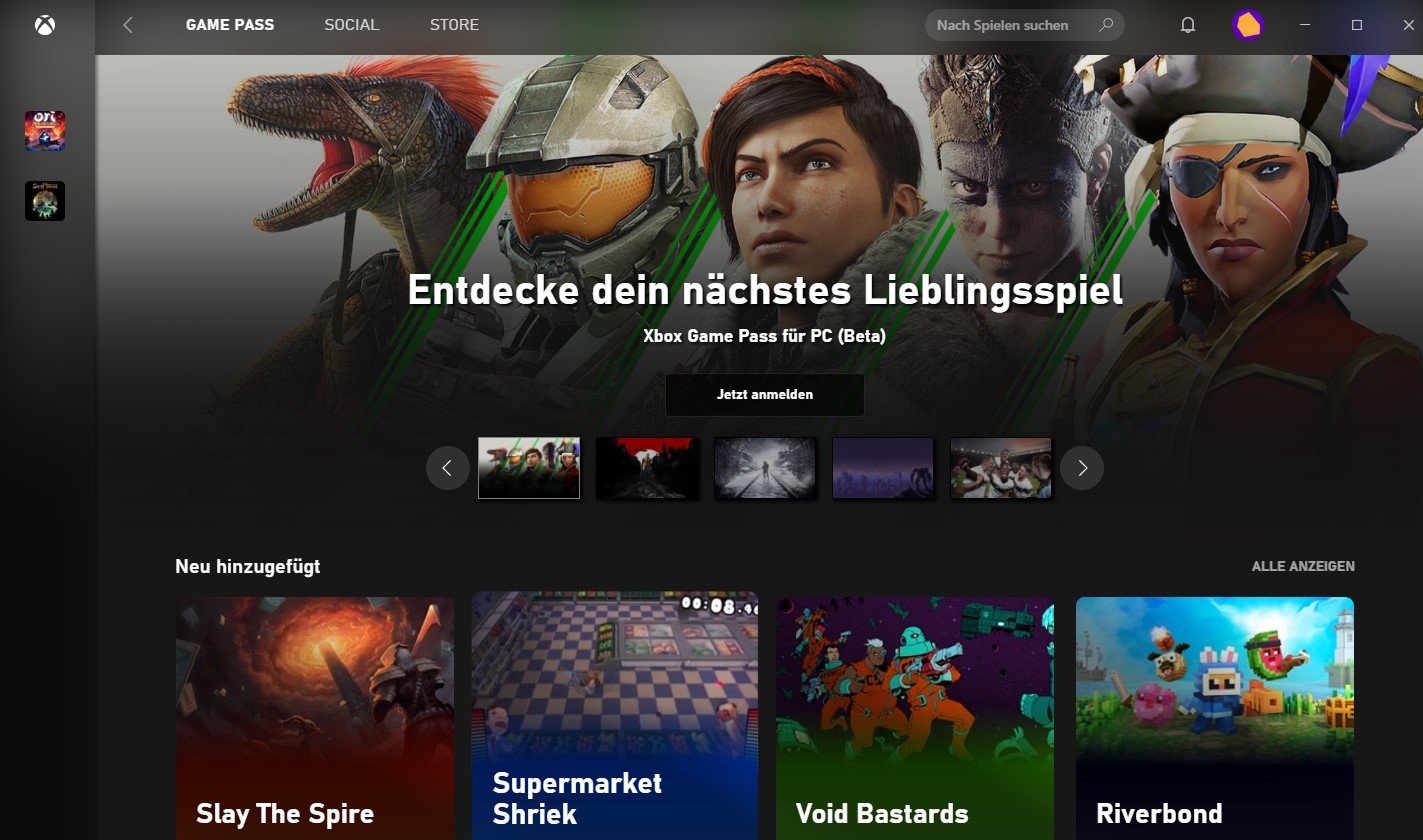
If you have the Pass, you can immediately access the huge library and download games that you want to try out.
By clicking on the game and then on “install”, the game will be directly downloaded from the Xbox Game Pass to your PC.
You can then start and play it via the Xbox app or directly from the game in your Windows Start menu.
Currently, there is a strong deal for the Game Pass Ultimate:


Your opinion is important to us!
Do you like the article? Then let us know!