

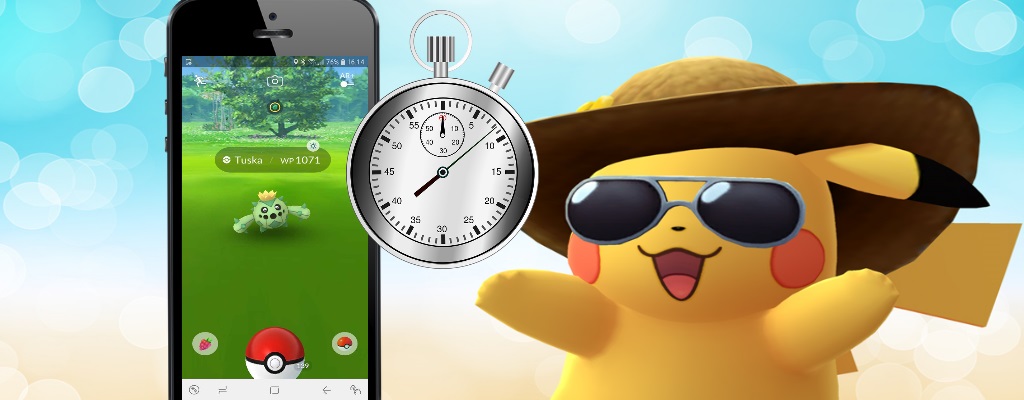
In Pokémon GO, you can now catch Pokémon even faster. The latest update has made the catching trick easier for players.

What is the catching trick? Many players have been using this trick for months. This allows you to skip the animations when catching Pokémon. The annoying wobble of the ball is now a thing of the past.
The downside of this trick was its complexity. It requires some practice to use the catching trick effectively. However, since the latest update, you can apply this trick much faster. We will show you how to do it.
Here’s how you can now catch Pokémon even faster
This is now possible: When you are in catching mode and the Pokémon has just been hit by the ball, you can simply press the arrow key on your Android phone. The catching screen disappears, but the thrown ball counts.
So you are only skipping the annoying wobble of the ball and saving a lot of time.
Here’s a limitation: This only works with Android phones. Apple devices do not have an arrow key, so you cannot skip the animation this way.
Is this intended? It’s not clear what Niantic intends to do with the “new” catching trick. It could simply be a bug that will be fixed soon. Therefore, you should take advantage of it while you can.
Here’s how it works for iOS users: Those without such an arrow key on their phone will have to perform the “normal” catching trick. We will show you an instruction:
- Click on the Pokémon normally
- Take your left thumb and swipe from the bottom right screen to the left side, but do not let go of the screen
- With your left hand, you can now catch the Pokémon normally, but keep your left thumb on the screen
- Once the Pokémon is in the ball, you can remove all fingers from the screen
- In the top left, there is still the symbol to flee from the battle. Click on it and you can skip the animation
You can also take advantage of the catching trick during this event:


Your opinion is important to us!
Do you like the article? Then let us know!