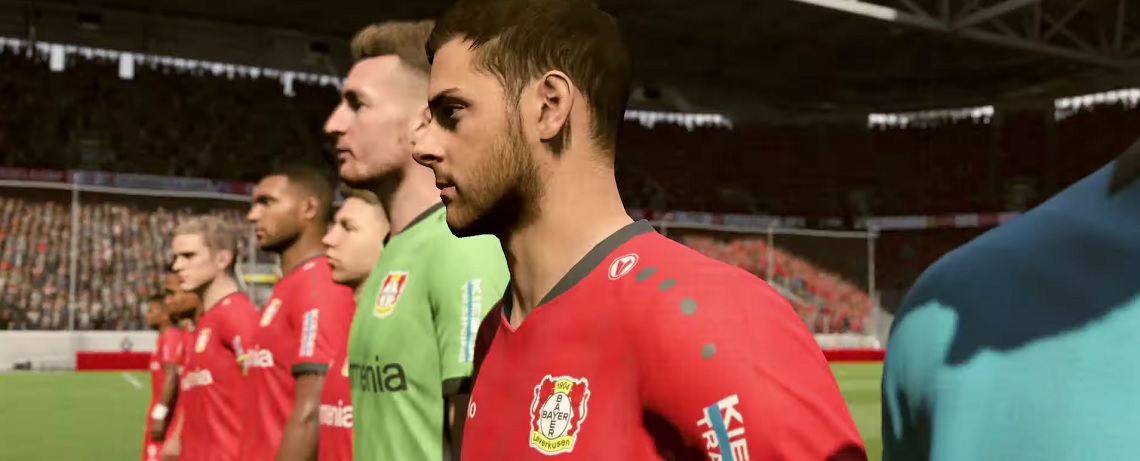
In FIFA 19 FUT, the last week of the event “The FIFA 19 Ultimate Team” has started. You can now get the third and final FUT-20 bonus for FIFA 20 .
What is the FUT-20 bonus? If you now complete a task in FUT 19, you will receive a stadium theme as a reward for FUT 20.
In FIFA 20 Ultimate Team, one of the new features is that you can slightly customize your stadium. You can do this with choreographies or stadium themes.
The current weekly bonus in FUT 19 is a “TOTW stadium theme.” How the stadium theme will ultimately look in FIFA 20 remains to be seen. But EA Sports is already showing a preview on this graphic:
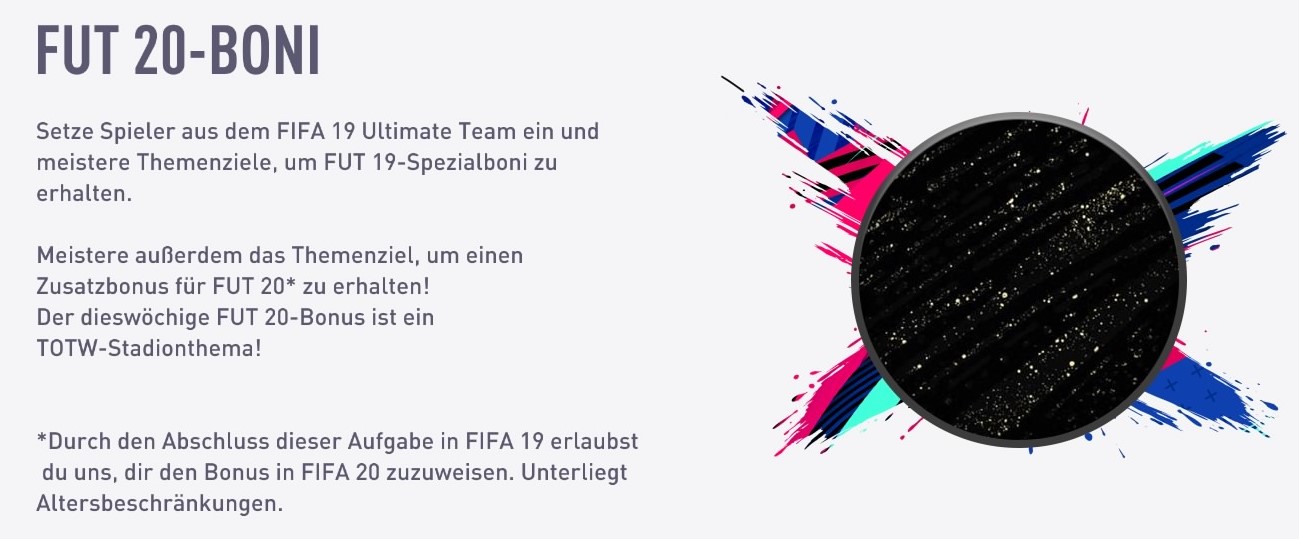
This is what you need to do for the stadium theme for FIFA 20
This is how you get the FUT-20 bonus: Currently, an event called “The FIFA 19 Ultimate Team” is running in FUT 19, where you receive outstanding loan players that you must use to achieve specific goals in order to win rewards.
This event runs from August 23 to September 12. Today, on September 6, the third and final event week begins, where you can get new top loan players as well as the new weekly bonus in the form of the stadium theme.
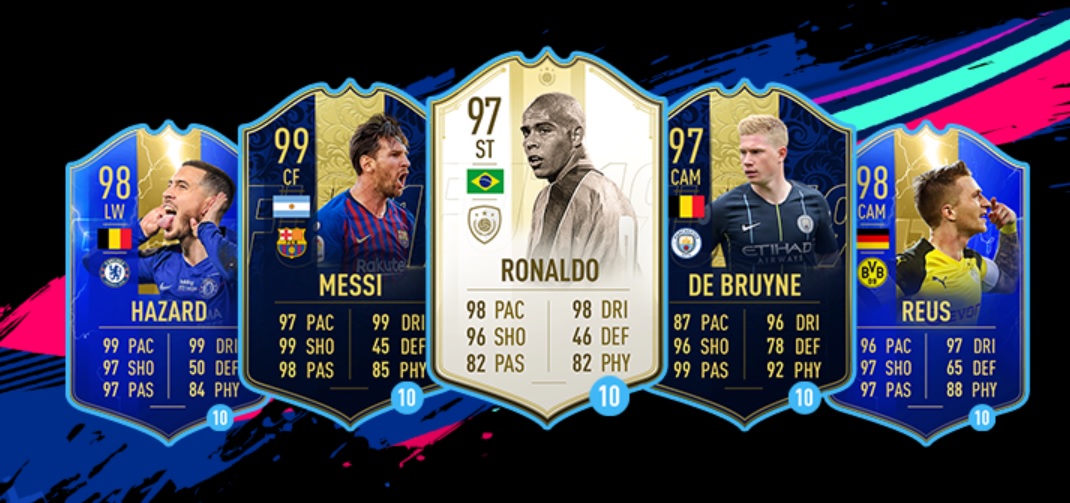
- Start FUT 19 and grab your “The FIFA 19 Ultimate Team” set from the shop. This week, there are these top loan players:
- In the FUT menu under daily tasks, you can switch to the “Weekly Tasks” tab, where the top task is called “The FIFA 19 Ultimate Team.” Through this task, you will get the FUT-20 bonus.
- Currently, this goal is bugged. It is not displaying correctly what you need to do. Most likely, you need to play in Division Rivals with the loan players from the packs and either score goals with them or simply finish matches. We will update the article as soon as we have the information.
- According to the futwiz site, you need to score one goal with a Prime Icon Moments player in two separate Rivals matches.
In the previous weeks, you were able to earn popular jerseys from FIFA 19 and a Tiger choreography for FIFA 20 during the event. If you haven’t secured these yet, you’ve missed out.
Soon the FUT-20 season will begin. You will start with the web app first: