Ergonomics
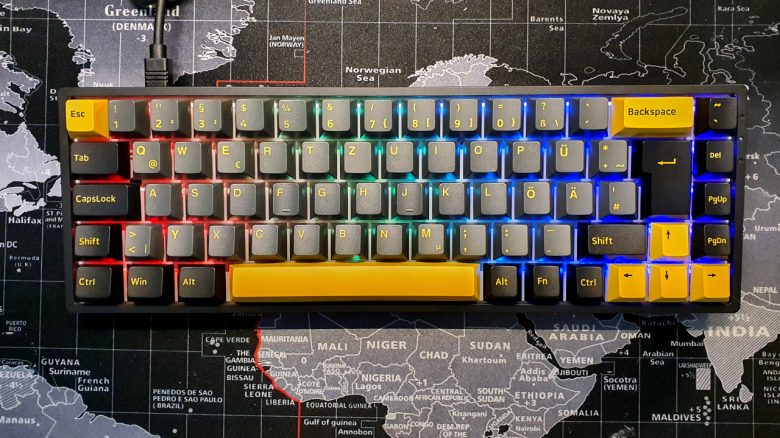
The advantage of small keyboards (TKL and smaller formats) is that they are significantly more ergonomic than large, full-size keyboards. This allows you to keep your right arm with the mouse closer to your body, which corresponds to a healthier posture.
Furthermore, you can use the Akko 3068 completely wirelessly. This makes the keyboard very flexible, as you need little additional space on the desk for cables.
The keys
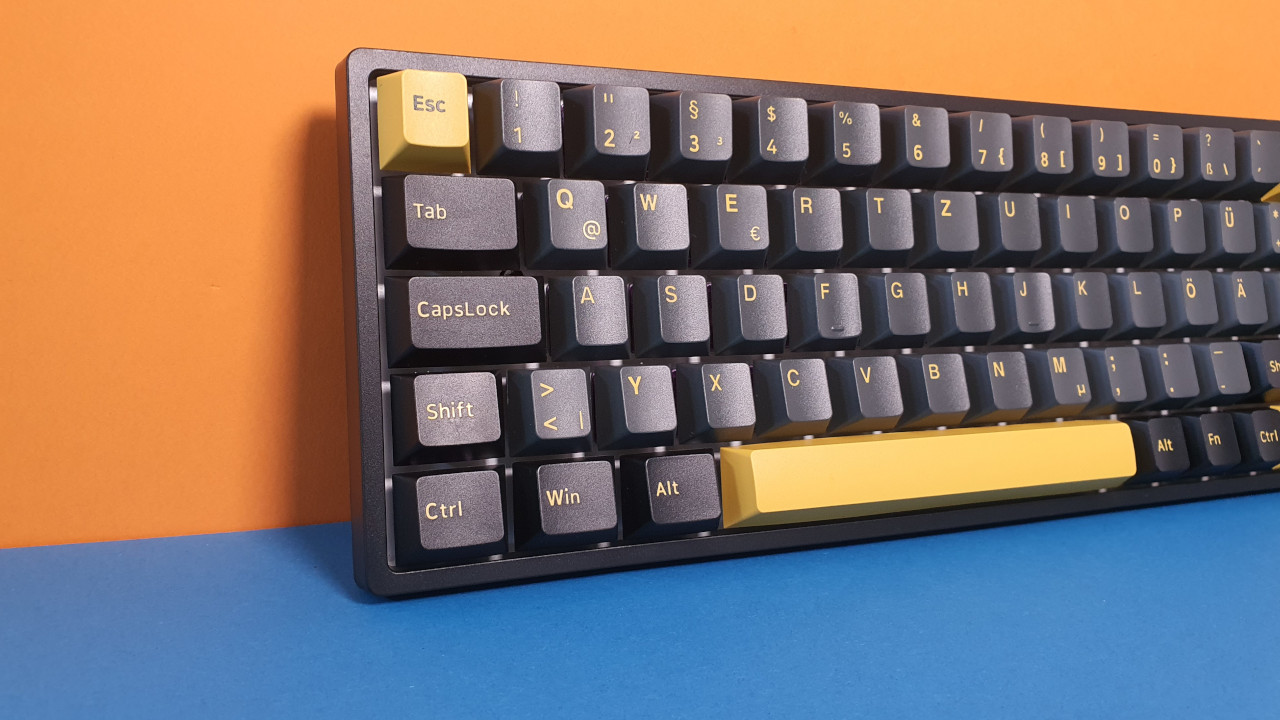
Under the keycaps of my keyboard are “Jelly Purple” switches from Akko. Akko’s purple switches are strongly based on brown switches, such as those from Gateron. The purple switches are the successor to the “Lavender Purple” switches, which I will not go into detail about here, as they have mainly been detail adjustments.
The strong similarity to brown switches is also evident when comparing the switches technically:
| Name | Activation point (cN) | Pre-travel | Total travel | Type |
|---|---|---|---|---|
| Gateron Brown | 55 ±15gf | 2 ± 0.6 mm | 4 ± 0.6 mm | Tactile |
| Akko Jelly Purple | 56 ± 5gf | 2 ± 0.3 mm | 4 ± 0.5 mm | Tactile |
How do the keys feel? The “Jelly Purple” switches feel really great. I write and play a lot with the keyboard, averaging about 10 – 12 hours a day where I use the keyboard. The switches are excellent for typing because they have a clear pressure point and require relatively much force to actuate.
For comparison: Red switches typically actuate at 45 centinewtons (cN) and require significantly less force than purple or brown switches. This makes red switches faster because they need less force to actuate.
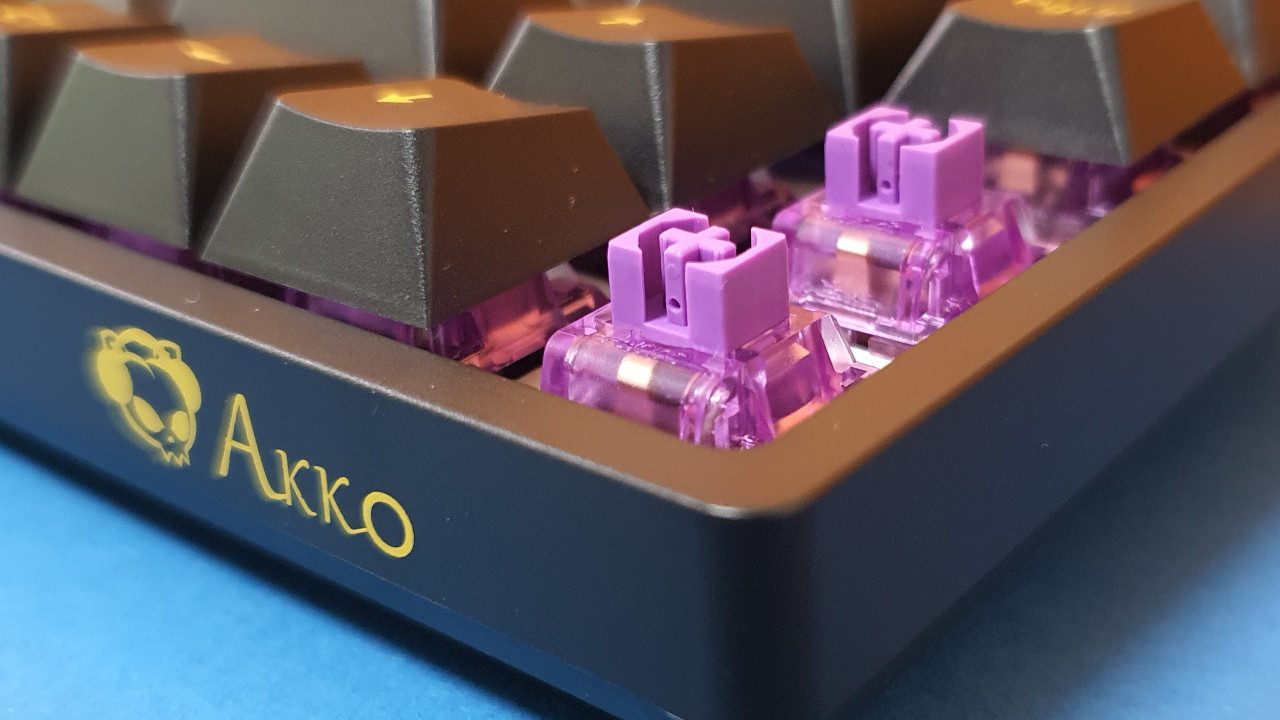
Nonetheless, the key presses of the purple switches are soft enough that typing goes quickly. During gaming, I feel precise enough even if I can be a bit faster with red switches. For me (and many others), brown switches represent the best middle ground between typing and gaming, and purple switches go in the same direction.
How loud is the keyboard? Surprisingly quiet. If you pay close attention, you can hear the quiet clicking of the switches, but you would need to put your ear on the keyboard for that.
As loud as the green switches from Razer or blue switches are, the Akko switches are in no case so disturbing. For me and my friends in voice chat, the noise level of the Akko 3068 is very pleasant and hardly noticeable.
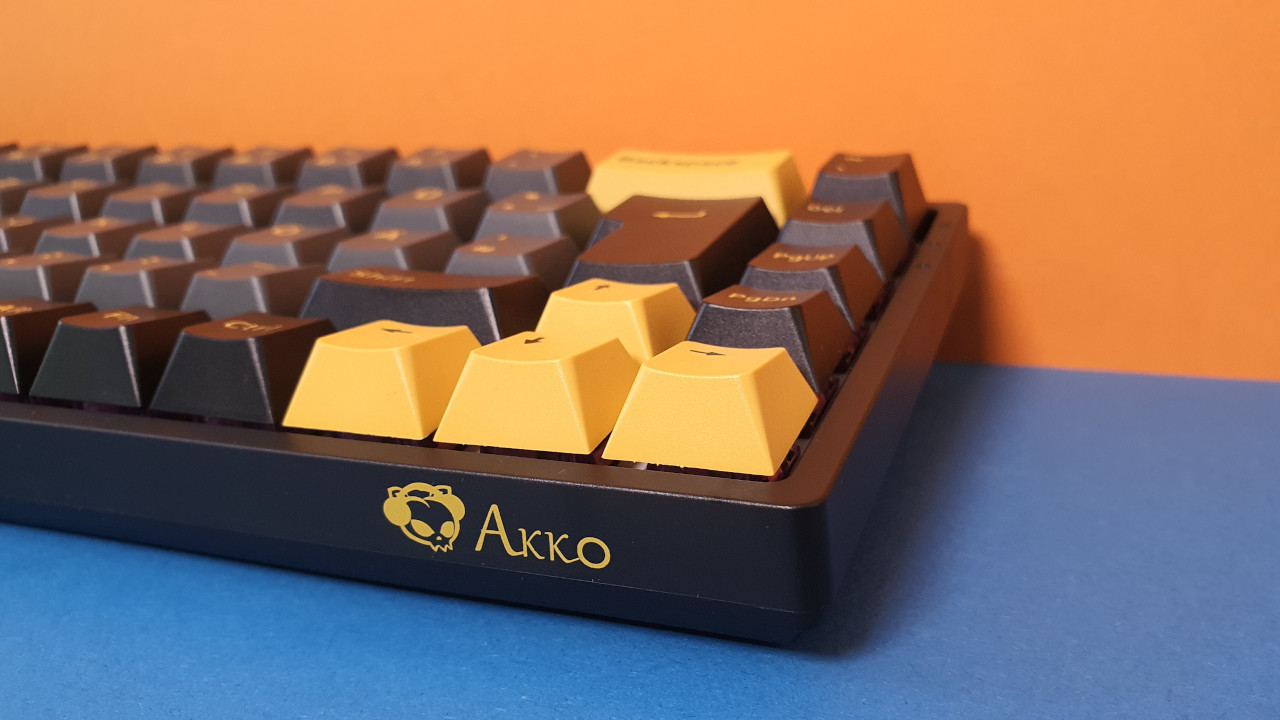
Conclusion: For 100 Euros, the keyboard is an absolute recommendation
For the price of around 100 Euros, you can do absolutely nothing wrong with the Akko 3068 B-Plus, as long as you do not miss a number pad or function keys. Because for the money, you will hardly find a better keyboard with so many features and options.
In theory, you can disassemble the keyboard, install different switches and keycaps, and use another USB-C cable, and you get a completely different keyboard. But it might also be worth grabbing a Barbone: These are keyboard PCBs without switches and keycaps.
Other manufacturers may use more premium materials, but you will also have to do without Hotswap switches or only get ABS keycaps. The switches (Jelly Purple) feel really good as well.
However, if you want to switch from linear switches (red) to tactile purple switches, you will immediately notice the difference. In both good and bad ways.
What alternatives are there?
- The SteelSeries Apex 3 is a recommendation if you do not want to spend more than 50 Euros. However, here you get Rubberdome keys and no mechanics. However, the Apex 3 is almost silent.
- With the Logitech G413 TKL SE, you get a good gaming keyboard for around 70 Euros. With blue switches and PBT keycaps, you get a good deal.
- For just under 100 Euros, you can now get the Roccat Vulcan TKL. The keyboard offers great switches with a unique design and detachable cable. Unfortunately, Roccat does not use PBT keycaps.
More gaming keyboards: Are you looking for more recommendations in the peripheral area? Then take a look at the following buying guide on MeinMMO. Here we explain which keyboards are currently the most worthwhile:
The best gaming keyboards you can currently buy
- 1
- 2