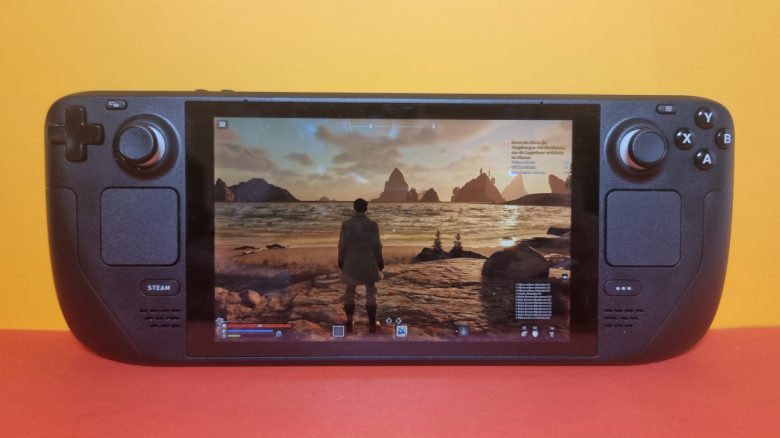
How well does Nightingale run on the Steam Deck? MeinMMO editor Benedikt Schlotmann tried it out and shares his experiences. And they are not all positive.
Nightingale has launched on Steam. For this reason, I installed the game directly on my Steam Deck. I wanted to see how well the new survival game works on the gaming handheld.
I report my first experiences and explain what worked well and what did not. However, my initial experiences are not so positive. You can read first impressions of the gameplay of Nightingale in another article on MeinMMO.
Good performance, too small texts, and constant disconnections
How well does Nightingale run on the Steam Deck? The game runs steadily at low settings (performance) with 30 FPS on the Steam Deck. It does get very warm, but the noise remains manageable. Some settings can also be increased, making the game look a bit nicer while still staying stable at 30 FPS. The system requirements for Nightingale are reasonable and pose no significant challenges for gaming handhelds.
As soon as I increase the FPS limit to 60, the Steam Deck gets hot and noticeably loud. Switching from the standard Proton version to “Proton Experimental” brought a bit more stability.
What problems exist? The game is far from optimized, and that is noticeable in many areas of the game:
- The menus are partially cut off at the edge and not completely visible, for example in the building menu.
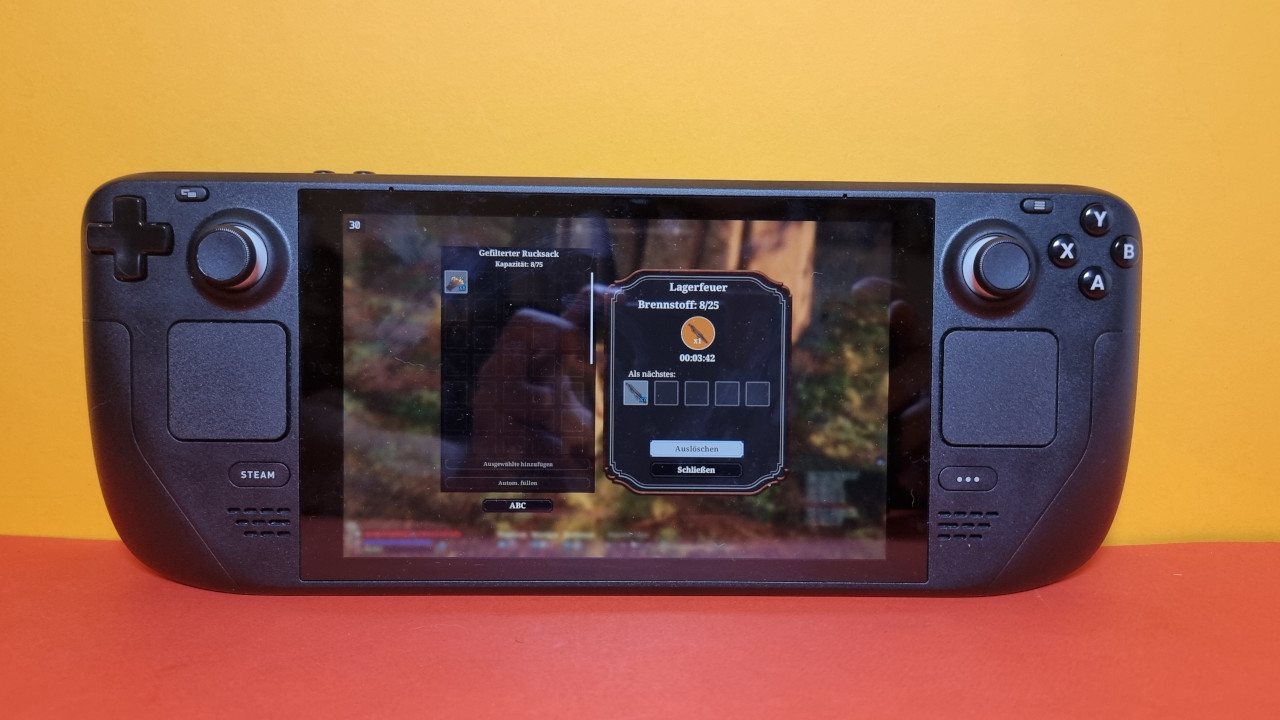
- Some menus and tasks cannot be controlled with the controller; you will then need a mouse or your finger to close and confirm menus. This applies, for example, to story sections, the production menu, or when you need to choose cards for portals.
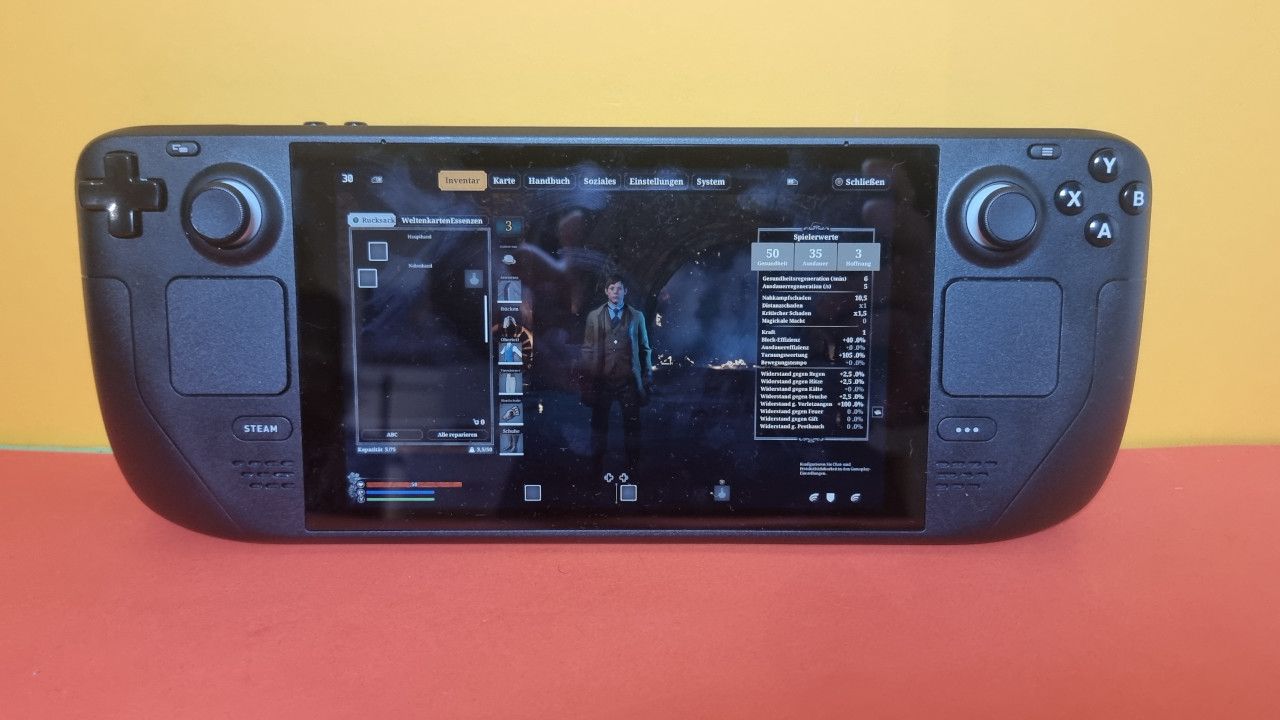
- The texts are sometimes extremely tiny and hardly readable. This is especially true for the inventory or for the item list at the bottom right. Other texts, like the tutorials, are very readable. Unfortunately, texts cannot generally be scaled or enlarged. The only tool you can use is the digital screen magnifier from the Steam Deck, but that is cumbersome and inaccurate.
- In character creation, certain settings cannot be made with the controller.
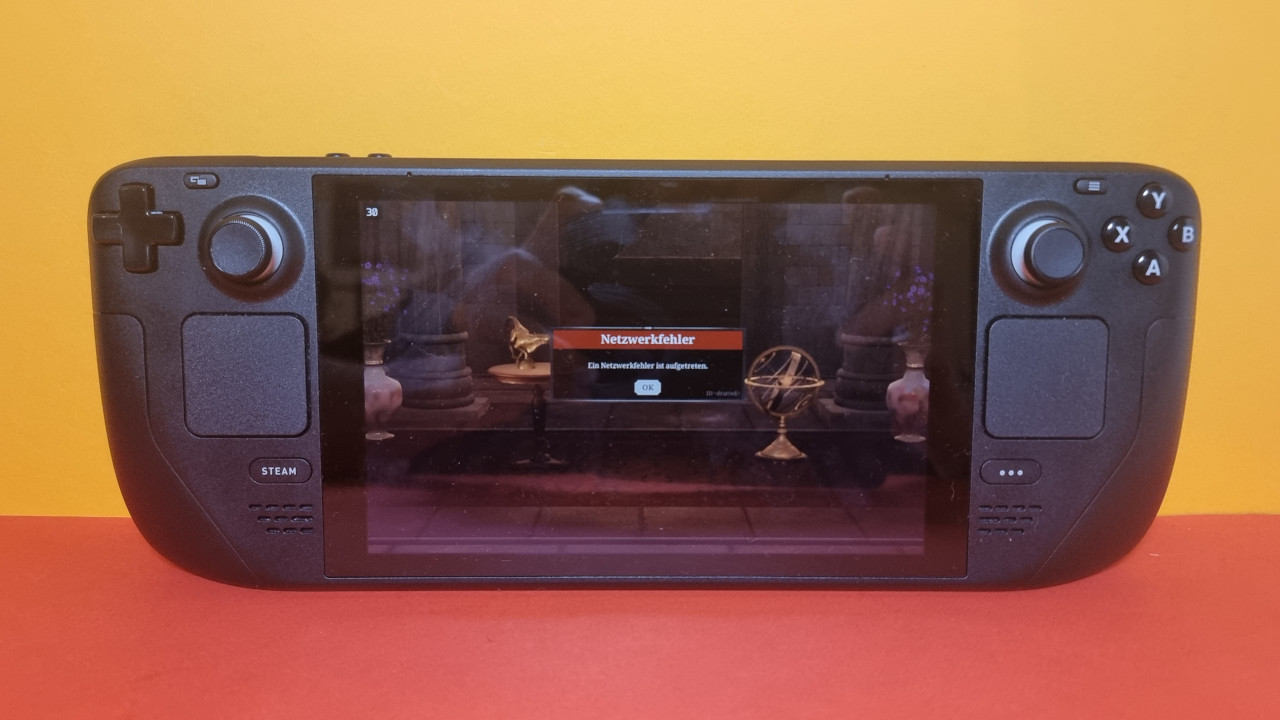
The biggest problem for me was, in any case, a stable connection to the servers. Sometimes I needed 3 or 4 attempts to connect to the server and game. After my character was finished and I wanted to enter the game, I initially lost the connection. After 3 more attempts, it worked. When switching worlds, I was promptly kicked from the server as well.
The always-online requirement has only annoyed me on the Steam Deck so far, and whether this will really improve is another question.
By the way, I did not have problems on the gaming PC. However, here the game annoyed me with a “driver update” requirement: Nightingale cannot be started with older graphics card software. Whoever thought that up.
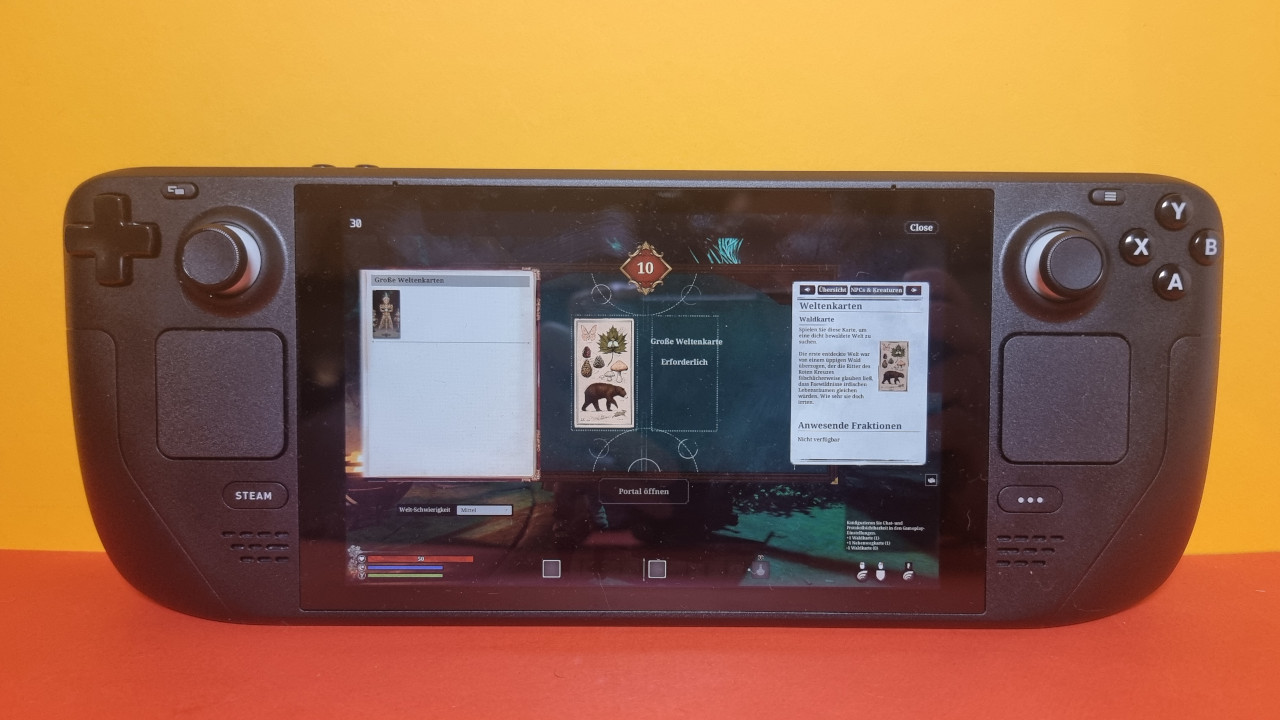
Wait to play Nightingale if the Steam Deck is your platform
Is Nightingale worth it for the Steam Deck? No, not at this point (yet). The developer also emphasized at the release that the game is not yet optimized for the handheld console. And the lack of optimization is noticeable in all corners of the game.
If you absolutely want to play Nightingale on the Steam Deck, you should wait until the developer has optimized the game. Until then, the game simply feels better on PC. I was quite disappointed at times and was especially annoyed by the server problems. I truly appreciate games like Enshrouded or Palworld, which work significantly more stable and better on the Steam Deck.
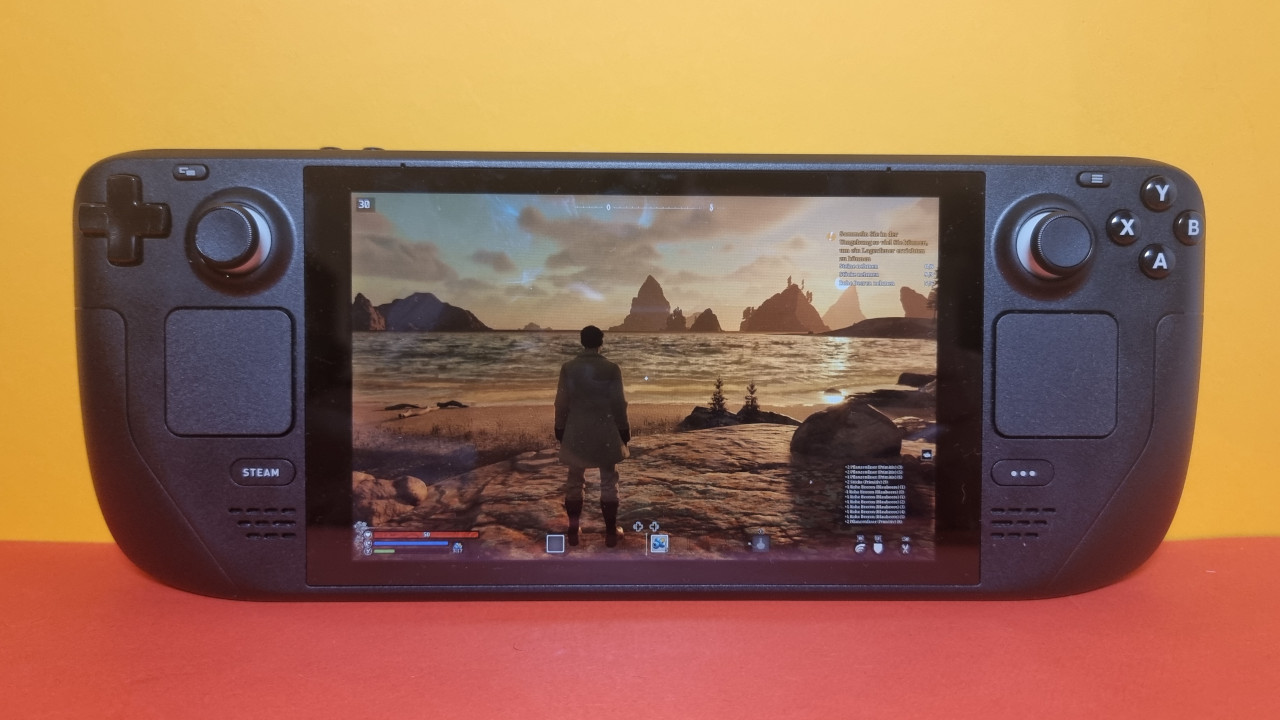
What could improve? On one hand, the developer could still work on controller support and correct problematic settings in the long run. This would make it smoother and more pleasant to control on the Steam Deck.
Additionally, FSR 3.0 is expected to come to Nightingale soon. This promises a significant performance increase with less heat development. Then stable 60 FPS should also be possible at higher settings. At least I am cautiously optimistic.
What is unlikely to change? The permanent online binding of Nightingale has annoyed me the most; this problem is unlikely to fully disappear. If you want to play Nightingale without the internet on a train or during a boring car ride in the passenger seat, forget it.


More games for the Steam Deck: If you are looking for very good alternatives for your Steam Deck, check out this list. Here you will find a dozen really good games that look particularly great on the Steam Deck OLED: