

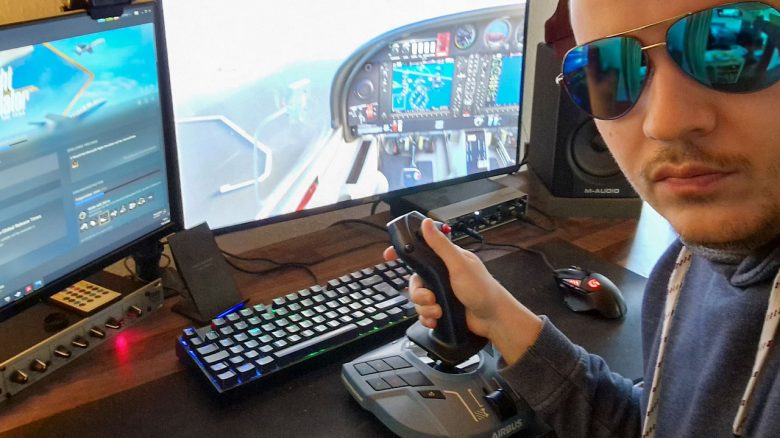
In recent years, I played my flight simulators with my Xbox controller. Now I had the chance to try out the sidestick and throttle from Thrustmaster. Whether this purchase would be worthwhile for you, I will show you here.
I love to be transported away from reality by simulator games. Even as a child, I came across various aircraft and helicopter games in different “Gold Games” editions, for which I specifically wished for a joystick. Then I took a break from this type of game for about 15 years. In 2018, I discovered Microsoft Flight Simulator X for myself. Shortly after that, the new polished Microsoft Flight Simulator was released. Just the announcement in 2019 lifted the community to cloud nine!
Since its release in August 2020, I have accumulated about 450 hours of playtime in it. But only with a controller, mouse, and keyboard.
I now received the opportunity from Thrustmaster to test the new TCA Captain Pack X Airbus Edition. The set has a recommended retail price of €299.99. Compared to other products in the lower mid-range of flight simulation.
Here I share my impressions. How it is to switch from controller to flight stick and throttle after many years, and whether it is worth buying such a package after this experience.
What is the TCA Captain Pack X Airbus Edition?
What’s included: The set consists of a sidestick and a throttle quadrant combination. This product is an updated version of a pack that is now also compatible with the Xbox. Good news for fans of Microsoft Flight Simulator, which also runs on Xbox. The new version of the flight stick was released on November 2, 2022.
Various components can be connected to the stick for expansion. Such as pedals (rudders), throttle controls, and headsets.
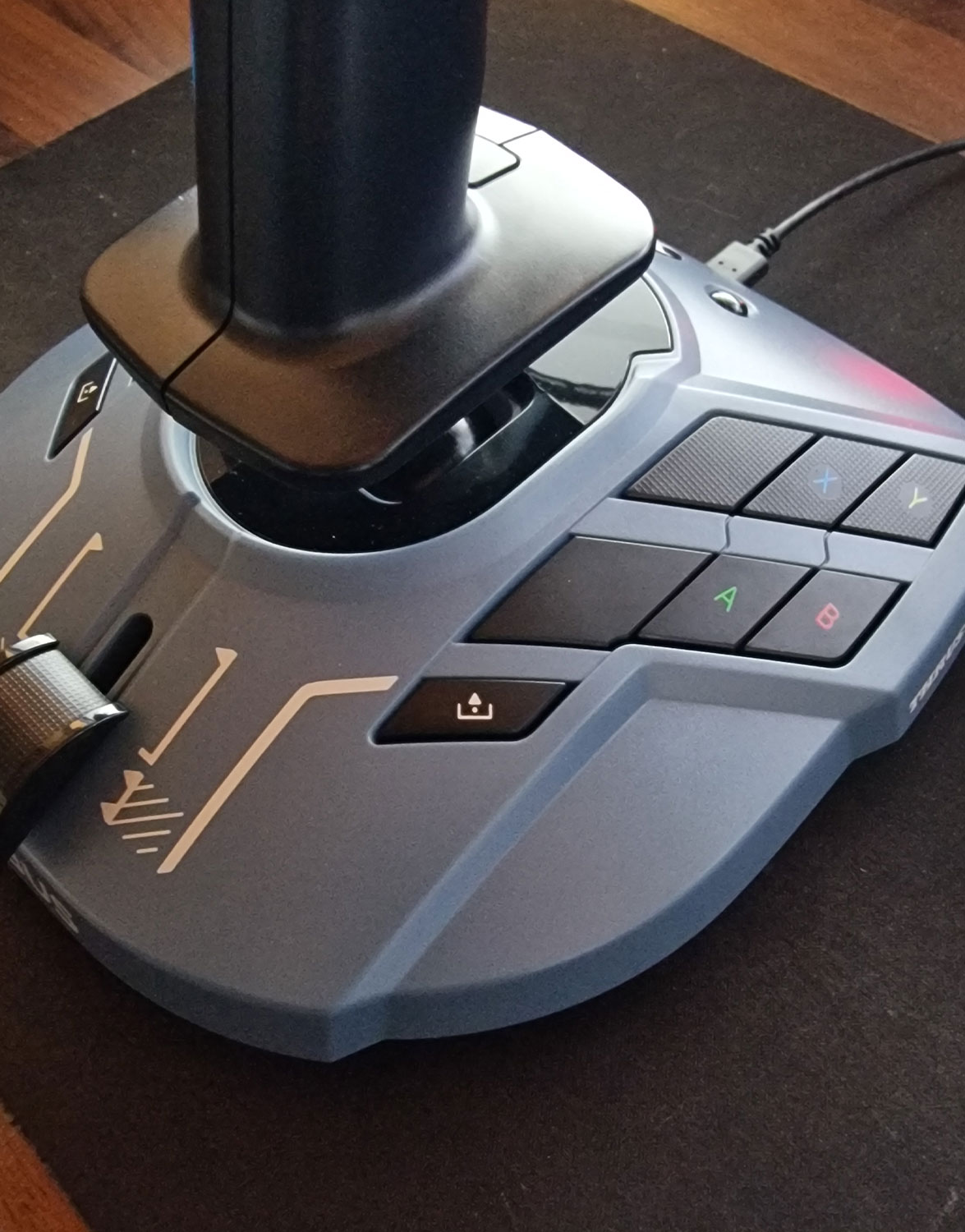
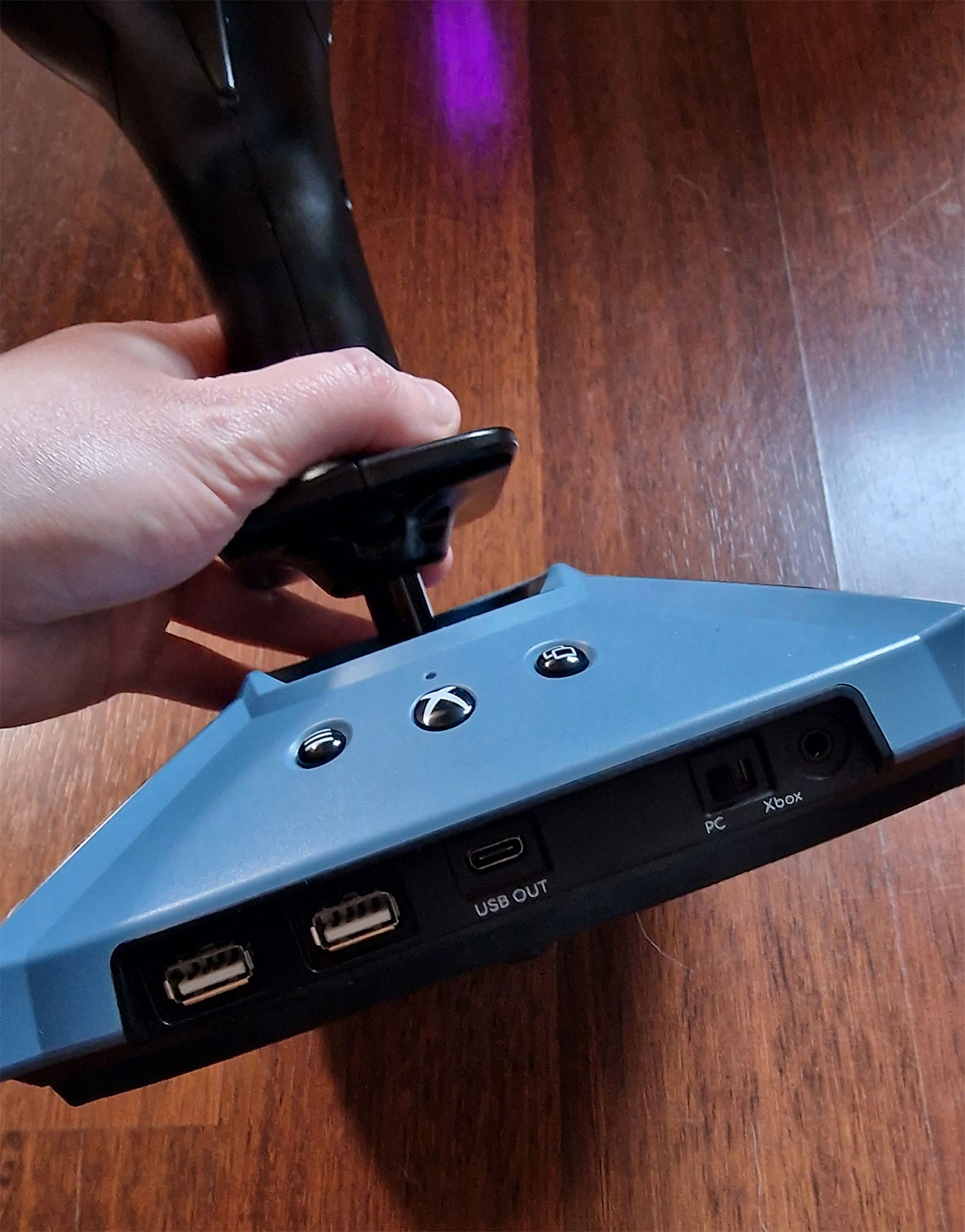
The Sidestick
- 14 switchable buttons
- Throttle (also with thrust reverse)
- Switch for compatibility between Xbox or PC
- 2 USB-In ports for additional components
- 1 USB-Out for connection to PC or Xbox

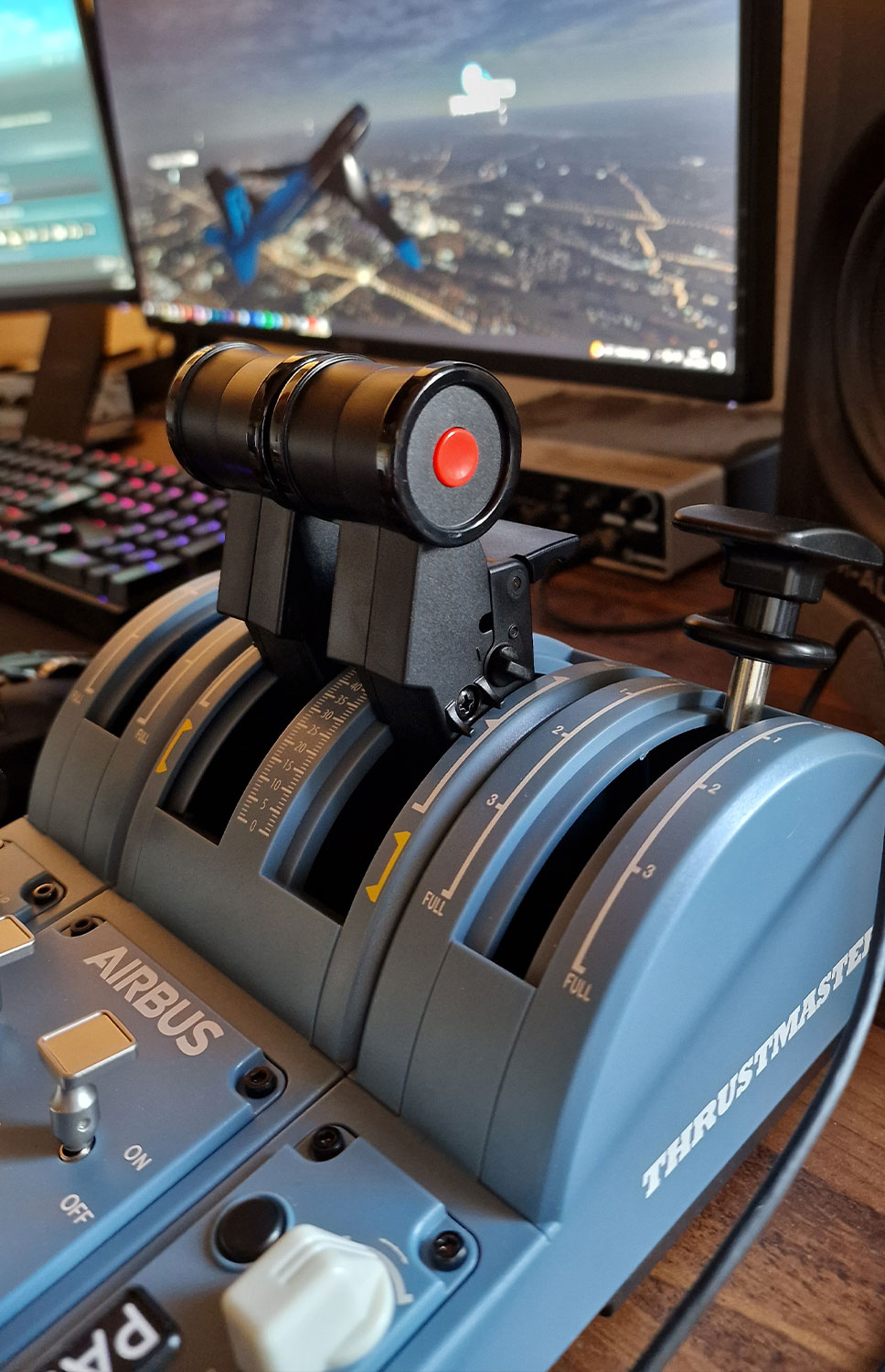
Throttle Quadrant
- 4 axes
- 31 physical action buttons (including 13 virtual buttons for PC)
- Controls for thrust and thrust reverse mechanism
- Spoilers and flaps adjustable via controls
- Settings for landing gear, autobrake, autopilot, engines, parking brake, rudder trim, and more
My First Impression
After unpacking and setting up, the initial adjustment follows. I first connected the sidestick and throttle to my PC. Under Windows 10, both were quickly recognized and automatically installed. In Microsoft Flight Simulator, I then calibrated the sensitivity and assigned the buttons in a way that made sense to me.
The first flight: Until now, I have only flown the simulator with my Xbox controller. For thrust, I hold down A, for less thrust, I hold down B. The buttons are very limited and cannot offer everything I use during flights and landings. Therefore, I often had to revert to the keyboard.
Finally, the first flight with the joystick and throttle was on the horizon. Departure from Frankfurt, the largest airport for cargo and passengers in Europe. After I completed the checklist for takeoff and received my clearance, I headed to the starting position. At a limited speed, which I can now easily adjust millimeter by millimeter with my right hand. Instead of previously “just a quick press on A”.
Arrived at the starting position: First, set the parking brake and see how everything will go. I go through the functions of my new auxiliary devices in my mind and mentally simulate the takeoff. I check again with the external view to ensure that everything works correctly and that the flaps and controls are moving as I want. And then it’s time to go. Takeoff.
I miss the vibrations while rolling on the runway. My controller was the only one to provide that. But now I can control with both hands, which was previously spread across only four fingers. Adjust thrust, V1, Rotate. After a quick check, retract the landing gear, keep an eye on climb rate, and adjust flaps and thrust. I now have separate controls to manage everything.
With the push of a button, I could now engage the autopilot, but that is not the purpose of my test. So I try out some buttons and controls in the air and enjoy so many adjustable buttons.
Things that did not receive shortcut button assignments from me due to lack of space on the controller now have an extra button. I control lights for taxi or landing based on the flight stick. Wonderful.
After a shorter test flight, I then prepared for landing. Reduce thrust, set flaps, and have spoilers and landing gear ready. During the landing process, it clearly shows that flying with two separate instruments brings many advantages. While flying on the small controller works well, taxiing, takeoff, and landing are so meticulous that it works much better with two instruments.
Do you prefer controllers? We provide you with an overview of the best products on MeinMMO:

My Conclusion: Is the Purchase Worth It?
For years, I hesitated to purchase flight controllers. Do I even play the Flight Simulator often enough to justify such a purchase? That was my biggest brake. I don’t want to buy something that will just sit in the corner. Through the testing opportunity, I am sure: Had I bought a sidestick and throttle earlier, they would not have ended up in the corner. It is incredibly fun to maneuver with them and perfect takeoffs and landings with many small inputs.
Both devices feel good in hand and respond to small inputs. This allows for very fine control. I enjoy flying large aircraft, and this Airbus set fits perfectly. However, other planes or helicopters can also be controlled with it. Thanks to the customizable buttons and controls, I have yet to find a model that cannot be flown with the set.
If you are unsure, you should consider borrowing such devices or thinking about the return policy. I myself could not imagine how much flying would improve with it. It is clear to me that I will use these components in the long run. It pays off, especially if you fly regularly. It is worth mentioning that there are more premium devices from Thrustmaster and other brands, but they also come with a higher purchase price.
I would recommend the TCA Captain Pack X Airbus Edition for more advanced simulation flyers. Those who casually fly a few times a year should still manage with a controller, mouse, and keyboard.
For those who play a lot and like to invest in their hobby, I would suggest looking at Thrustmaster’s Hotas Warthog. As a strong middle ground for PC and Xbox, I can recommend the TCA Captain Pack X in the Airbus edition.
Recently, for my racing simulations, I tested the new Thrustmaster T128, which is aimed at beginners with a low price.

Your opinion is important to us!
Do you like the article? Then let us know!