

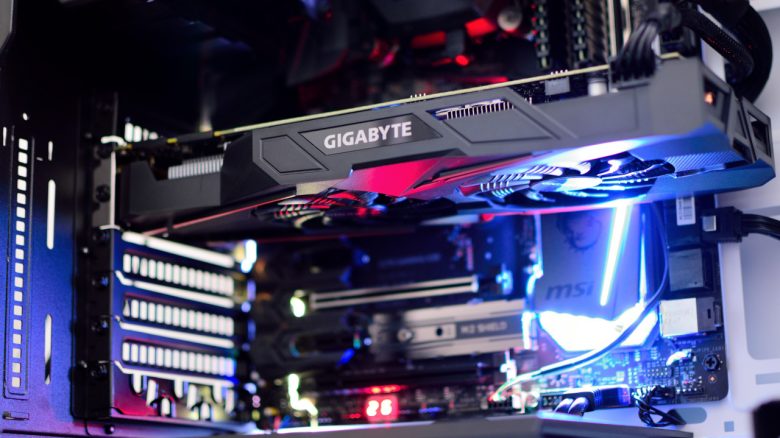
You are considering upgrading your computer and acquiring a new graphics card? But how often should you replace your hardware to game smoothly?
The graphics card is one of the most important components in your gaming PC, alongside the processor. Because in addition to the CPU, it handles most of the calculations while you are gaming.
But how often do you need to upgrade your graphics card if you want to play current games? We will give you three points to consider.
You can find the best graphics cards in our buying guide on MeinMMO:

Generally, an upgrade every 3 to 5 years is sufficient
When should I upgrade my graphics card? Experts recommend upgrading your graphics card roughly every 3 to 5 years. This is usually how long it takes for manufacturers to introduce new technologies or for the performance leap of the next generation to be significant enough to justify an upgrade.
When a generation of graphics cards is released, the following year often brings only an updated version that is only slightly faster. The biggest performance leaps usually happen every three years. If you want to stay up-to-date, you can generally upgrade every three years, provided you have the necessary finances.
For the best price-performance ratio, upgrading every five years is sufficient. This way, you usually get a graphics card from the previous generation at a significantly lower price than if you buy it right at release. However, you may not be able to play all games on maximum settings.
What else should I consider before an upgrade? In general, the timing of an upgrade also depends on which games you enjoy playing the most. If you mostly play farming games and occasionally a round of Counter-Strike, then you don’t need a powerful GPU and can upgrade much less frequently.
If you instead want to play the latest titles, such as Black Myth Wukong, or use your graphics card for other compute-intensive tasks, then you will need to upgrade your graphics card more regularly if you want to keep up.
In the end, it really depends on your individual needs:
- How much performance and power you need.
- What resolution you want to play at.
- How many FPS you want to play with.
However, if you notice that your graphics card can no longer handle the latest games, that is a good sign that you will need a new graphics card sooner or later. In some cases, techniques like DLSS and FSR can help extend your graphics card’s life a bit longer.



When upgrading your CPU, consider your graphics card
Upgrading other components: If you are considering upgrading your processor, also think about upgrading your graphics card. This is because the graphics card and CPU work closely together, and a lightning-fast CPU will be wasted if paired with an outdated graphics card. In technical terms, this is called a bottleneck: your graphics card is running at 100%, but your CPU is just idling at 6%.
Moreover, if the technical gap between the processor and graphics card is too large, certain technologies will generally no longer be supported. For example, Smart Access Memory on AMD hardware.
Avoid the following upgrades: If you want to upgrade your gaming PC, you should definitely avoid the following components. You will not be doing yourself any favors if you try to upgrade your system with them: 7 upgrades for your gaming PC that you should not buy at any cost

Your opinion is important to us!
Do you like the article? Then let us know!