The beta for Ghost Recon Breakpoint has started. However, participation is limited and not everyone interested will receive a spot in the test. As luck would have it, you can sign up for a trial subscription to Uplay+ on PC this month. We will show you how to use the subscription, participate in the beta, and cancel it afterward.
This is the beta of Ghost Recon Breakpoint: The beta for Ghost Recon Breakpoint runs from September 5th at midnight until September 9th, 2019, also at midnight. This way, you can try out the tactical shooter before Breakpoint is released on October 4th.
In the beta, you can dive into two campaign missions and Auroa operations. Additionally, there are eight new faction missions available each day. Furthermore, you can freely explore the following four regions:
- Smuggler Coves
- Mount Hodgson
- Sinking Country
- Fen Bog
We have an overview of the contents from the beta here for you.

Who can participate? The beta is not open to all players. Only players who have already pre-ordered Ghost Recon Breakpoint and subscribers of the Uplay+ subscription service can participate. You can register on Ubisoft’s website and hope to secure a spot.
We will show you how to use the free trial month of Uplay+ on PC and guarantee your participation in the beta of Ghost Recon Breakpoint.

Uplay+ free – How to sign up
What is Uplay+? Uplay+ is a subscription service from Ubisoft, where players pay a monthly fee to gain access to many of the publisher’s games.
Currently, 110 PC games are included in the subscription, which costs 14.99 Euros per month.
From September 3rd to September 30th, you can test Ubisoft’s service for free and do not have to pay subscription fees if you are not convinced by the offer and cancel in time. You only have to pay if you want to continue using the service after the trial period.
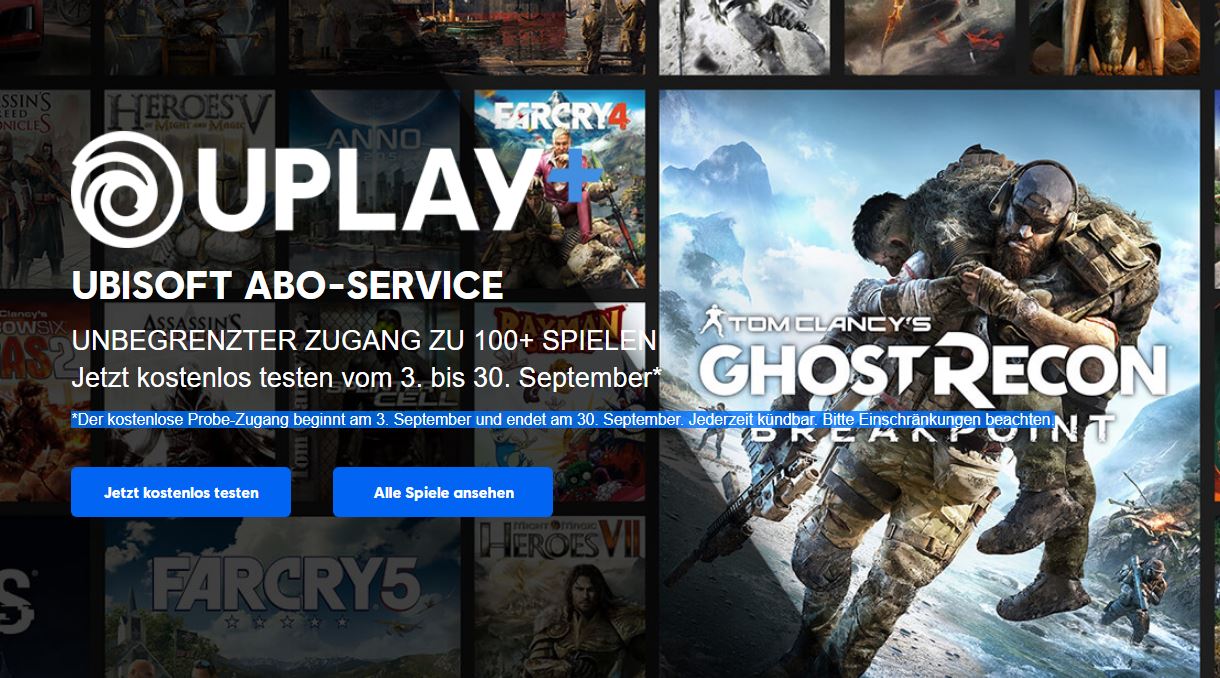
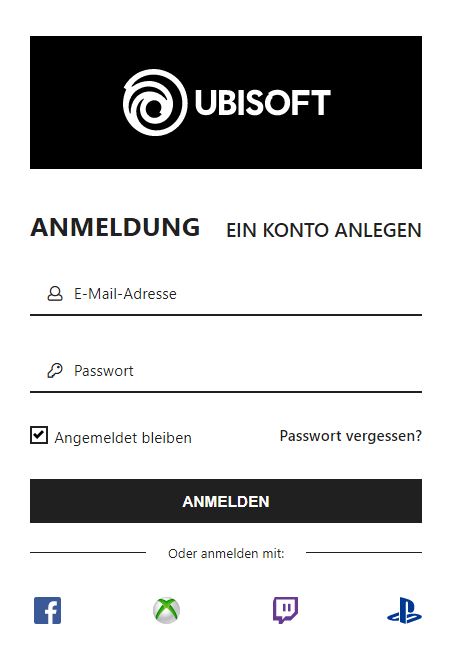
How to register for Uplay+: To take advantage of the trial month, click on the Ubisoft website on the header with the Uplay+ offer on “Try free” and “Get Ubisoft+”. In the next step, you need to log in with your account or create a new account.
It is convenient that you can also log in with various accounts: Facebook, Xbox, Twitch, or PS4. However, the Uplay+ offer is only usable on PC and unfortunately not on consoles.
However, to avail of the trial subscription, you must provide a payment method, such as a bank account, credit card, or PayPal account. The monthly amount of 14.99 Euros will only be charged if you do not cancel Uplay+ by September 30th.
Uplay 1 Euro: If you select the Uplay+ trial subscription, a price of 1 Euro will be shown in your shopping cart. However, you do not have to pay that either, as it will be deducted from the total at the bottom of the page:
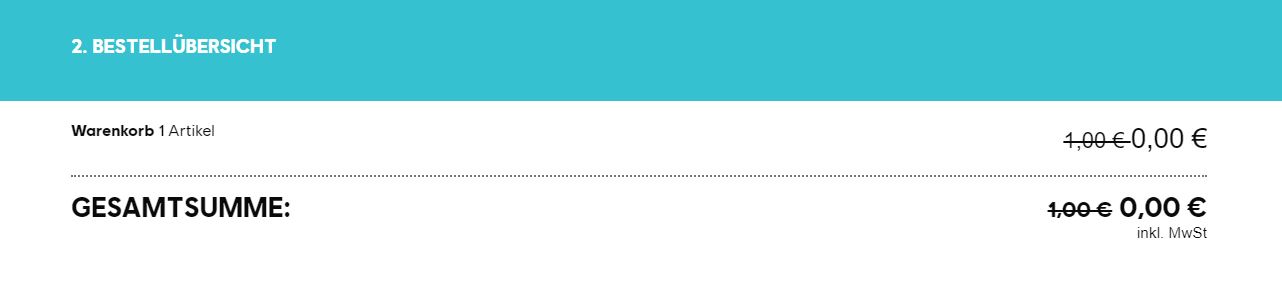
Once you have completed the order, the games from the Uplay+ library will be available to you as long as you use the subscription.
However, the Uplay launcher is used for playing, which you can also download for free from the Ubisoft website. You can add games to your library either on the Uplay website or directly in the launcher and download them to your PC via the Uplay program.
Cancel Uplay+ – How to unsubscribe from the subscription service
How to cancel the subscription: To unsubscribe from the subscription, go to the Ubisoft website and log in with your account. In the upper right corner, you will find your avatar or a circle with a figure, through which you can access your account and your subscriptions.
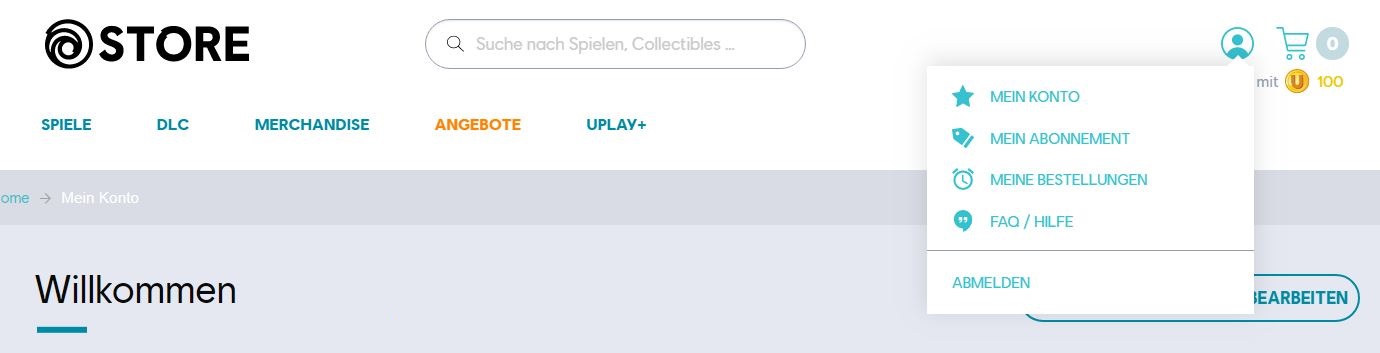
Through both buttons, you can get to the right place to cancel your subscription. So, click either on “My Account” or “My Subscription” to proceed with the cancellation.
To cancel Uplay+, click the “Cancel Membership” button under “Membership Information”. Note that you should cancel the free trial subscription before September 30th if you want to avoid further costs.
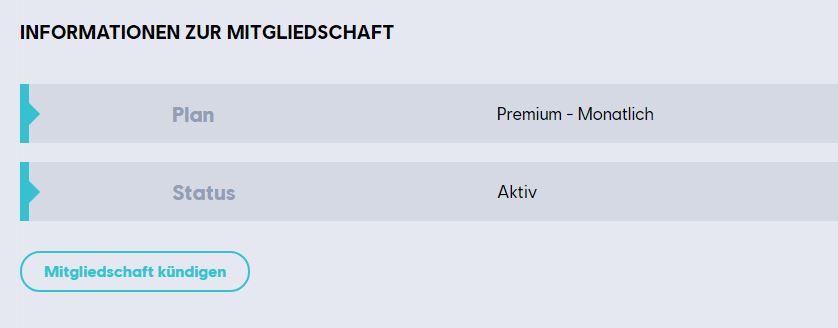
After clicking on “Cancel Membership,” scroll to the end of the next page to confirm the cancellation again by clicking “Yes, I want to cancel my subscription”.
You can continue to use the offer until the subscription expires. This means that you can sign up for the free trial month of Uplay+ and cancel shortly thereafter. You can still test the subscription for a whole month.