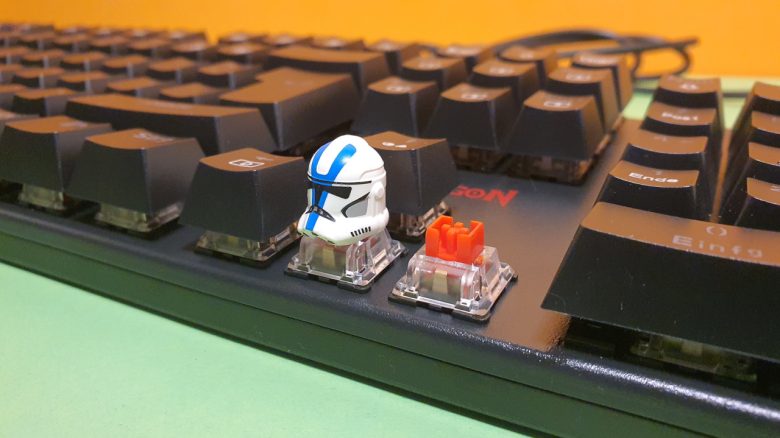
ReDragon offers a budget keyboard with mechanical keys, the Rudra. Is the 50 euros worth it or should you invest more? MeinMMO editor Benedikt Schlotmann has tested the keyboard.
Which keyboard is it about? The Chinese manufacturer ReDragon mainly produces affordable mice and keyboards. I have already tested a cheap mouse from ReDragon for MeinMMO. The mouse cannot compete with well-known brands but offers enough features for a reasonable price.
Now, I was able to test the ReDragon Rudra. This is also a gaming keyboard that comes from the budget range. For just under 50 euros, you already get hot-swappable mechanical switches, which is unique in this price range. Whether it’s truly worth it, you will find out in my review.
Who tested it?
I have a passion for gaming mice and now own over 20 gaming mice personally. Since 2019, I have been testing hardware for our readers at MeinMMO. In addition to the PC and PS5, I am also using the Steam Deck now.
The ReDragon Rudra was provided to me by the manufacturer for testing.

Benedikt Schlotmann
Hardware editor MeinMMO
Features and technical details:
| Design/Interface | Wired, full-size keyboard | ||||||||||
| Key type | mechanical switches, red | ||||||||||
| programmable keys | Yes | ||||||||||
| Lighting | Yes | ||||||||||
| Compatibility | PC (with software) | ||||||||||
| Delivery scope | keyboard, manual, key replacement tool, 4 optional red switches | ||||||||||
| Special features | Hot-swappable mechanical switches | ||||||||||
| Price (RRP) | 49.99 euros | ||||||||||
*Affiliate-Links. Wir erhalten bei einem Kauf eine kleine Provision von Amazon. Vielen Dank für Eure Unterstützung! |

Contents, design, and build
What does the delivery include? In the keyboard’s box, in addition to the usual (English) manual, there are also a few tools for changing the keys and switches. Four red spare switches are also included.
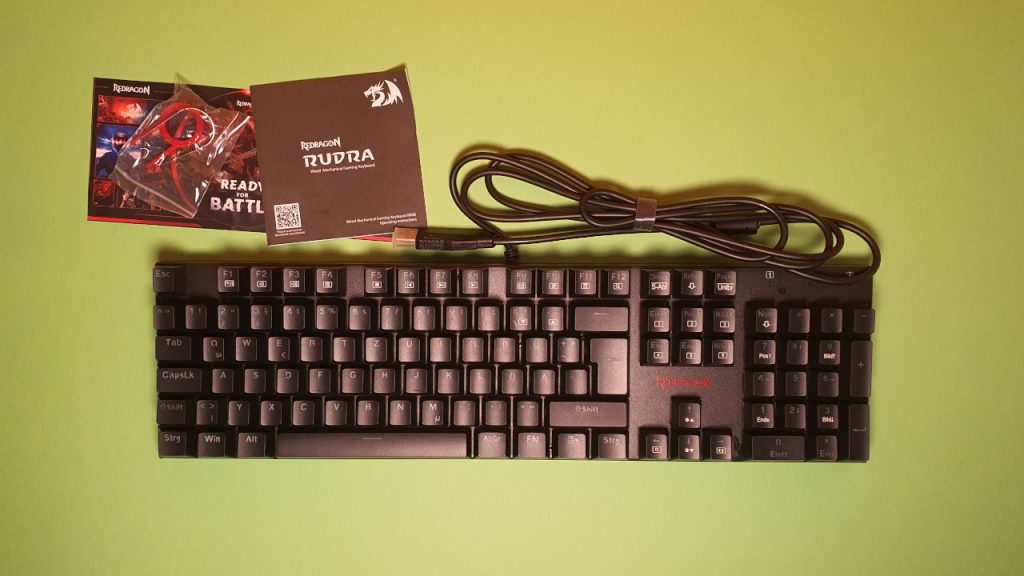
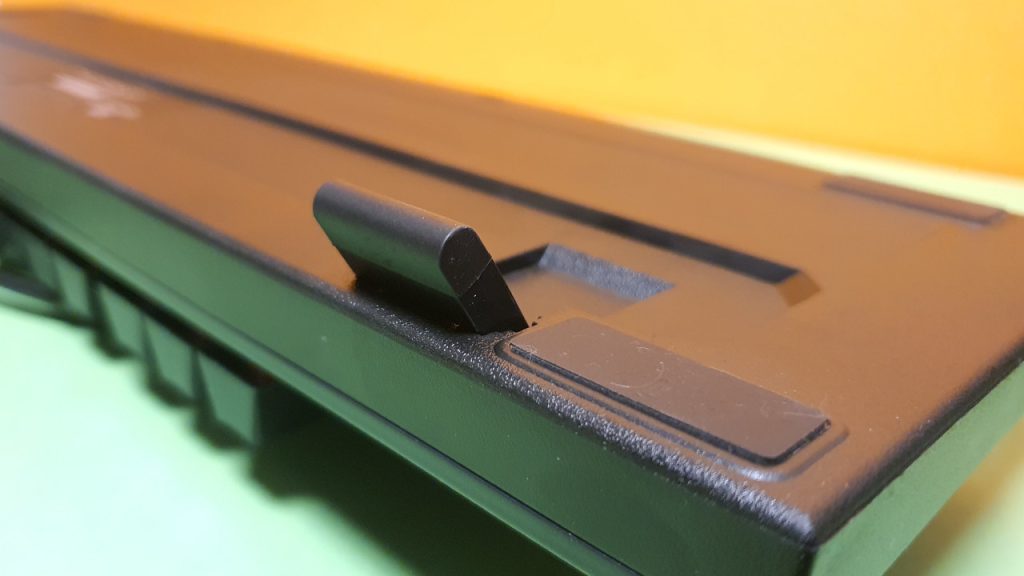
How is the keyboard built? The keyboard comes in a black design with RGB lighting. The Rudra is a full-size keyboard with a number pad and special keys. The circuit board is housed in a plastic case. However, the keyboard does not offer a wrist rest in this price range. That is unfortunate, but manageable.
A special feature is the hot-swappable feature: In theory, I can remove all key switches and replace them with others. This is particularly practical if I want to replace broken switches or if I prefer to install blue switches instead of red ones.
The latter is hardly worth it since you could also buy the keyboard directly with blue switches. 25 switches usually cost around 20 euros, but you can only install switches with 3 pins on the back. This includes switches from Akko, Gaderon, or those from ReDragon:
| Preview | Product | Rating | Price | |
|---|---|---|---|---|

|
Gateron G Brown Pro Switches vorgeschmierte 3-polige RGB SMD Tactile für mechanische... | Zu Amazon |
*Affiliate-Links. Wir erhalten bei einem Kauf eine kleine Provision von Amazon. Vielen Dank für Eure Unterstützung!
Build quality
The keyboard is almost entirely made of plastic but still feels surprisingly high quality. This is mainly due to the “Double-shot molded” keycaps. This makes the keycaps feel sturdier than normal ABS keys and resemble the PBT caps that I currently favor. The keys do not get dirty as quickly this way as with pure ABS keys. To me, that’s a big plus.
Due to its high weight, the keyboard also seems pretty robust and stands stable on my desk without sliding. Even when a cat walks across my workspace.
However, odd is a strange buzzing noise when I switch the lighting on the keyboard. Only at the somewhat dimly lit color red is the buzzing not audible; at all other colors, I can hear it quite clearly without headphones, and it gets louder as I increase the brightness.
I type on the circuit board under the keys. However, I cannot say if this is the case with all keyboards, as I have only tested one model. In the end, I only ended up with a Monday model for testing.
Software
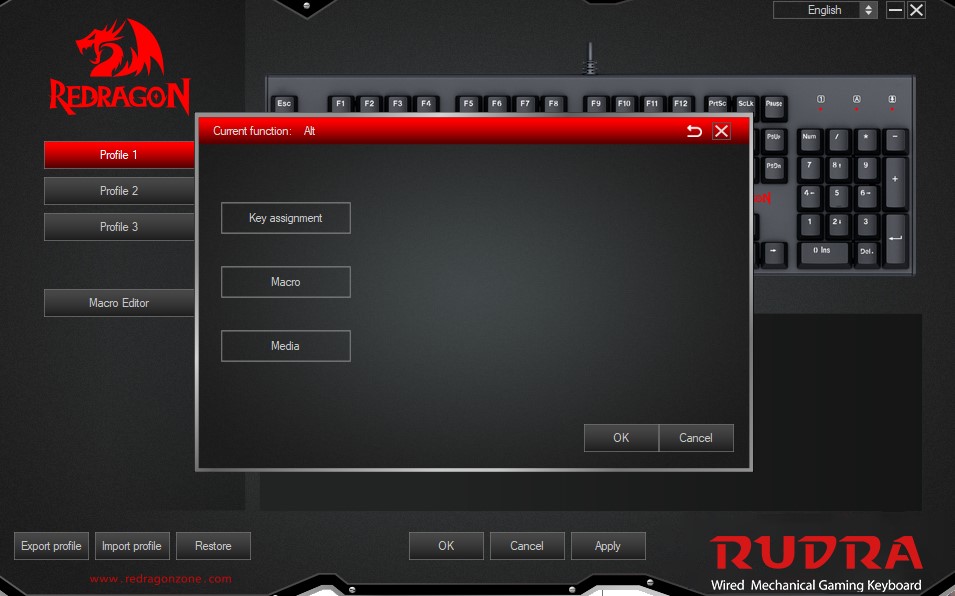
The software must be downloaded directly from the manufacturer’s site. However, it only offers rudimentary functions: a simple macro editor, lighting settings, and key mapping options that seem cumbersome.
Overall, the software remains rather straightforward. The lighting can also be set up much faster via the keyboard itself (FN key + arrow keys), which means I do not need software for that. Equally annoying: The software is only available in English and Chinese, thereby excluding potential buyers.
Other well-known manufacturers like Corsair, Roccat, or SteelSeries offer more features through their software in this price range and are additionally available in German. However, the meager software for the keyboard is not a dealbreaker. The buzzing noise with corresponding keyboard lighting is much more annoying.
Also somewhat strange: if you use multiple products from ReDragon, you need to install new software for each product. With other manufacturers, you only need to download one update for the corresponding model, which is then integrated into the software. However, a positive note is that the software is neither particularly large nor does it consume much performance.
On the next page, you can read how the keyboard performs in ergonomics and key feel. In the final conclusion, you can also find out whether purchasing the Apex 3 TKL might be worth it for you.
- 1
- 2