

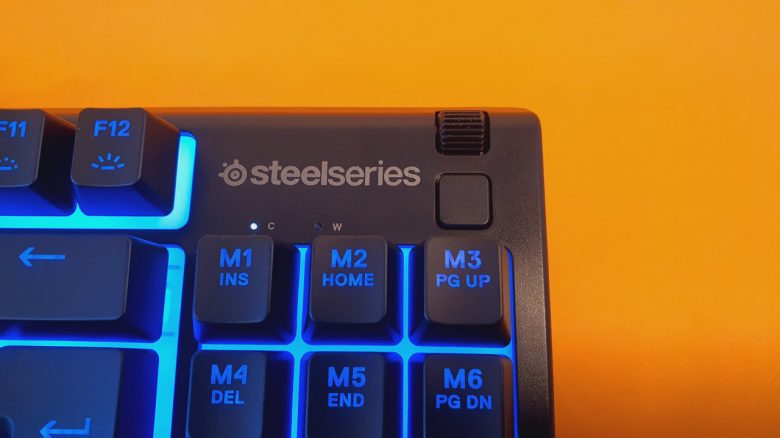
Ergonomics and Keys
Ergonomics: The TKL design has an underrated advantage: it takes up less space on the desk. This is particularly beneficial from an ergonomic perspective, as you can keep your mouse arm closer to the keyboard.
However, in everyday use with the Apex 3, I miss a wrist rest. Especially when typing or gaming for long periods, I feel the absence of wrist support, as the keyboard is somewhat high due to its feet.
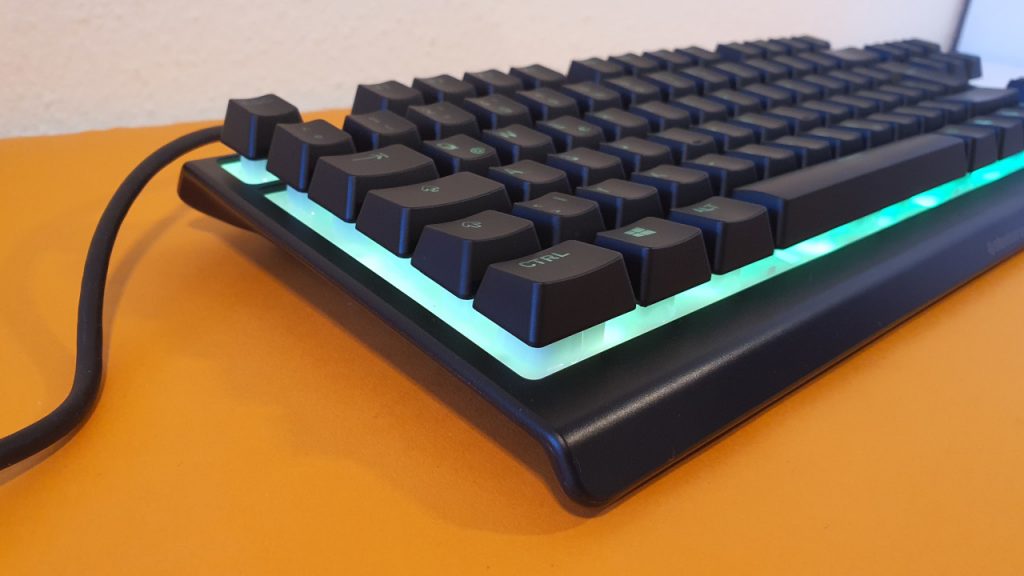
The keys: The keys feel pleasant under the fingers. The keys themselves are almost silent, although you can still hear the key presses. This is especially appealing for users who find loud mechanical keyboards annoying.
In general, one should keep the drawback of rubber domes in mind: the rubber under the keys will eventually wear out, resistance will decrease, and the typing feel will worsen. The durability is also significantly lower than that of mechanical keyboards. SteelSeries states the Apex 3 TKL can handle 20 million keystrokes, while comparable mechanical models offer 100 million and more.
Also positive is the lighting of the keys. In the dark, all keys are still well visible despite zone lighting. A problem that stood out in the Roccat Magma test was that some keys were barely visible.
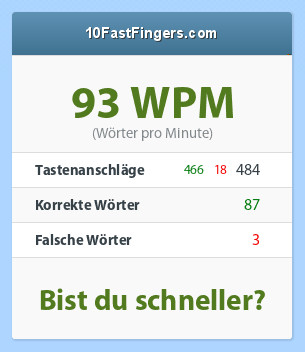
In the typing test on 10FastFingers.com, I achieve 93 words per minute (WPM) with almost 500 keystrokes. With comparable mechanical keyboards, I am generally slightly faster (Logitech G Pro about 101 WPM, Roccat Vulcan about 100 WPM).
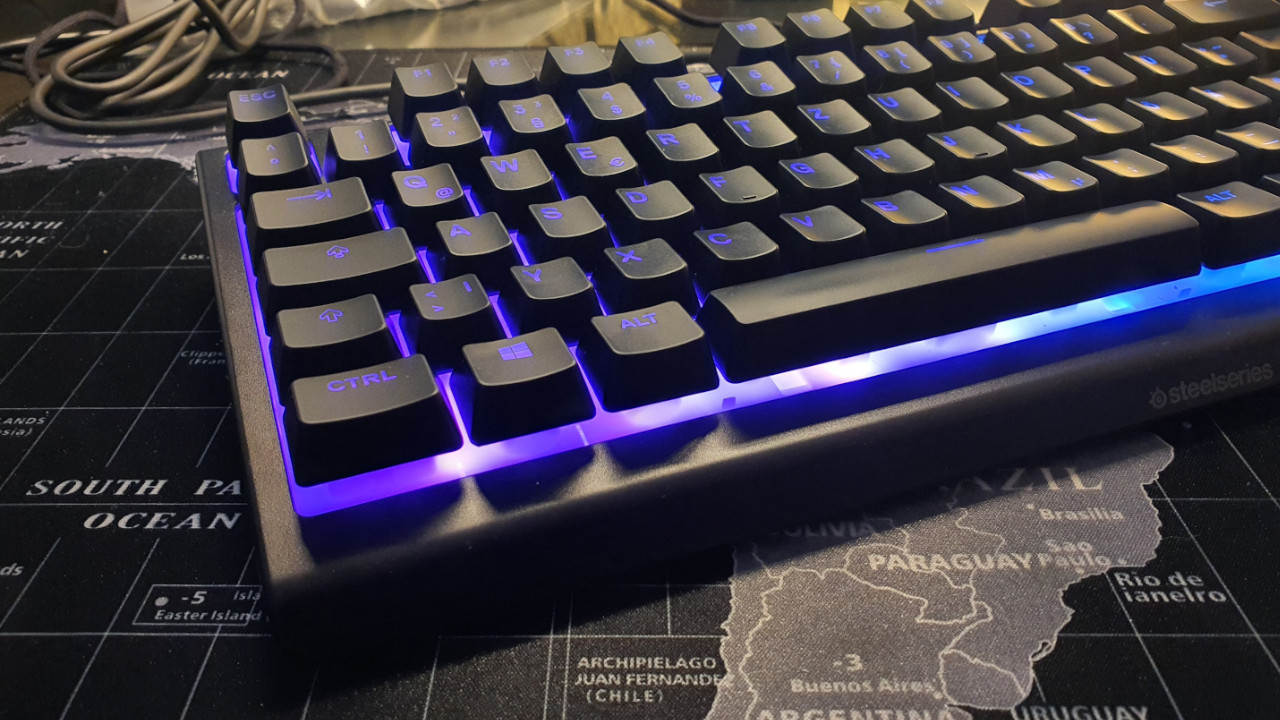
I’m not particularly fond of the keycaps. The ABS keycaps show every fingerprint and already look a bit shabby after just a few days. If your fingers are slightly damp or greasy, it is immediately noticeable on the black keycaps.
Conclusion: Recommended entry-level keyboard for under 50 Euros
Who is the keyboard suitable for? For around 50 Euros, you get a good gaming keyboard with a pleasant feel and good build quality. The lighting is also suitable if you mainly want to game in the dark.
The keyboard is especially recommended for those looking for an affordable entry into the gaming world and who find mechanical keyboards too loud.
What alternatives are there?
- Roccat’s Magma is a good alternative that also uses rubber dome mechanics but includes a number pad. Unfortunately, the lighting is somewhat uneven.
- The Razer Cynosa Lite is also a good alternative but struggles mainly in terms of build quality. A better option is the Cynosa V2, which costs an additional 20 Euros.
- A third option is the Corsair K55 RGB Pro. It also offers a number pad and, unlike the Apex 3, includes a wrist rest and more media keys than the competition.
More gaming keyboards: Are you looking for more recommendations in the peripheral area? Then check out the following buying guide on MeinMMO. Here we explain which keyboards are currently the most worthwhile:
The best gaming keyboards you can currently buy

Your opinion is important to us!
Do you like the article? Then let us know!