

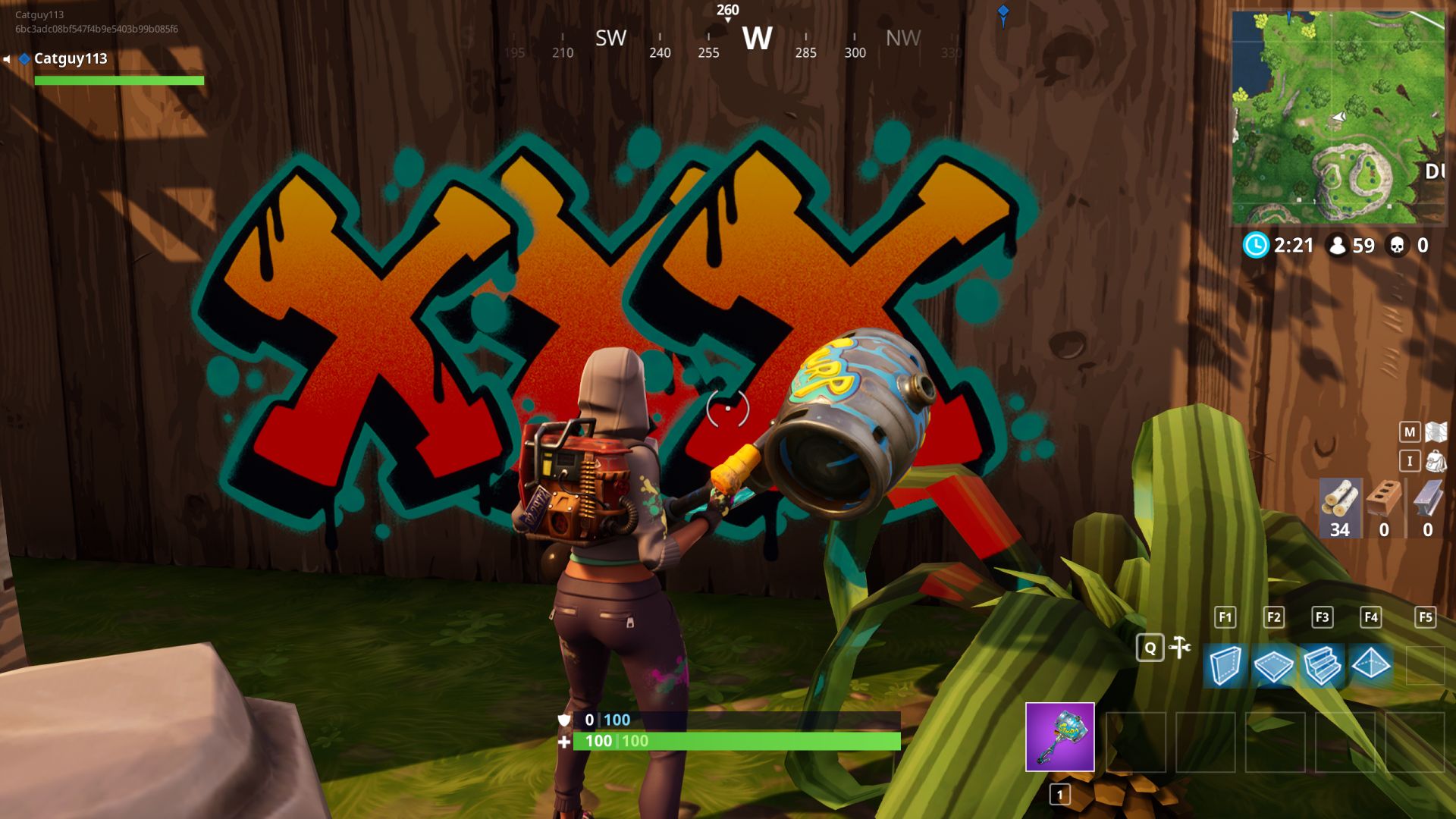
Fortnite (PC, PS4, iOS & Xbox One) has received some new features along with a trailer in Season 4. Among them are the spray logos popular in other games. But how do you use the spray paints in Fortnite?

What is it about? Finally,Season 4 has arrived for Fortnite: Battle Royale. There were a lot of new features: A comet has struck and destroyed Dusty Depot. A new location has emerged and there is a new Battle Pass with skins and other goodies. And there was a new trailer as well!
In the trailer, you can also see the brand new spray paints with which you can beautify the world!
Help, where is the spray hotkey and where do I set the logos?
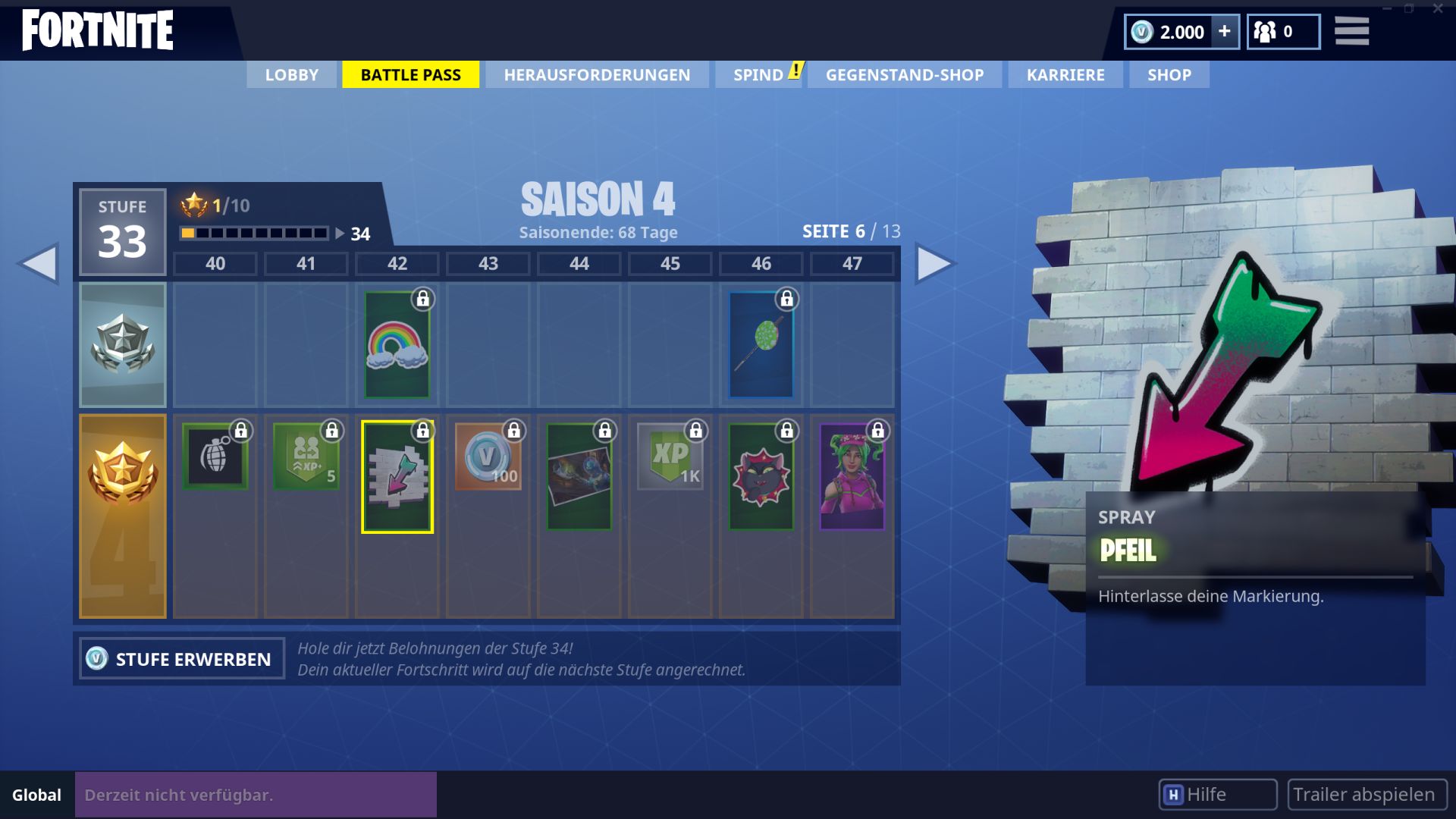
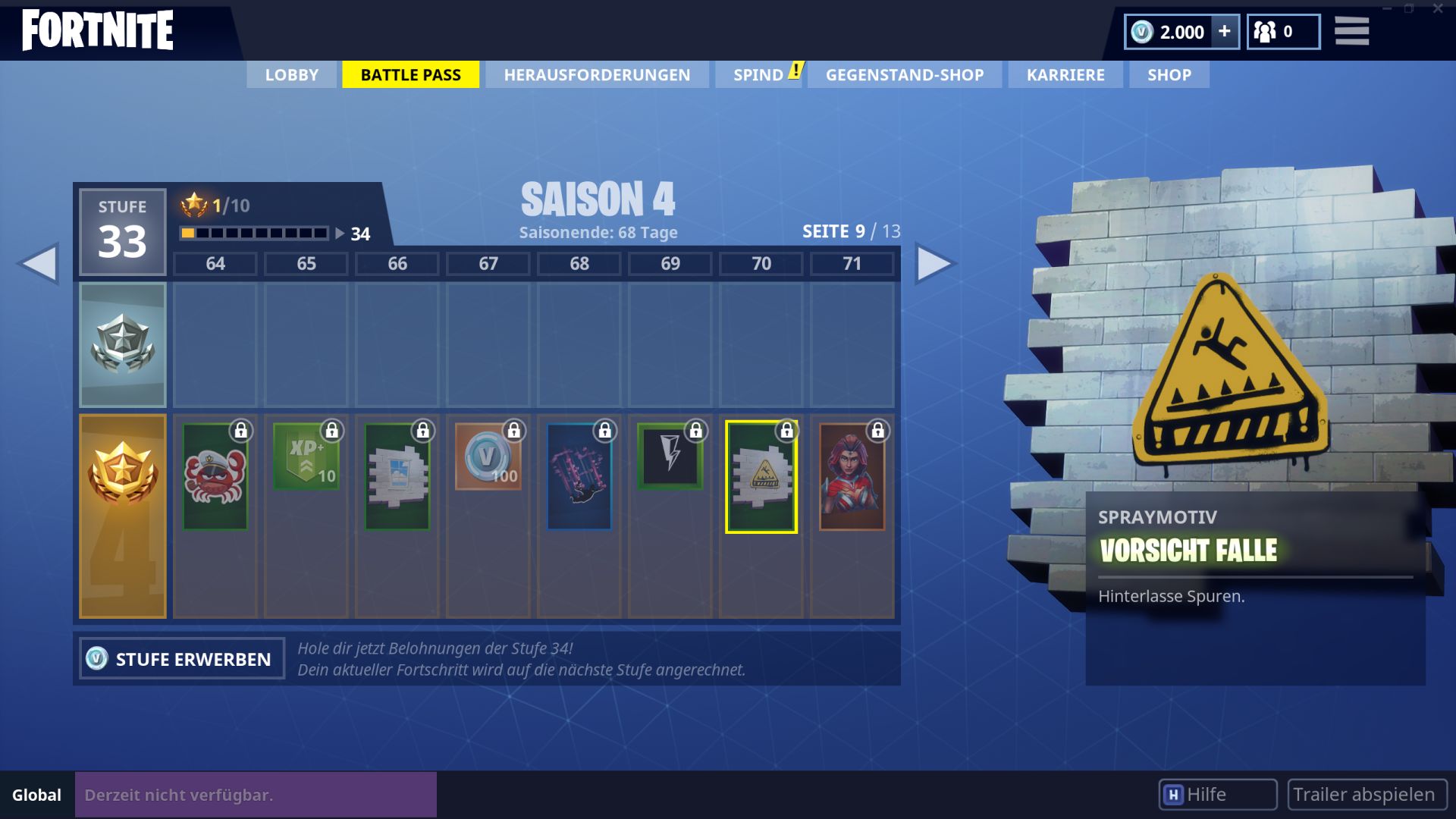
This is what spray paints are all about: Spray paints have been added in Season 4. With them, you can immortalize yourself with logos around the world. So far, there are 20 spray logos that you have to unlock in the Battle Pass.
Attention: Spray paints are only available for owners of the paid Battle Pass. The free version does not offer them. We have listed the individual logos and the required level here in the gallery.
Here are all 20 spray paints from Fortnite: Battle Royale
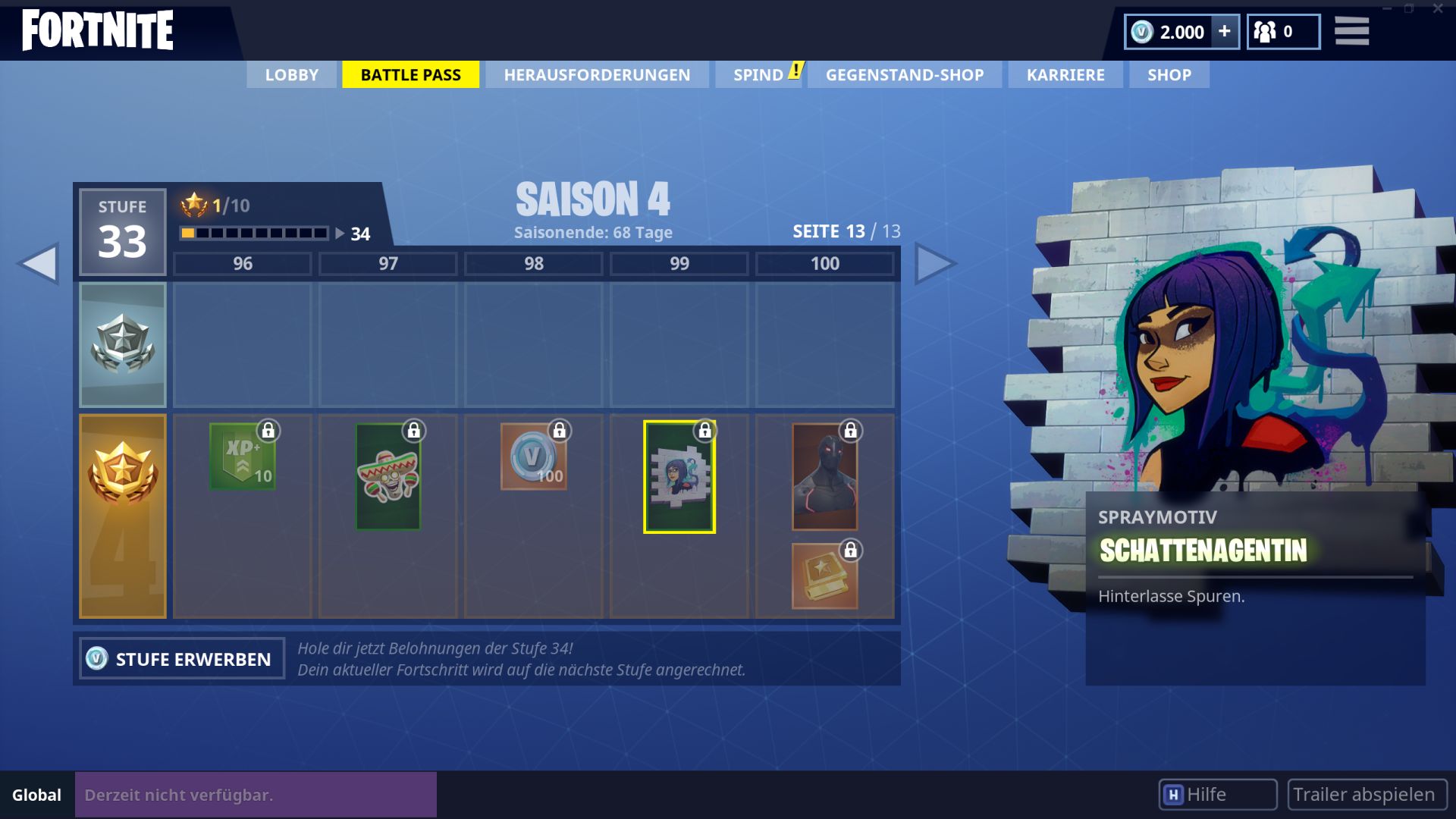
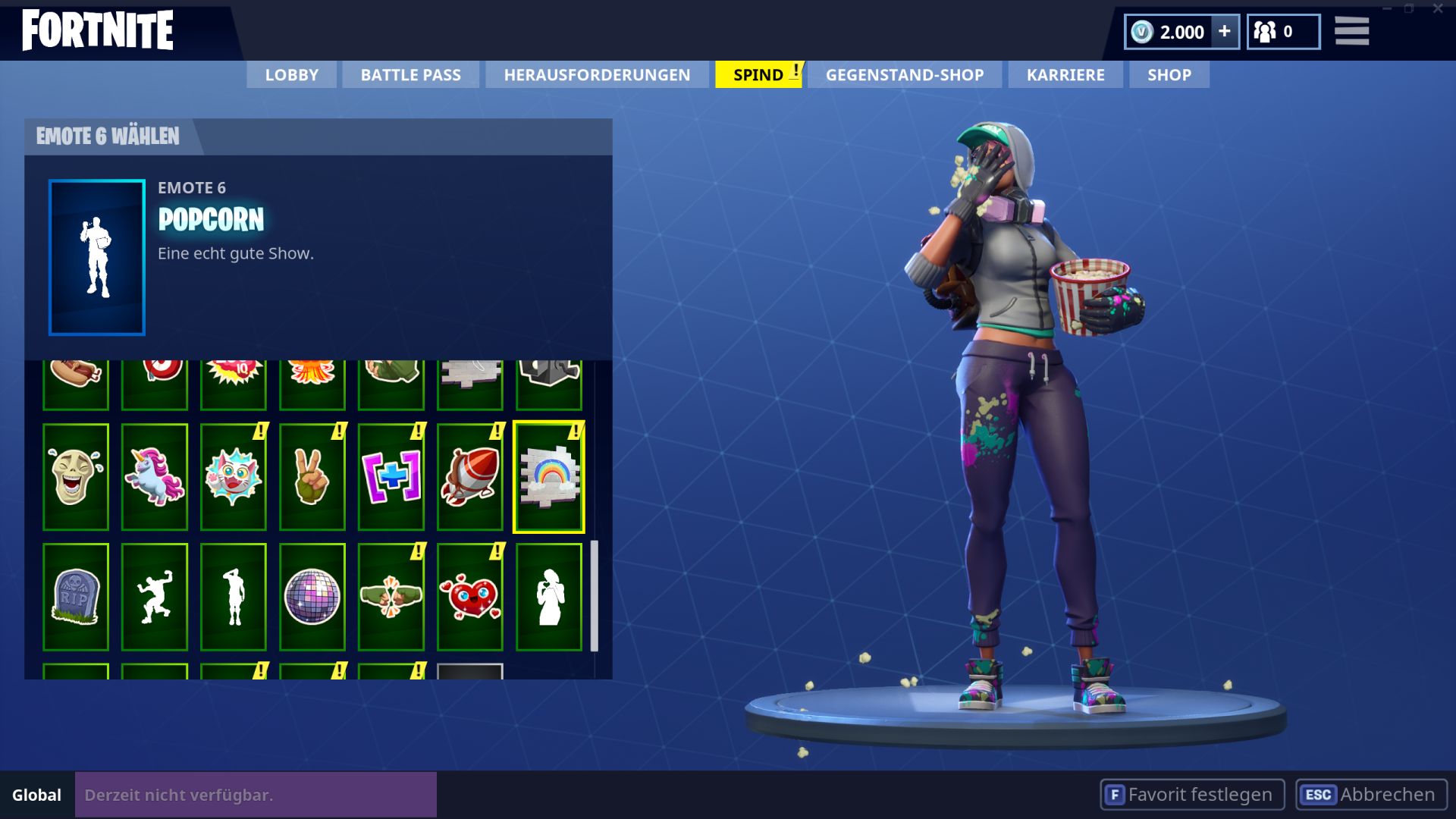
How do the spray paints work? To spray the logos in the game world, you first need to select them in the “Locker menu” before the match. Unlike in Overwatch, the spray logos in Fortnite are not a separate function. They are more like emotes.
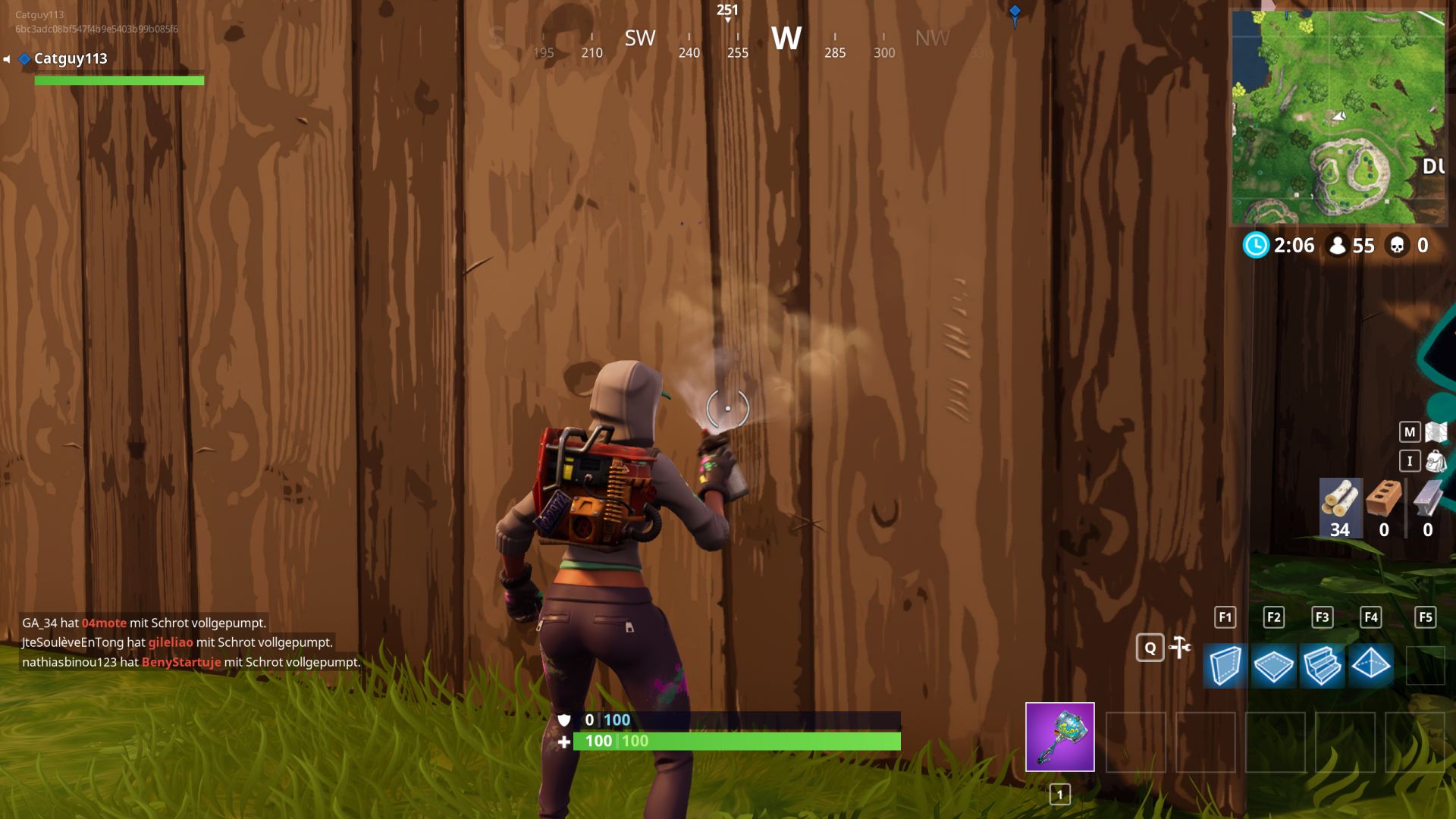
So to spray in Fortnite, you need to use one of your 6 emote slots.
This is how you spray: When you find a place in the game world where you want to place your spray logo, just press the emote wheel button and select the spray logo instead of an emote. Shortly after, it will appear at the desired spot.
How often can I spray? You can have up to three logos active at the same time. If you place a fourth logo, the oldest logo will disappear. Otherwise, they remain permanently. Have fun beautifying the Fortnite world!
You can find all the updates for Fortnite – Battle Royale: Season 4 here

Your opinion is important to us!
Do you like the article? Then let us know!