Fortnite introduced the Crew subscription with the launch of Season 5. This is on a monthly basis, but how can you cancel it if you no longer want to participate? We will show you how to cancel the Crew subscription on PS4, Xbox, Switch, and PC.
What is this subscription? Since December 2, 2020, the Crew subscription has been available. For players who choose to become part of the Crew, there are a few goodies each month, which are also exclusive to subscription holders.
The subscription costs you 11.99 euros per month – this amount is due as long as you remain part of the Crew. In return, you get these items every month:
- Access to the current Battle Pass
- 1,000 V-Bucks per month, which is about 8 euros equivalent
- Additionally, there is an exclusive skin pack available each month, which is only available for subscribers

If you decide at any point against the Crew subscription – whether because you don’t like the skin of the current month or because the concept doesn’t convince you, we will show you how to cancel the subscription on the respective platform.
Cancel Crew Subscription – Here’s How
For advanced users, here is a general, short “step by step” guide that can be used for all platforms. We will elaborate on this guide in more detail in the section below.
- Log in to the Store
First, you need to log in to the store of your platform
- Manage Subscriptions
Then go to subscription management

- Cancel Subscription
Select the desired subscription and click on “cancel”
Since the processes can vary slightly between different platforms, we will now provide you with a detailed guide. We will also add the links to the stores so you can get there quickly.
Cancel Crew Subscription on PS4/PS5
How can you cancel the subscription? To cancel the Crew subscription on PS4 or PS5, you need to follow these steps:
- Go to the PlayStation Store: store.playstation.com
- Log in to your PlayStation Network account
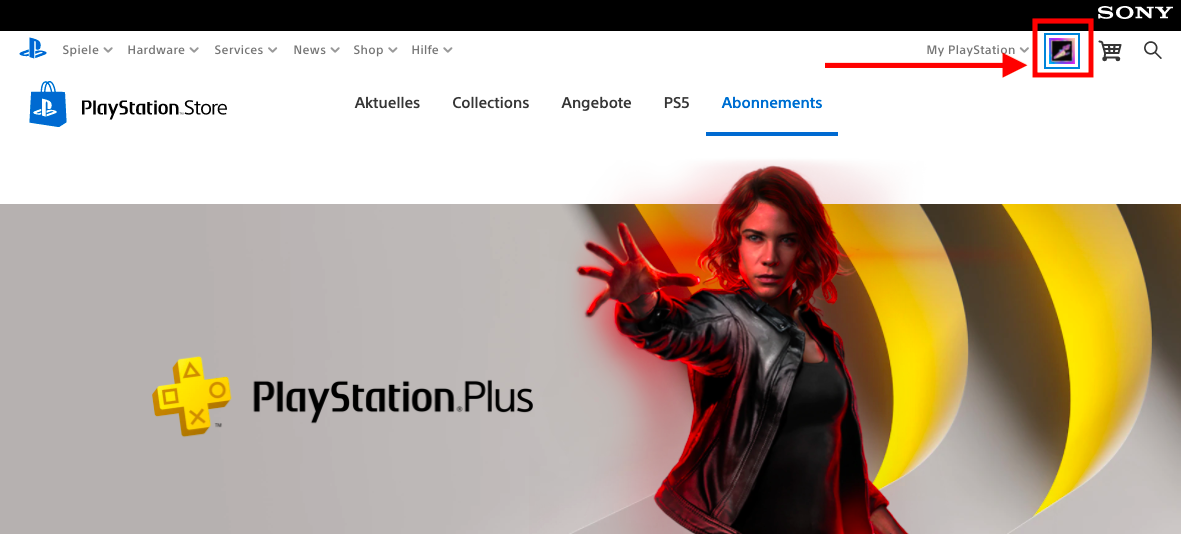
- Click on your profile picture and select “Subscription Management” from the list
- Deactivate the “Automatic Renewal” option for the Fortnite Crew subscription
Cancel Crew Subscription on Xbox
How can you cancel the subscription? To cancel the Crew subscription on Xbox, you need to follow these steps:
- Go to account.microsoft.com/account
- Log in with your Microsoft account
- Select “Services & Subscriptions” at the top of the page
- Select the appropriate subscription from the list and press “Manage”
- Select “Cancel” on the far right
- Follow the instructions that guide you through the cancellation process
Important: There are 2 options for how you can cancel the subscription on Xbox: “Stop recurring billing” or “Cancel now and get a refund”. If you choose the 2nd option, the Fortnite Crew items will be removed from your account, and you will receive a refund of the subscription amount.
If you only want to cancel the subscription but keep your items from the Crew Pack, you should select “Stop recurring billing” in the cancellation process.

Cancel Crew Subscription on Nintendo Switch
How can you cancel the subscription? To cancel the Crew subscription on Switch, you need to follow these steps:
- Press the HOME button on the Nintendo Switch
- Then open the Nintendo eShop
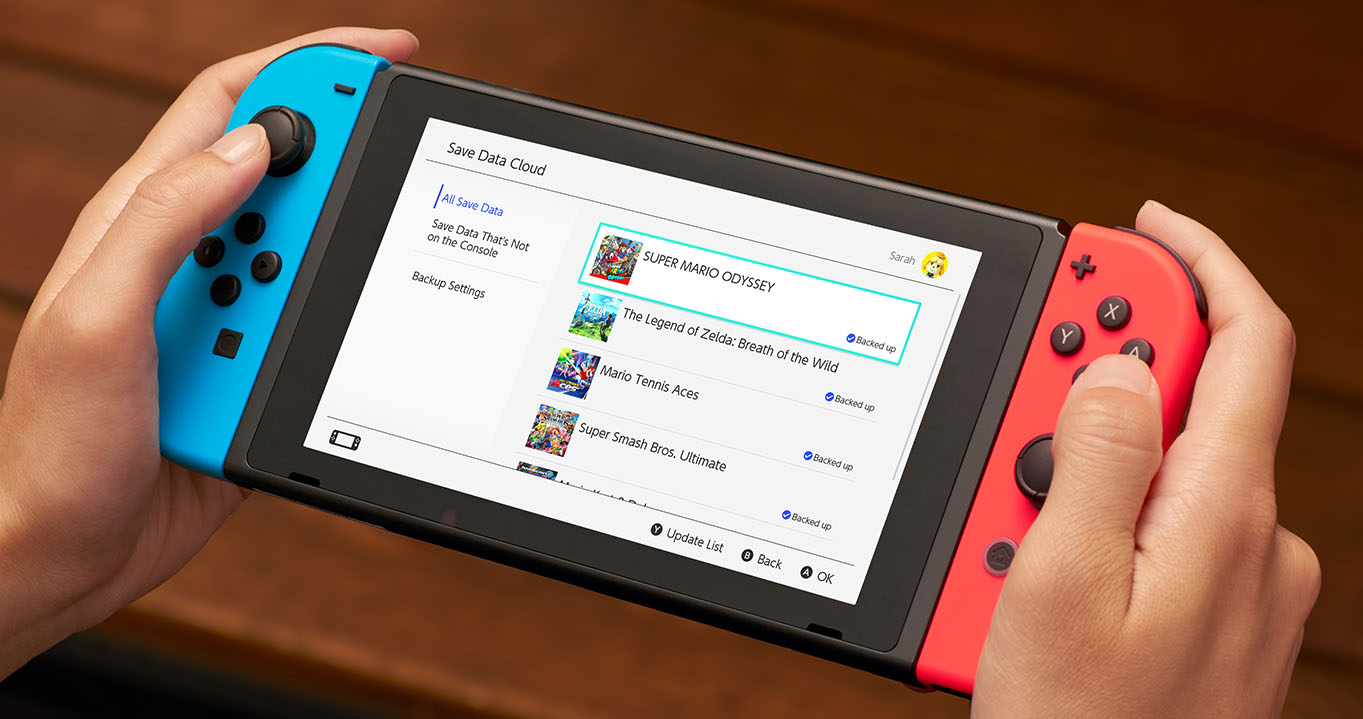
- Press your account icon at the top right
- Select “Subscriptions” – This should only appear if you have a subscription
- Select the Fortnite Crew subscription and deactivate the “Automatic Renewal” option
Cancel Crew Subscription on PC
How can you cancel the subscription? To cancel the Crew subscription on PC or Android, you need to follow these steps:
- Visit the page: www.epicgames.com/account
- Log in there with your Epic Games account
- On the right, click “Subscriptions” in the list
- In the subscriptions tab at the top right, click on the gear icon
- Select “Cancel Subscription” there

Now you know how to cancel your subscription on the respective platform. The cancellation process seems to have some issues, especially on Xbox, likely due to the 2 options with different consequences. If you have any additional problems or tips, please let us know in the comments!
After all the problems there will probably be some major changes to the Crew subscription soon. A leak also showed a survey that Epic apparently wants to bring to the players. The community is supposed to help decide what they want to see in the subscription.