

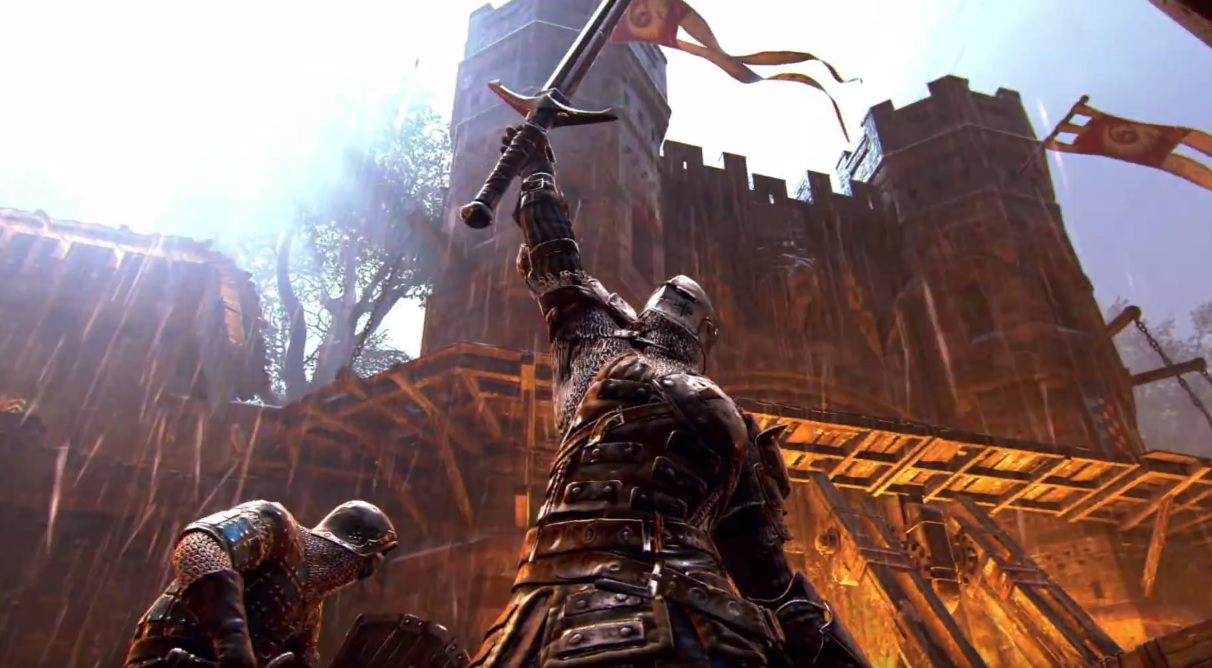
For Honor is not starting – many users are currently complaining about this. Ubisoft offers a solution.
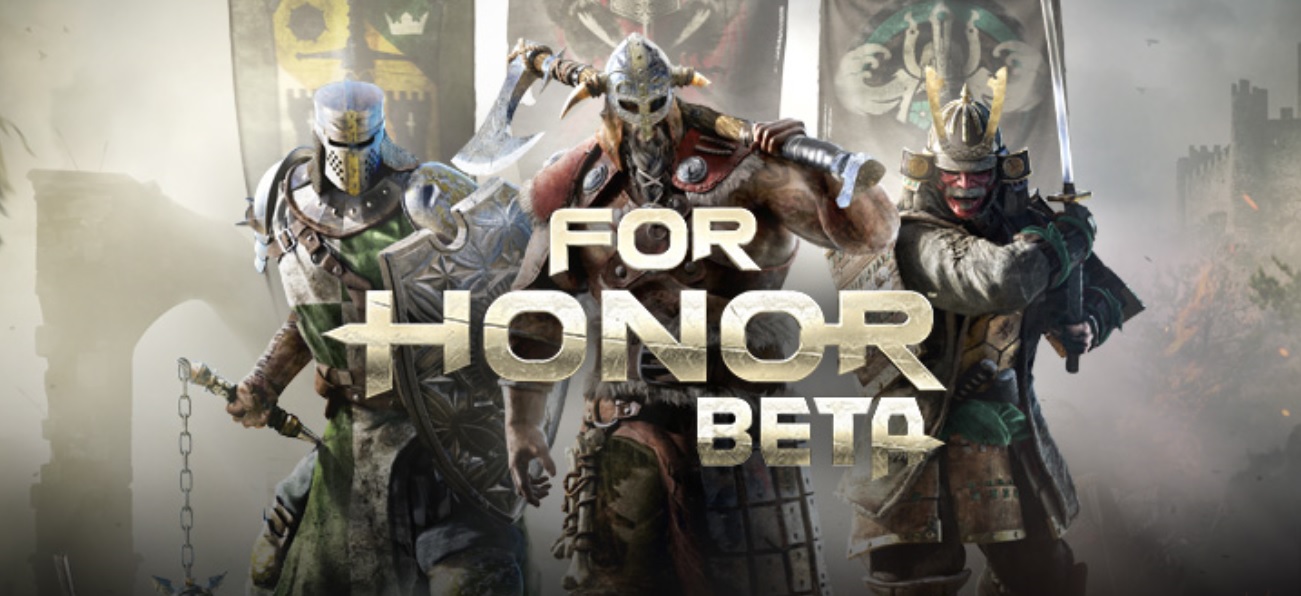

Since yesterday, the closed beta of For Honor has been running and many curious fans want to jump into battle and extensively test the melee game. However, some experienced severe issues right from the start: Either the servers were partially down or the beta wouldn’t start at all.
If you cannot start the “For Honor” beta on PC, Ubisoft suggests this solution:
There is a conflict between the closed beta and the application Bitdefender. Please follow these steps:
- Double-click the application Bitdefender in your taskbar.
- The application will then open and show you the main window. Click on View Modules here.
- Look for the small gear icon and click on it.
- In the next window, please disable the setting Active Threat Control by clicking on the second switch from the top on the right side.
- Now you should be able to start the beta.

This issue will be resolved by the launch of For Honor on February 14th.
Other issues with the “For Honor” beta
On PC, as well as on PS4 and Xbox One, lag, disconnections, crashes, and problems with NAT type frequently occur. Ubisoft offers detailed help for this. In most cases, a restart should help, especially if you have issues with matchmaking.
On PC, there is the issue that the beta sometimes cannot be exited. Here you will need to use the task manager. It may also happen that it kicks the host or the group leader. There are no workarounds for this.
If you are wondering what happened to your save data when you restart the beta, it may be because you haven’t completed an online match yet. Apparently, progress is not saved beforehand.
Additionally, there are further bugs and glitches, such as this one:
What issues are you struggling with?
You can read our beginner guide to For Honor here.

Your opinion is important to us!
Do you like the article? Then let us know!