

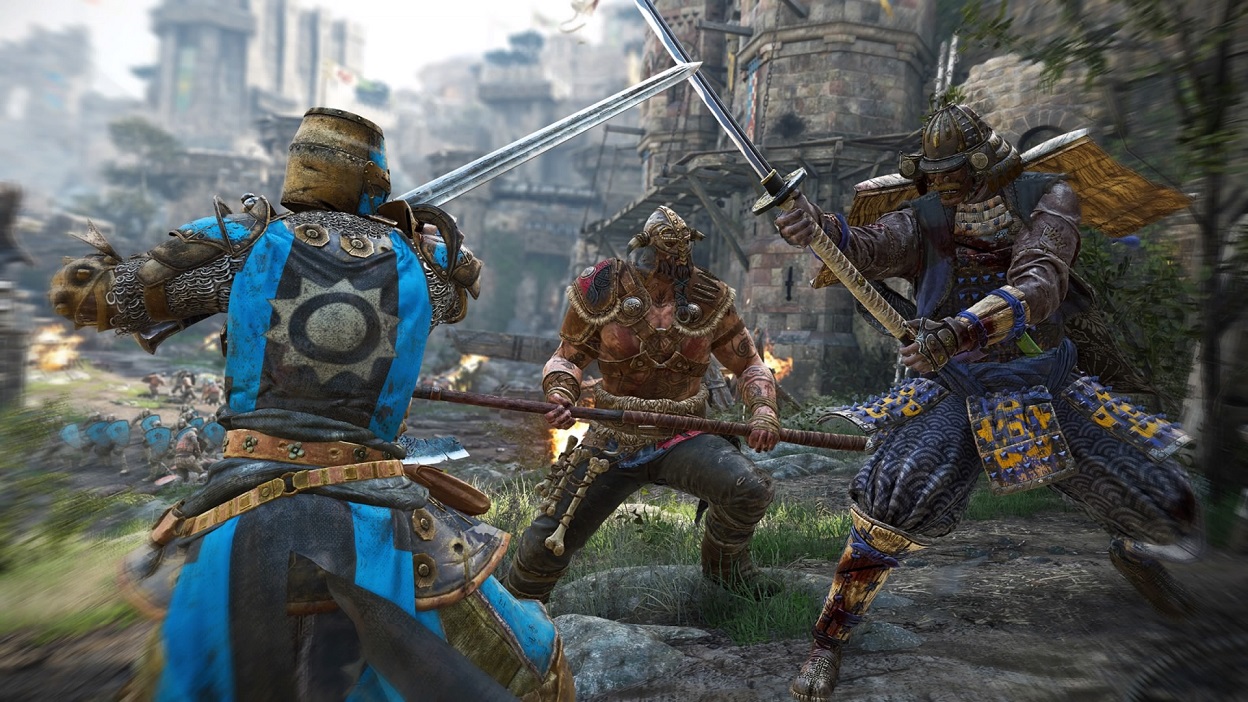
In For Honor, we show you how to change factions and modify your emblem.

When you launch For Honor for the first time, you first choose a faction and create an emblem. Only after that can you dive into the brutal melee battles. It can quickly happen that players give little thought to their faction choice and emblem (symbol) and select them carelessly.
As a result, some players wonder: Can I change my faction affiliation and emblem afterwards? How does that work?
This is how you create a new emblem and change your faction
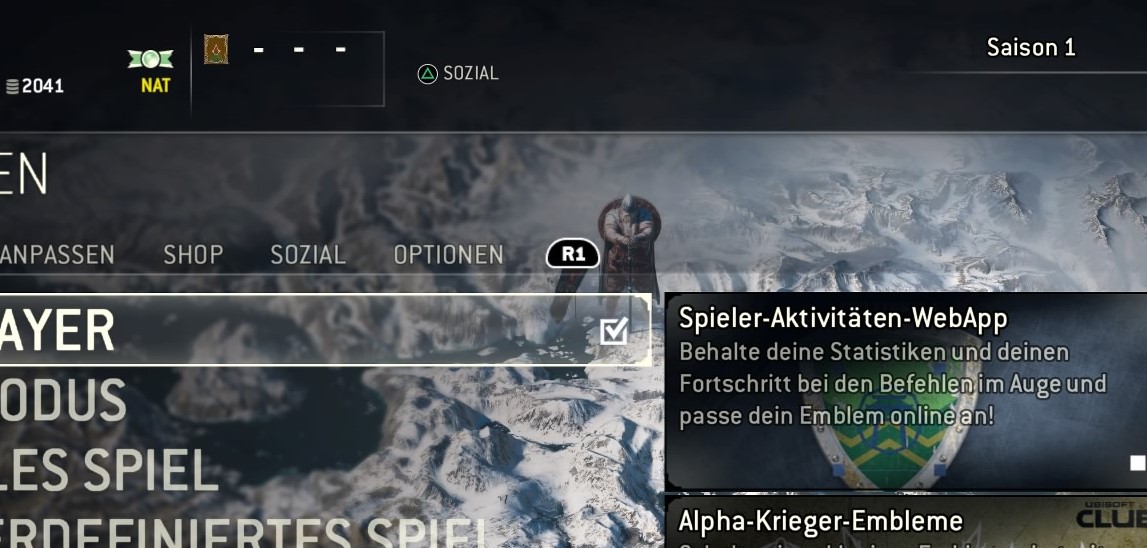
Yes, it’s possible to change both. However, the option needs to be found first. In the “Customize” section of the main menu, there’s nothing related to the faction or emblem.
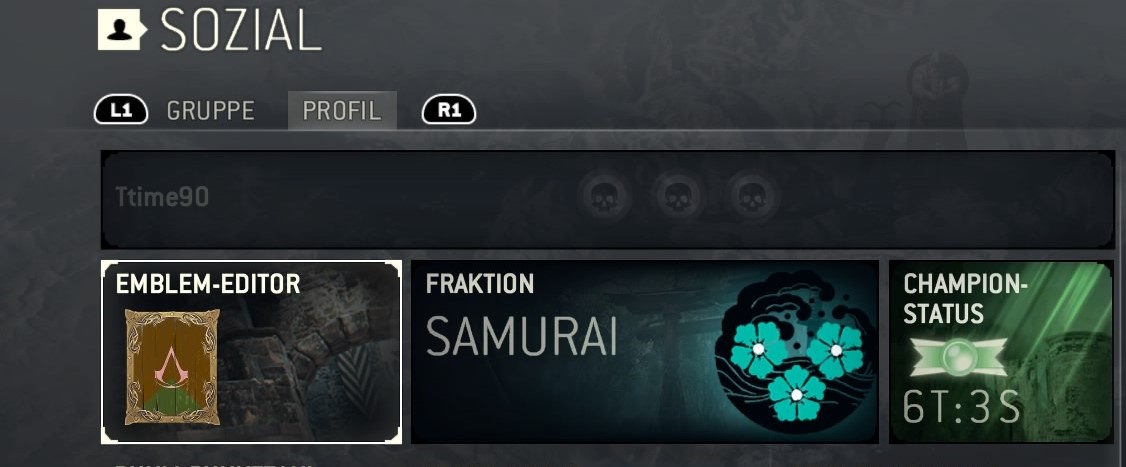
Instead, press “Social” in the main menu. The button for that is displayed at the top center of the screen. On PS4, it’s triangle. Now switch to the tab named “Profile.” Here you see your story and glory progress as well as other stats. Additionally, there is the emblem editor and the faction choice.
In the emblem editor, you can create up to four emblems, between which you can switch as you like. If you want to edit one of these emblems, press the edit button and then save the emblem afterwards.
You can also change your faction at any time; however, it’s not recommended. Because you will lose your entitlement to the rewards from the faction war. If you change your affiliation in the first round, you lose the rewards of the first round. If you switch after the first round, there are no seasonal rewards for you.
Note: In the faction war, a round lasts two weeks and a season lasts 10 weeks (thus 5 rounds).
Tips for combat in For Honor are presented here.

Your opinion is important to us!
Do you like the article? Then let us know!