In For Honor, network errors, NAT type issues, and glitches occur after the release. Ubisoft provides solutions for known issues.
The initial reactions to Ubisoft’s For Honor are predominantly positive. However, the online melee game is not exempt from “growing pains” and server issues at launch. Smooth launches for AAA online games are rare these days.
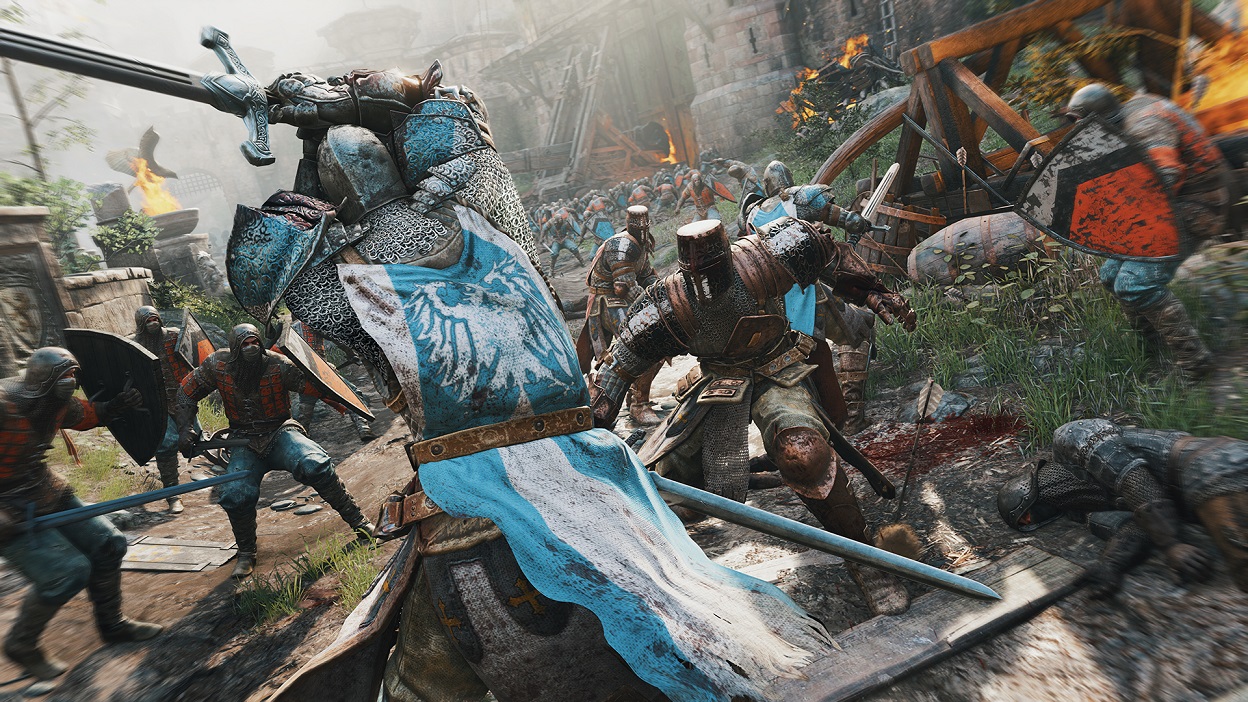
In a congested matchmaking scenario, players can do little; however, there are currently issues around the game that you can address with these solutions. Ubisoft has released a list of known issues that is continuously updated and already offers solutions. So it’s worth checking the provided link from time to time.
Easy Anti-Cheat and Error Code 10018
- On PC, there are issues with “Easy AntiCheat.” This software can prevent a game launch. Ubisoft recommends verifying the game files. To do this, open the Uplay menu for For Honor, click on properties, and select “Verify files” under Local Files.
- If you receive the error code 10018, restarting the game and the Uplay PC client may help.
Unable to Exit Game After Connection Lost
- If you are unable to end the game after a connection loss on PC, the only option left is to use Task Manager. Once you restart For Honor, it should work again.
Issues with Bluetooth Devices
- If you have problems with gamepads and Bluetooth controllers on PC, remove all unnecessary devices and check if the “Windows 10 Anniversary” update is installed.
NAT Type Strict – Matchmaking Fails
- NAT type issues occur for users with a red “NAT Type Strict”. In the router settings, try to set this to moderate or open. Seek help on relevant internet sites. However, there is also currently the problem that matchmaking does not work if more than one person has a strict NAT type. Ubisoft’s solution suggestion: invite friends with open or moderate NAT types.

In the Ubi forum, there are many more issues that still require solutions. For example, there is a glitch on PC where the host in custom games gets stuck on the post-match screen for 15 seconds. There is currently no workaround.
Are you having trouble with the fights? Here you will find 11 tips to quickly improve your skills.