With the ROG Falchion Low Profile, Asus offers a high-quality gaming keyboard. Especially minor details mar the otherwise very good overall impression, finds MeinMMO editor Benedikt Schlotmann.
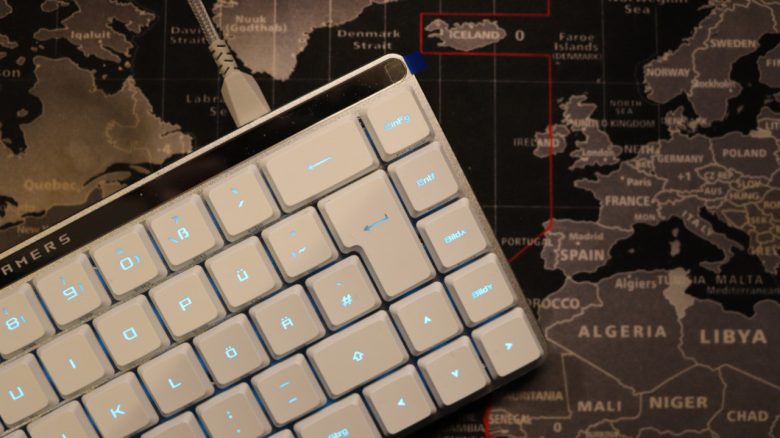
The ROG Falchion Low Profile is a small, sleek keyboard from the manufacturer Asus. The keyboard stands out mainly due to its compact 65%-format, which means it is not much larger than an A4 sheet of paper folded in the middle.
In everyday use, it has accompanied me. In the test, I explain why I can truly recommend the keyboard despite some flaws.
Test Overview
- Delivery, Design, and Construction
- Processing
- Software
- Ergonomics
- In Practice: Keys and Volume
- Conclusion
Who tested it?
Benedikt is a Tech Editor at MeinMMO and has a passion for peripherals, testing mice, keyboards, and gaming headsets. He has been testing hardware for MeinMMO for many years.
The tested model was ordered by Benedikt privately on Amazon.

Benedikt Schlotmann
Hardware Editor MeinMMO
Here you will find the technical details in table format (click to expand):
| Design/Interface | Wired, Bluetooth, or wireless connection; 65%-design |
| Key Type | Optical switches; Asus ROG RX Red Low Profile (linear, low-profile) |
| Programmable Keys | Yes |
| Illumination | Yes |
| Compatibility | PC |
| Delivery Contents | Keyboard, charging cable, wireless transmitter, and plastic keyboard cover |
| Special Features | 65%-design without numpad and function keys; slightly adapted QWERTZ layout |
| Price (RRP) | 189.90 Euro |
Delivery, Design, and Construction
What does the delivery include? In the box, besides the keyboard, mainly the necessary accessories are included: charging or connection cable, the USB dongle for the wireless connection, and a plastic cover that can be placed on the keyboard for protection.
| Preview | Product | Rating | Price | |
|---|---|---|---|---|

|
ASUS ROG Falchion RX Low Profile 65% kabellose Gaming-Tastatur (QWERTZ-Layout, optische ROG RX... | Zu Amazon |
*Affiliate-Links. Wir erhalten bei einem Kauf eine kleine Provision von Amazon. Vielen Dank für Eure Unterstützung!
How is the keyboard constructed? The ROG Falchion is a keyboard for minimalists, as you get a 65%-layout: there is neither a numpad nor dedicated function keys: the latter can be used via the FN key.
The advantage of this: the keyboard is very compact: it measures just 30.5 centimeters, which is as long as a standard A4 sheet of paper or two Blu-ray boxes placed side by side.
What does the keyboard look like? The keyboard comes in a white design. Currently, the keyboard is only available in white, there is no black edition yet. White hardware tends to have the disadvantage of discoloring unsightly over time in everyday use. The keyboard is also only very limited in terms of customization due to its very specific keycaps or the built-in switches.

Processing
Positive: Metal as material, keyboard cover | Negative: ABS keycaps, no replacements available, no hotswap | Neutral: RX switches are proprietary,
The keyboard uses a metal chassis cover, which protects the board underneath. The bottom, on the other hand, is made of plastic. Nevertheless, the keyboard makes a high-quality impression at first glance. The plastic cover included in the delivery is practical. It protects the keyboard somewhat against external influences such as dust or pet hair when not in use.
Asus relies on its own RX switches for the keyboard, which are not compatible with the otherwise common MX switches used throughout the gaming industry. And this has a clear disadvantage: you cannot really change the keycaps of the keyboard – for example, to a different color – or replace broken, worn-out keys. I also could not find replacement keys from the manufacturer available for order. A decision that I absolutely cannot understand.

Another disadvantage: the RX switches are firmly soldered to the keyboard, you cannot exchange the switches. Hotswap technology is therefore not available.
Another disadvantage: Asus “only” uses UV-coated ABS keycaps and not PBT keycaps or the Doubleshot process. My concern is that the keycaps will wear out quickly and then look quite horrible. This is particularly frustrating because getting replacements for the installed keycaps is not easy.


Software
Positive: – | Negative: Slow and unclear, aggressive prompts for registration and advertising | Neutral: many features can be left disabled
ASUS relies on Armoury Crate as software for its hardware. At least: I can now freely decide which contents I install with the software and can uninstall all the advertising. However, there is still a note at the bottom about the feature collection and what nice things one could install. This note cannot be hidden. Annoying, but bearable.
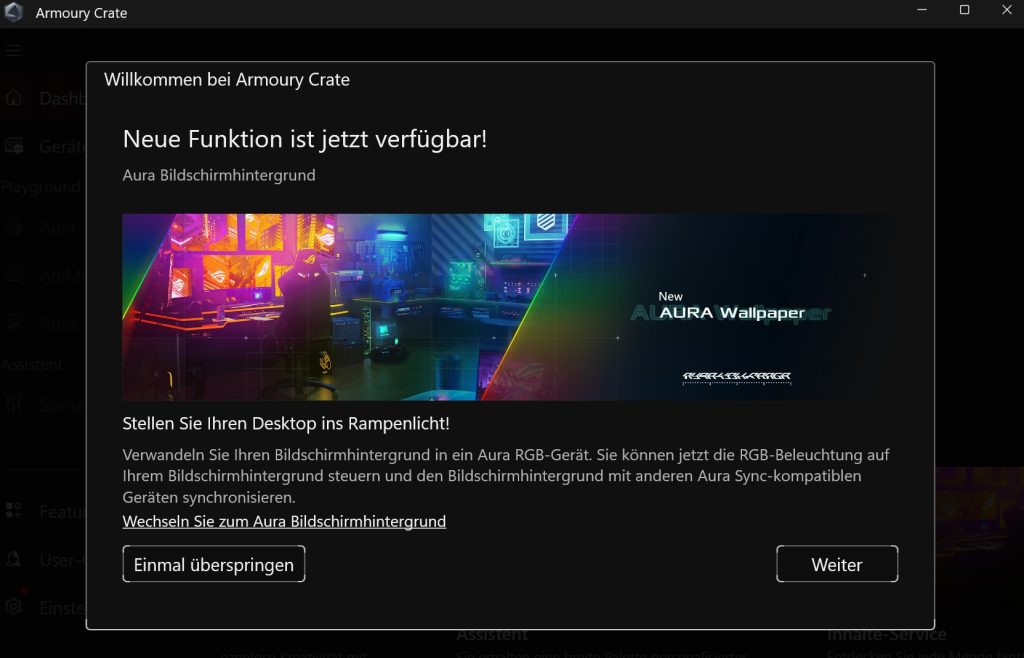
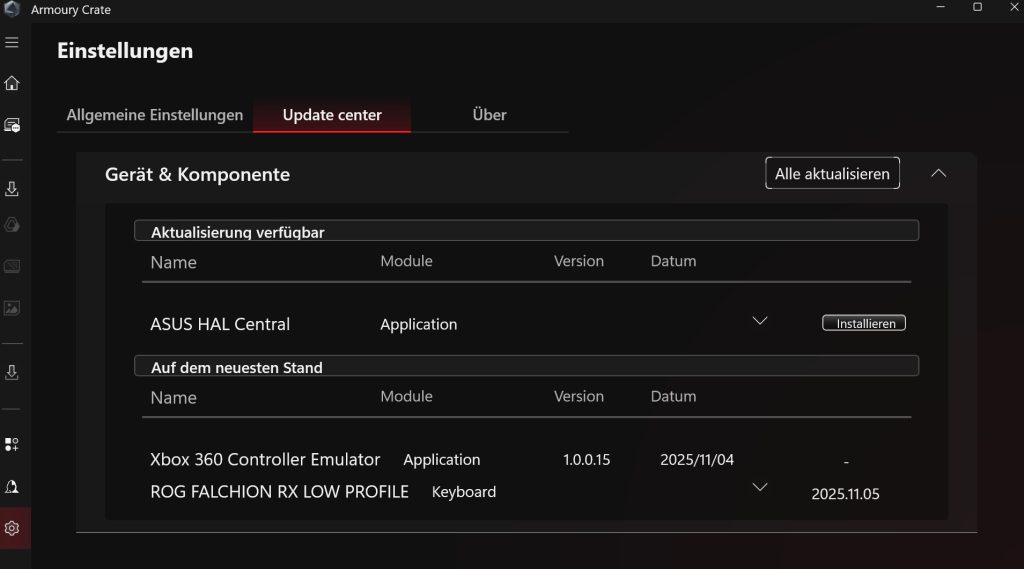
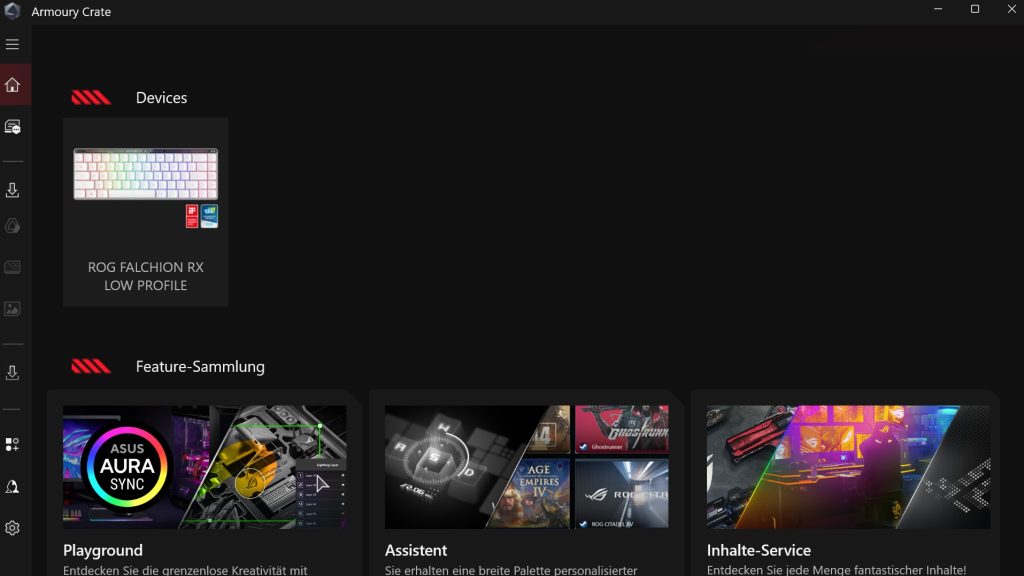
Nevertheless, ASUS remains aggressive in its software: I am constantly being prompted to log in or install great new features (any wallpapers). Besides, Armoury Crate takes up between 350 and 400 megabytes of RAM on my system. For software that I only want to use for the keyboard, that is a lot. Thus, it is somewhere between resource-hungry Synapse (Razer) and iCue (Corsair).
I can’t find much good about the software. At least: I can use the keyboard without the software without losing any functionality.

Ergonomics
Positive: small, slim design, low profile | Negative: (too) small shift key for Qwertz layout | Neutral: –
The keyboard is not much larger than a folded piece of paper. On the table, it takes up little space, which is a significant plus for desk ergonomics. The smaller the keyboard, the smaller the angle of your arm between the mouse and the keyboard.
Thanks to the “Low Profile” keycaps, the height of the keyboard is very low. At its highest point with the feet up, its height measures only 2.5 centimeters, which is very little, allowing the keys to be easily reached without a wrist rest or other accessories. For comparison: Razer’s Blackwidow V4 Pro 75 % (for the test) is already 3 centimeters high at its lowest point.
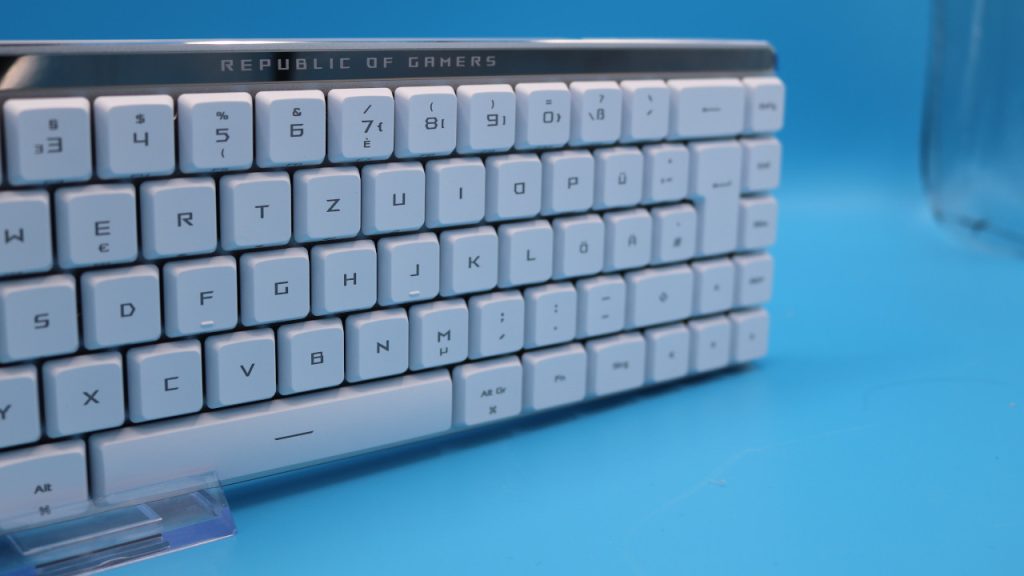
The small size also affects the keys: the left shift key, for example, is smaller than on regular Qwertz keyboards, while the caps key is larger. Since I type very quickly, I do occasionally hit the wrong key in everyday use. Therefore, you will not get a perfect German Qwertz layout.
The Keys
Positive: quiet, pre-lubricated switches; great typing and gaming feel; very quiet; back with touch panel | Negative: no hotswap and no alternative keycaps; spacebar notably audible | Neutral: illumination on some keys is only weak)
Under the keycaps of my keyboard are the “Asus ROG RX Red Low Profile” switches, which are pre-lubricated and dampened.
One thing that I noticed: a few keys, including the special keys and the Enter key, are only weakly illuminated. If you cannot type blind in the dark, you may have a problem. For me, it’s bearable since I can type blind. Otherwise, the illumination is good.
Convenient is the touch panel located on the back of the keyboard. This allows various things on the PC to be adjusted with a touch, such as the volume.
How loud is the keyboard? The switches thanks to optical and linear technology are nearly inaudible. What you hear are the key presses when you touch the keycaps with the tips of your fingers. The only key that is notably audible is the spacebar, which is not well dampened.
In a loudness test, I measured the volume of the keyboard in decibels. I tested how loud the keyboard gets when I type normally in everyday use. The typing volume was between 30 and 40 decibels. This is noticeable but not disturbing. A Netflix series in the background is louder than typing on the keyboard.

Conclusion: Slim, well-made gaming keyboard with minor flaws
Is the keyboard worth it? With an RRP of 189.90, I find the keyboard somewhat too expensive; the market price is between 130 and 140 Euros. For this price you get a well-made gaming keyboard with minor weaknesses that are bearable.
The chaotic, immature software is, in my opinion, the most annoying aspect. Otherwise, you can hardly go wrong with the keyboard in everyday use. In particular, the very low volume and the “Low Profile” keys are significant positives for the model.
| Preview | Product | Rating | Price | |
|---|---|---|---|---|
|
|
ASUS ROG Falchion RX Low Profile 65% kabellose Gaming-Tastatur (QWERTZ-Layout, optische ROG RX... | Zu Amazon |
*Affiliate-Links. Wir erhalten bei einem Kauf eine kleine Provision von Amazon. Vielen Dank für Eure Unterstützung!
What alternatives are there?
- With the Logitech G G515, you get a good, even better alternative. The processing is poorer, but you get PBT keycaps and more refined software.
- With the Keychron K3 Ultra-Slim, you also get a decent keyboard in a low-profile format with minor quality issues. Especially the keycaps are of rather weak quality.
Other gaming keyboards: Are you looking for further recommendations in the peripheral area? Then take a look at the following buying guide on MeinMMO. Here we explain which keyboards are currently the best to buy: The best gaming keyboards you can currently buy