

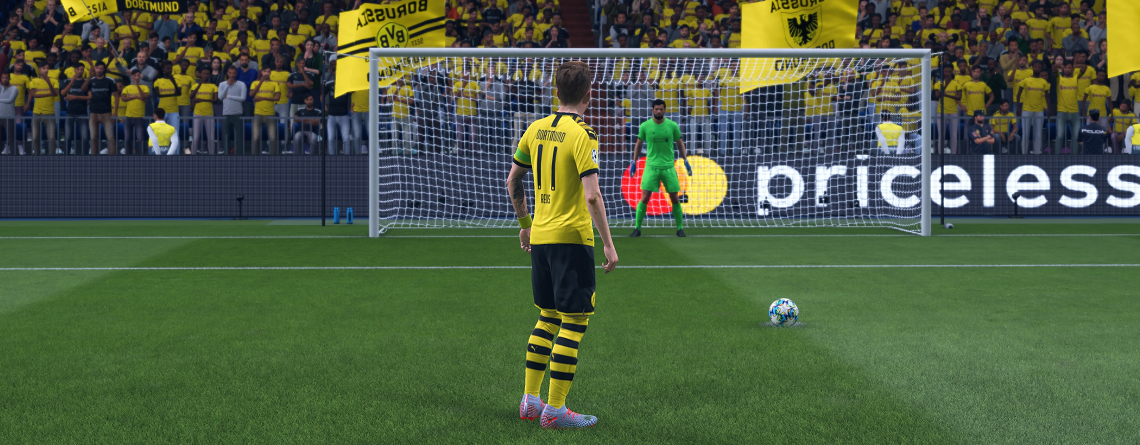
In FIFA 20 the penalty shootout has been revamped. We explain in this tutorial what you need to consider when shooting and saving. You can practice the tips directly.

What is new about penalties in FIFA 20? It’s time to relearn, as FIFA 20 has made significant changes to standard situations. Free kicks and penalties are executed quite differently than in the previous year.
In FIFA 20, a reticle helps you aim. You control it with the left stick of your controller. This allows you to determine where the shot will go. And if you do everything right, you will shoot exactly where you aimed.
How do you shoot penalties now? Unlike in FIFA 19, in FIFA 20 the aim assist determines where the ball will go – not the power with which you shoot. No matter how much power you load up, the ball will always roughly go in the selected direction. But the more shot power, the less accurate the penalty. Plan about 10 minutes to practice penalties so you’re not caught off guard in the game.
Time for practicing penalties: 10 minutes.
How to shoot penalties in FIFA 20:
- Choose shooter
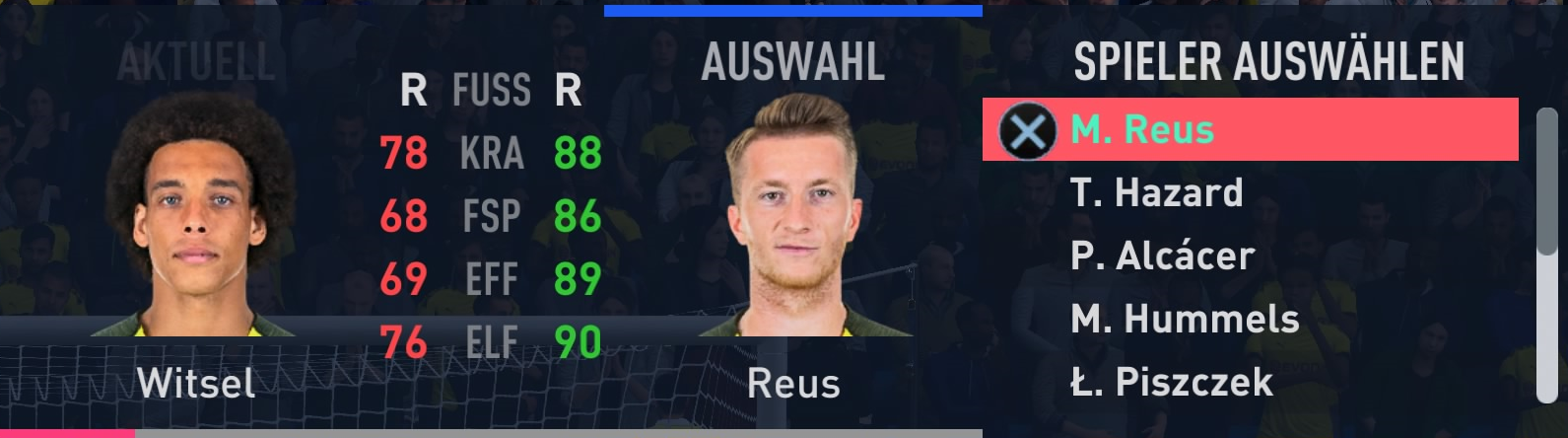
Select your shooter with R2/RT. Pay attention to a good penalty value.
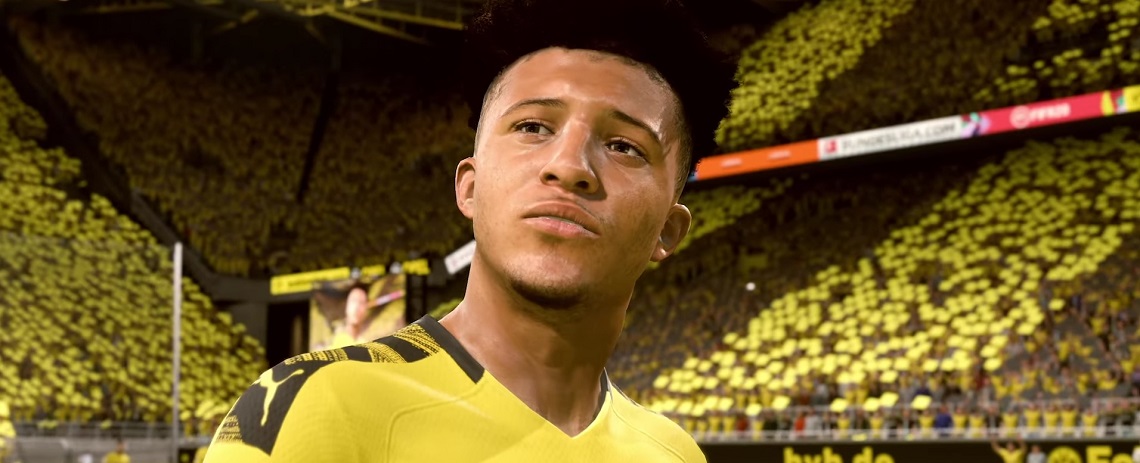
- Aim correctly at the goal
Aim with the left stick. The most dangerous are penalties in the corner.
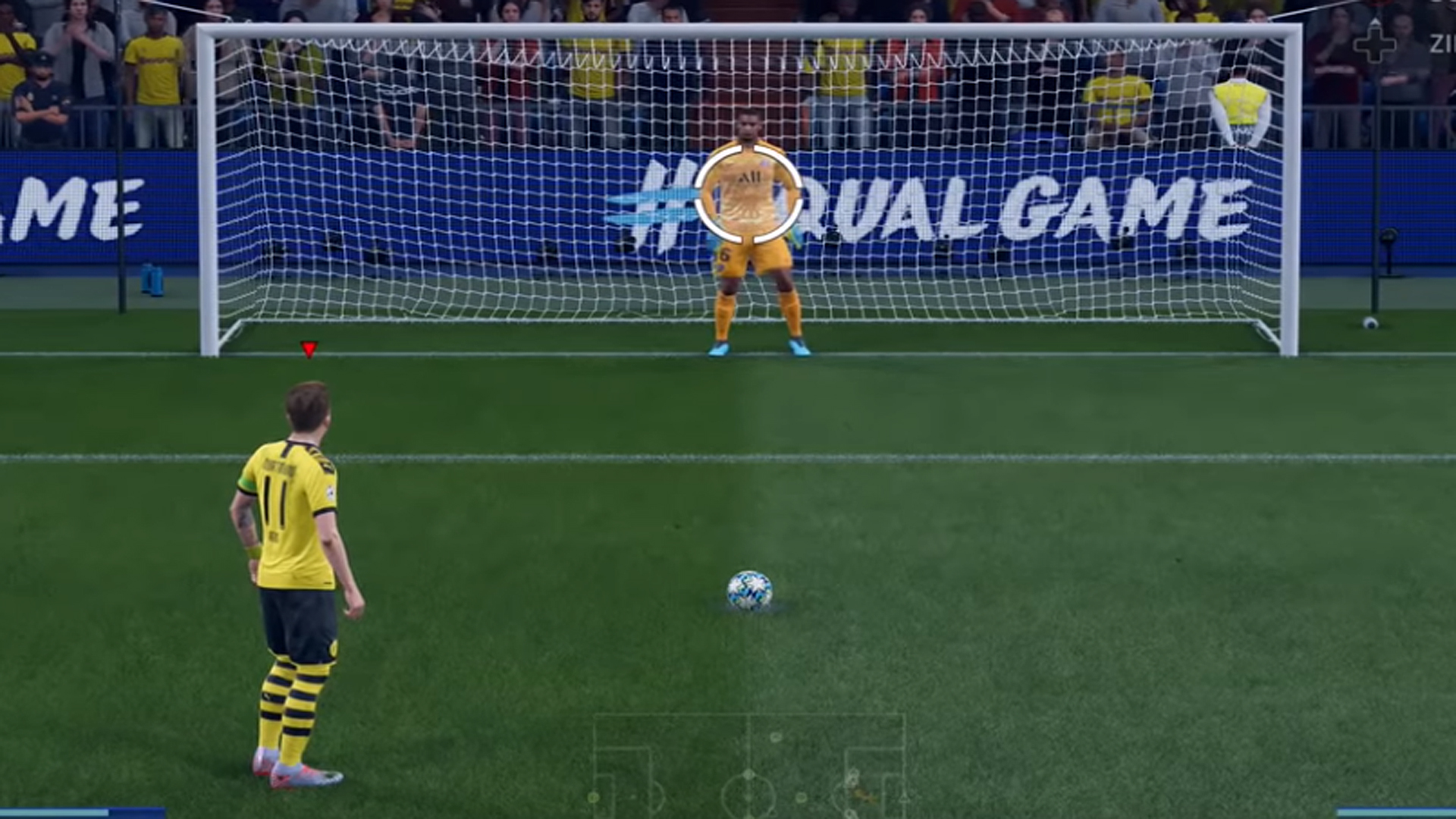
- Charge shot power
Wait until the indicator is still and charge the shot power. 2 to 3 bars are ideal.
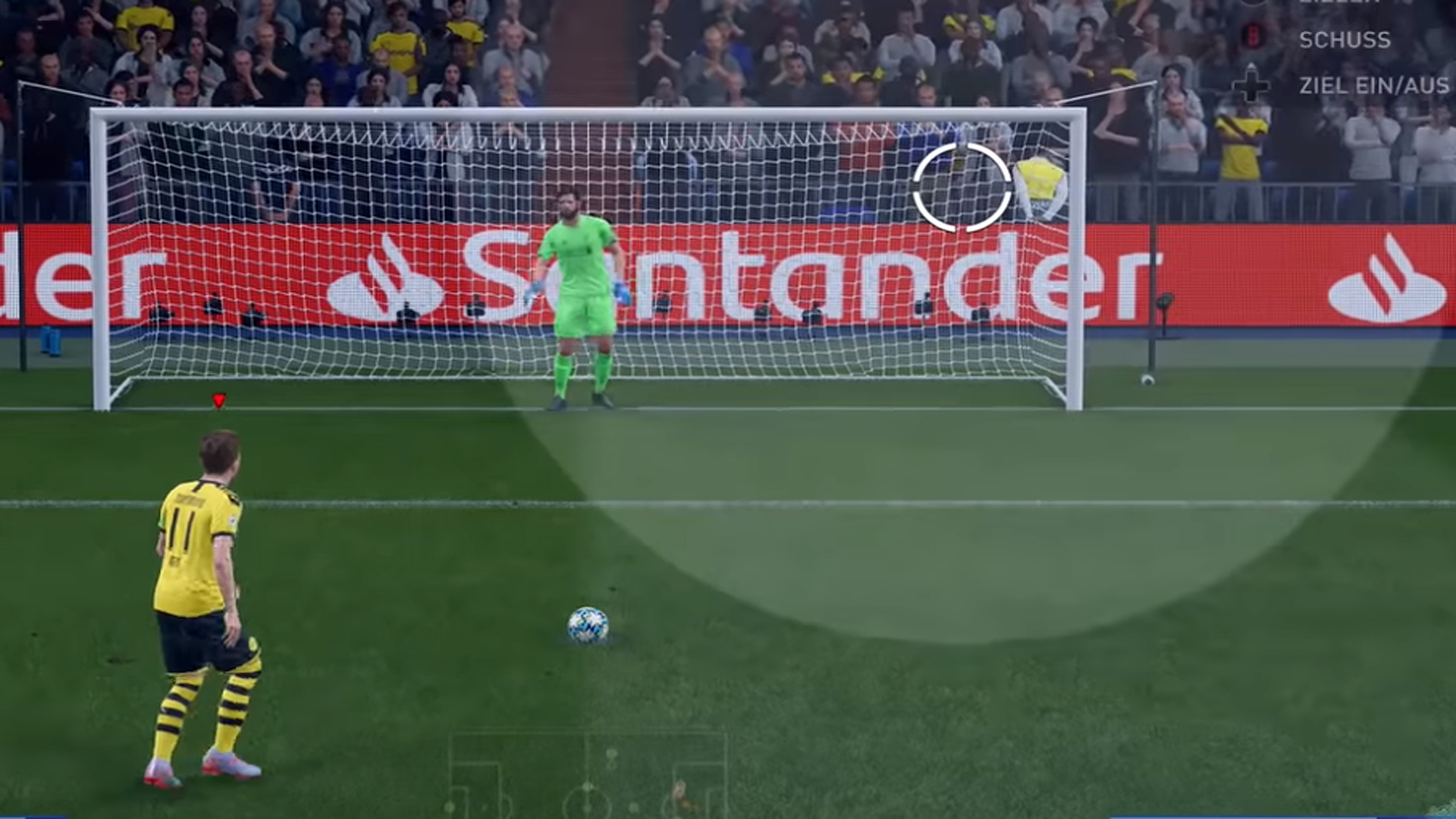
- Prepare for finishing
To shoot a really perfect penalty, you can still use the Timed Finishing.
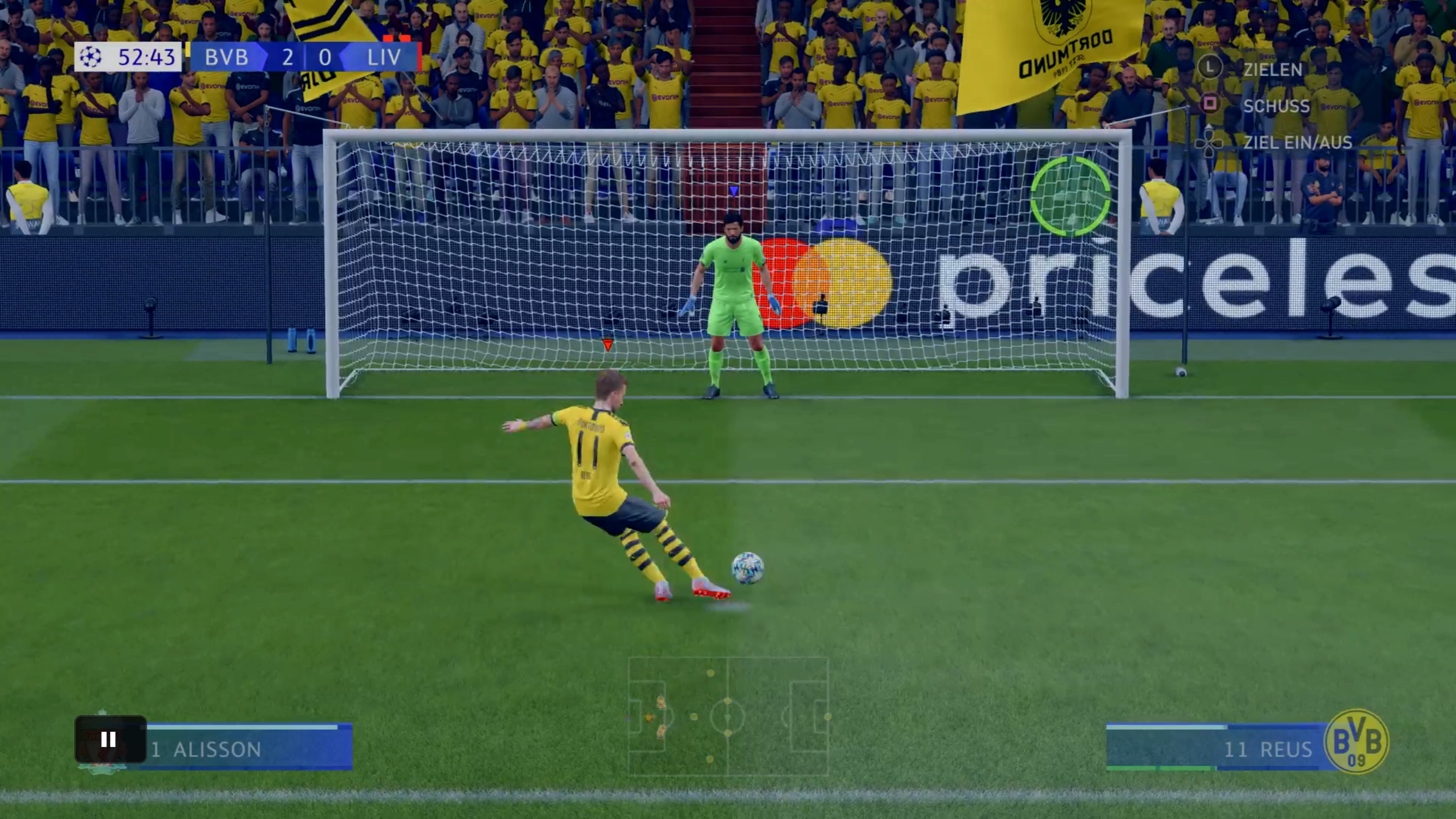
How to shoot the perfect penalty in FIFA 20
Step 1 – How to choose the penalty shooter: With R2/RT you can select the shooter before the shot. Make sure the player has a good penalty value. Because in FIFA 20, this stat has a significant impact on shot precision.
Step 2 – How to aim with the indicator: You determine where you want to shoot with the white circle (the indicator). Use the left stick for this. To shoot an unstoppable penalty, you should aim for the corner. Because a perfect penalty in the corner is hard to save.

Step 3 – How strong should the shot power be: Before you charge the shot power, make sure the indicator is still and not shaking anymore. Only then should you charge the shot power, preferably with 2 to 3 bars. Keep in mind: The more power you apply, the less accurate the shot will be. With optional step 4, you can improve precision.
Step 4 – How to use Timed Finishing: To shoot a really perfect penalty, you can also use Timed Finishing. This makes the shot more precise. For this, you need to press the shot button again at the right moment (just before the foot touches the ball). If the indicator turns green, you’ve done everything right.
After a successful penalty, you can celebrate with a new FIFA 20 celebration.

How you can save penalties and jump with the goalkeeper
What you need to consider: If you get a penalty against you, you need to catch the ball with your goalkeeper. Here’s how:
- Move keeper: Use the left stick to move your goalkeeper on the line. Stand still if you suspect the opponent will shoot in the middle.
- Confuse the goalkeeper: To put the shooter off their game, you can make different movements with the buttons “X, Circle, Triangle, Square”/ “Y, B, A, X”.
- Jump: To dive, press the right stick in the direction you want to go when the opponent shoots. Pressing down to the left means jumping down to the left, and the same works for the other directions.
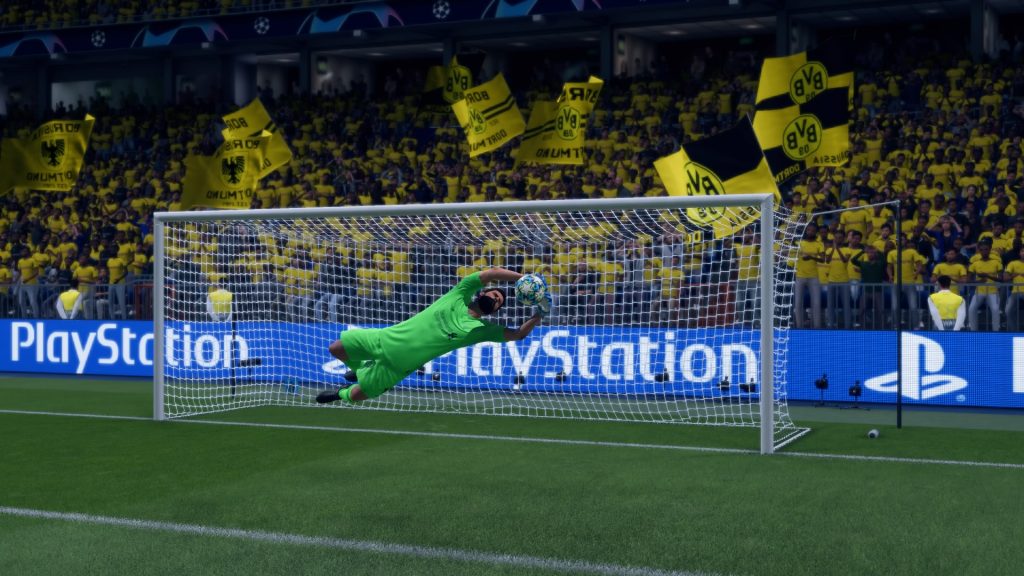
General tips and tricks for penalty shooting and saving – You can practice right away
More tips:
- Lob: If you want to lob the ball, you need to press the L1/LB button in addition to the shot button.
- Curved penalty: To shoot a curved penalty, press R1/RB along with the shot button. This shot may have slightly less power but is more precise than a normal penalty.
- Recognizing shot direction: You can tell where the shooter is aiming during the penalty. Pay attention to the player’s head movement. If they lean slightly to the left, they are also aiming to the left. However, this tip does not work reliably.


Your opinion is important to us!
Do you like the article? Then let us know!