

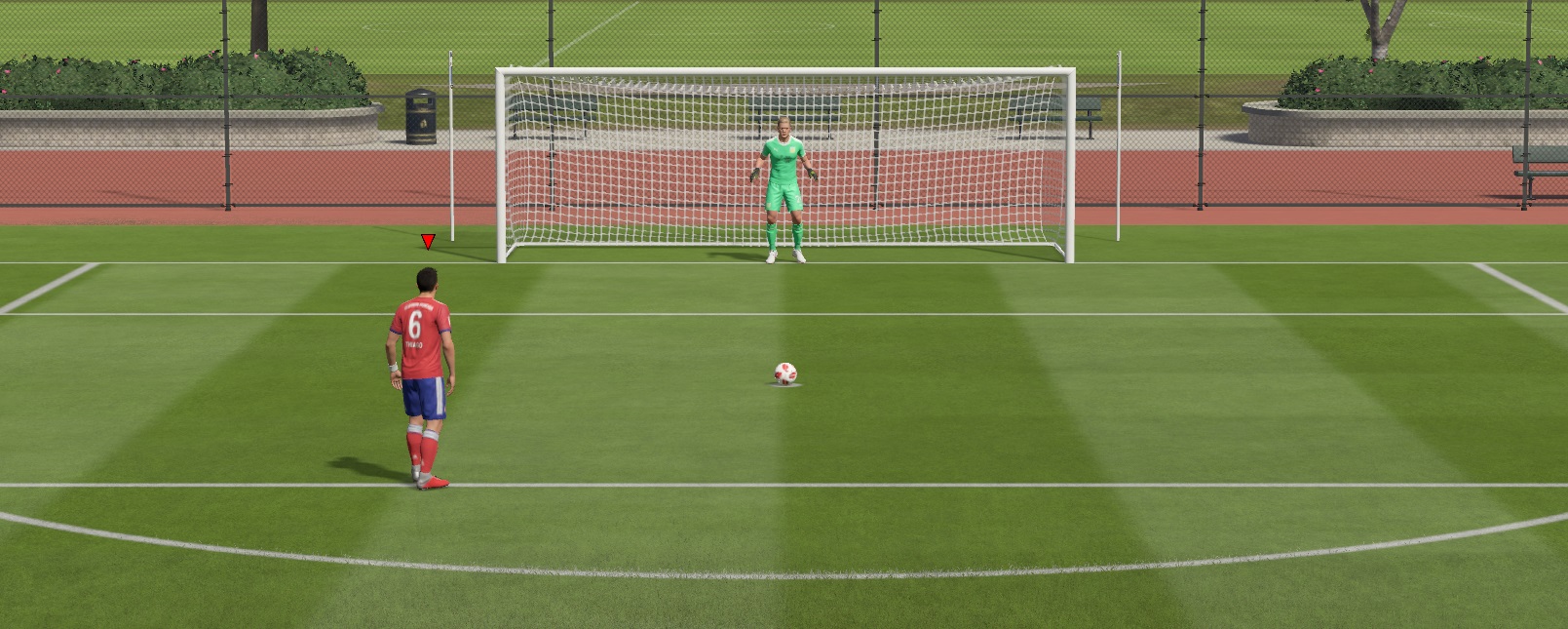
Penalty kicks can decide games in FIFA 19. In this tutorial on penalty shooting, we explain what you need to consider when shooting and saving, and how you can practice penalties.

Especially in knockout games like the FUT Champions matches, it can be crucial to convert and save penalties.
So that you don’t hit every ball into the stands like Ramos, we explain in this guide how to shoot penalties and then save the opponent’s attempts.
FIFA 19: Taking Penalties
Few changes: The penalty mechanics were last adjusted in FIFA 18, and in FIFA 19, aside from a few minor improvements, nothing has changed. Overall, taking penalties works on the Xbox, PS4, PC, and Switch just like last season.
Nevertheless, penalties are tougher: Last year there was a simple trick from the spot. You just had to aim the ball half left or half right and low at the goal. Goalkeepers almost always jumped over the ball. This no longer works in FIFA 19.
What you need to consider: Many players feel that penalties have become even more sensitive. Many tried to charge their shots just as strongly as in FIFA 18 but found their balls all ending up in the stands. More finesse is required!
Step 1 – Adjust Starting Position
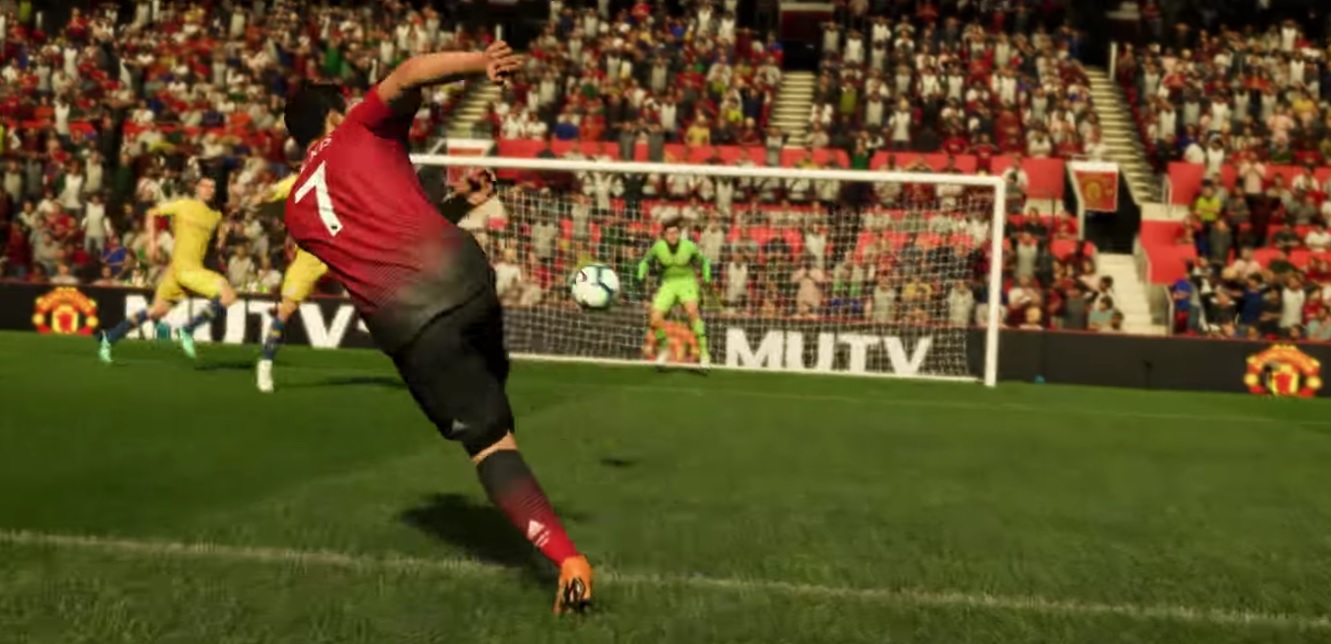
You can use the left stick to position your player. You have all four directions to choose from:
- Left/Right: By moving your player parallel to the goal line, you adjust the angle of approach and thus the angle at which your player strikes the ball during the shot.
- Forward/Backward: Changing your distance to the ball at the starting position adjusts your run-up time. So, step further back to have more time when approaching to gain more speed.
Step 2 – Determine Shot Direction
Helper Arrow is useful at the beginning: Once you’ve positioned your player, it’s time to shoot. At the start, it’s advisable to enable the helper arrow. This shows you exactly where and how strongly you’re aiming. You can toggle the penalty arrow on or off using “D-pad up”.
Set the direction before the run-up: In FIFA 19, you can aim for penalties without running up. Just move the left analog stick forward and to the left or right, depending on how far you want to aim into the corner.
Attention – The stick is sensitive! You must be careful to keep movements minimal. The stick when taking penalties is very sensitive, and your shot can quickly go towards the corner flag.
Step 3 – Determine Shot Power and Start Run-up
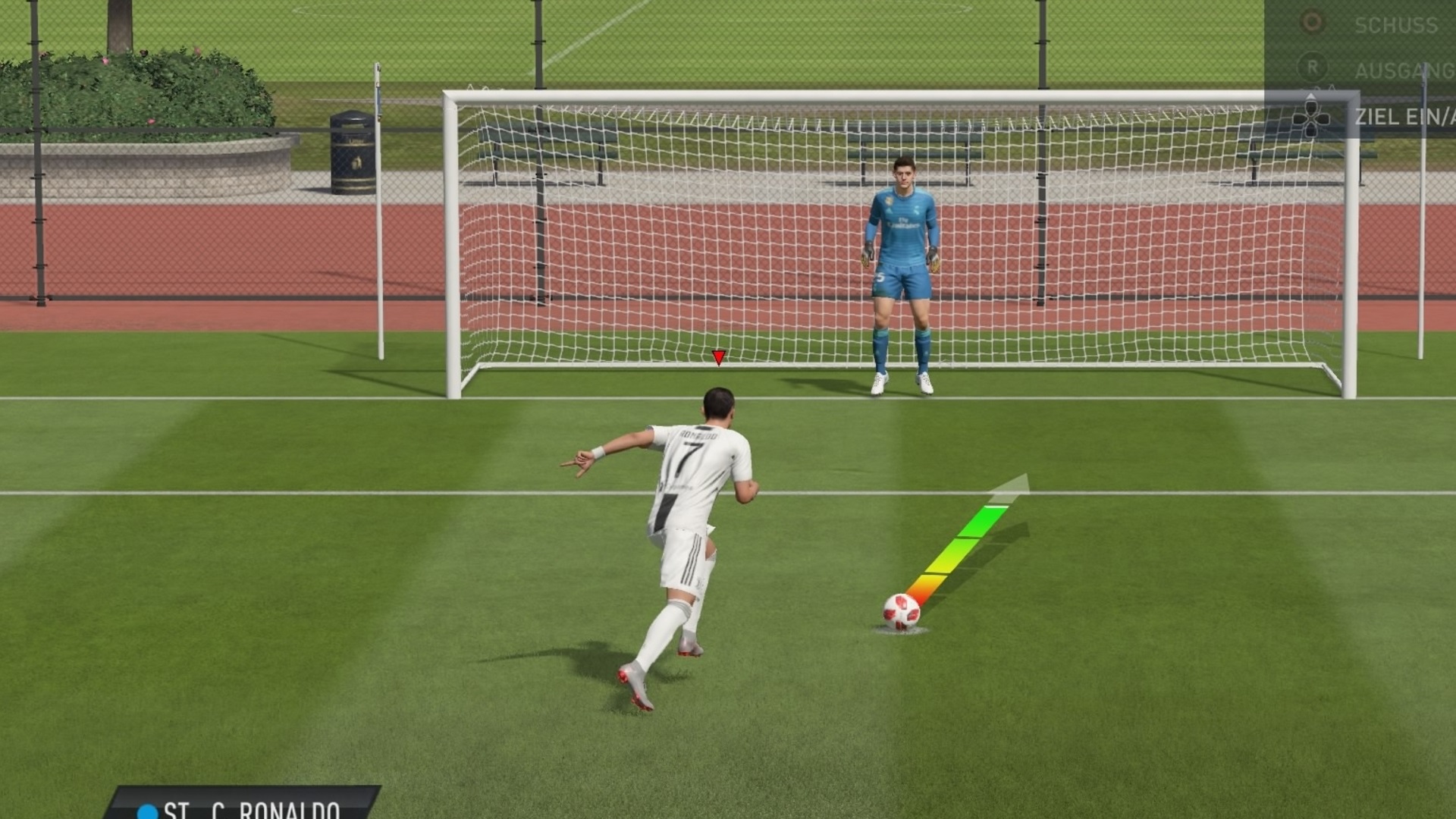
Start run-up: If you’re satisfied with your direction, charge the penalty using the shoot button (PS4: Circle, Xbox: B). Once you’ve set the shot power, the player will run up.
Finesse is required: If you have the arrow on, you should fill the 3 lower sections of the arrow fully so that green appears below the tip. Then the ball goes just under the crossbar. If you charge more, the ball will go towards the stands.
If you want to shoot low, just charge less. However, there’s a risk that the shot might be too weak if you don’t add enough power.
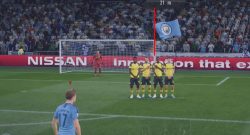
Step 4 – Change Direction and Delay / Sprint
Change direction during the run-up: You can also change your shot direction during the run-up or set it only then. First, perform step 3 by charging your shot. Then adjust the direction using the left stick during the run-up.
- Delay: If you want to trick the goalkeeper, you can also delay your run-up. During the run-up, press L2 (PS4) or LT (Xbox).
- Run up faster: To get more power behind your penalty, you can press R2 or RT during the run-up. This makes your player run faster.

General Tips and Tricks for Taking Penalties
- Change Shooters: You can change your shooter before executing by pressing the R2/RB button.
- Lob: If you want to cheekily chip the ball, press the L1/LB button along with the shoot button.
- Curling Penalty: To put spin on the shot, press the R1/RB button in addition to the shoot button.
- Training Mode: If you want to test and practice your knowledge about penalties outside of matches, you can do this in the training arena. Just press an arrow key in the penalty area. Another way to practice penalties is through skill games.
FIFA 19: Saving Penalties
It’s not only important to score shots but also to save them. Here, there’s significantly less to consider.
Move the Keeper: Use the left stick to move your goalkeeper on the line. You can also stay put if you suspect the opponent wants to shoot to the center.
Confuse the Goalkeeper: To throw the shooter off their game, you can use the buttons “X, Circle, Triangle, Square” / “Y, B, A, X” to perform various movements.
Jump: To dive, press the right stick in the desired direction when the opponent shoots. Pressing downwards to the left means jumping down to the left, and this works analogously for the other directions.

Recognizing the Shooter’s Direction as a Goalkeeper
Trick to recognize shot direction: Since FIFA 18, this method works to predict where the shooter will aim before the shot. You just need to pay attention to the player’s head movement who is taking the penalty. If he looks slightly to the left, he is aiming to the left.
Good shooters exploit this: As you approach, for instance, aim to the left and then change direction to the right just before the shot, this can easily deceive the keeper. If you are shooting yourself, you can also try this trick. If you are the goalkeeper, always keep this in mind.
To celebrate your successful goal after the penalty, you should check out our Celebration List for FIFA 19!

Your opinion is important to us!
Do you like the article? Then let us know!