

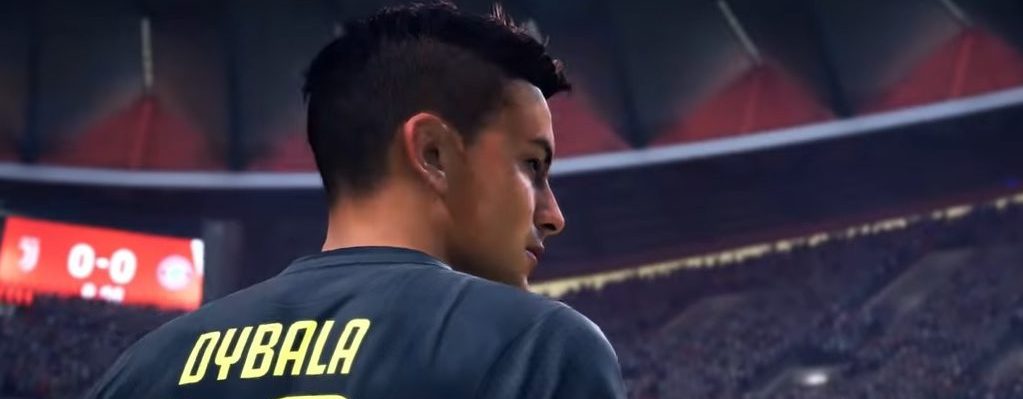
To keep you entertained in the demo of FIFA 19, we give you 8 tips on what you can try out in the test version.

Update: If you are looking for information about the FIFA 20 demo, you will find it here.
In the FIFA 19 demo, more is possible than just passing the ball back and forth. You can test some gameplay mechanics, gain initial practical experience, and even use a trick to play online against friends. How to do this is explained here.
1. Learn the new celebrations – including the star celebrations
All the new celebrations are already included in the FIFA 19 demo. You can now test which ones you like best.
All new celebrations (in parentheses are the button combinations for Xbox):
- Little Brother – Hold L2 and double tap Circle (Hold LT, double B)
- Come on – Hold L1 and press R3 (Hold LB, press right stick)
- Child’s play – Hold L1 and keep the right stick pointed up (Hold LB, keep right stick pointed up)
- Stay relaxed – Hold L1 and press the right stick up and down once (Hold LB, press right stick once up and down)
- Like at home – Hold L2 and move the right stick down twice (Press LT and move right stick down twice)
- Kiss the ground – Hold R2 and keep the right stick to the right (Hold LT, keep right stick to the right)
- Matador – Hold R2 and press the right stick down once and up once (Hold RT, press right stick down once and up)
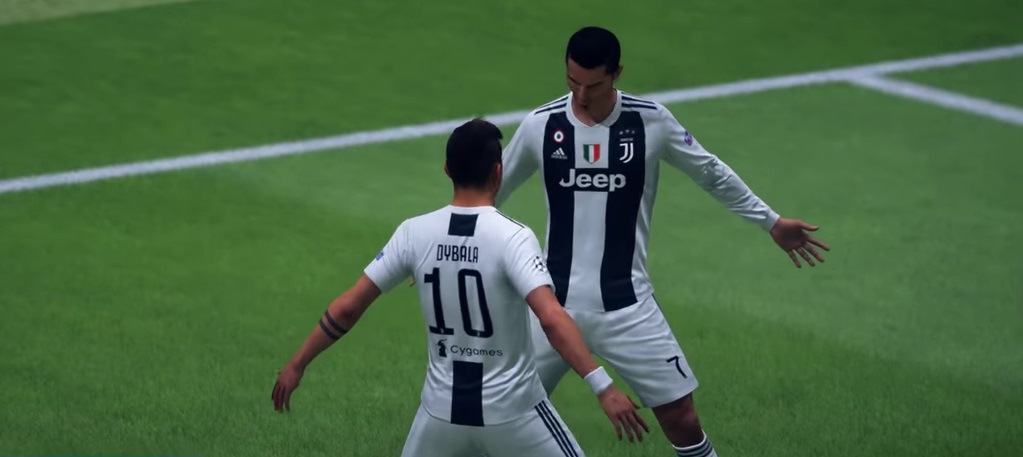
Star celebrations in FIFA 19: Additionally, Cristiano Ronaldo, Griezmann, and Lingard have unique “star celebrations” that only they can perform. All three players are present in the demo. You perform the celebrations by simply pressing X (A) after scoring a goal.
You can see how the modern goal scorer celebrates their successes in the linked article. We list all celebrations and show the new ones with pictures and in video:

2. Play a bit of Rondo
Rondo Mode in The Journey: Even if you are not a fan of the story mode The Journey, it might be worth taking a quick look at the demo’s passing version. Because in it you play Rondo.
What is Rondo? Alex Hunter gets to play this passing exercise in the story with his teammates from Real Madrid. Five players line up in a circle and pass the ball back and forth. One player is in the middle and has to try to win the ball:
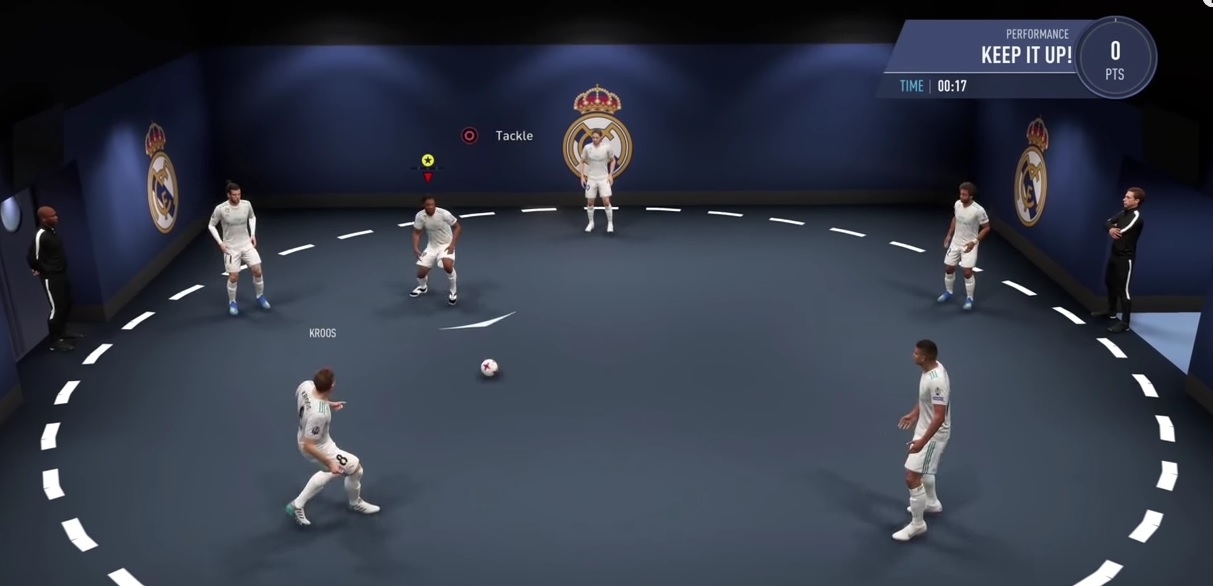
This Rondo is not played on the soccer field, but in a covered room. Gameplay that is not played on the grass is extremely rare in the FIFA series. Learn more about Rondo in FIFA here.
3. Practice the finishing timing
What is finishing timing? Finishing timing is a new gameplay feature that gives you more control over your shots. It demands more from you on the field than the normal shooting system, but if you master “Timed-Finishing”, the balls will often find the net.
What do I need to press for finishing timing? You need to press the shoot button two times in total:
- The first time you press the shoot button normally to charge your shot – just like in previous FIFA titles. Hold the button longer to shoot the ball high, press it briefly to shoot the ball low.
- Let go of the shoot button briefly.
- Then press the shoot button again exactly at the moment the player contacts the ball with his foot for the shot.
If you time it perfectly, the bar above the player’s head turns green. If you have turned off this display, the outline of the arrow above the player briefly flashes green to signal you a perfect finishing timing.

You can find all information and tips on finishing timing here. In the article, we explain the significance of all the colors of the bar, how to execute the perfect shot, and what happens if you press the shoot button too late a second time.
4. Cancel celebrations immediately and continue playing
Another tip on goal celebrations in FIFA 19: While in FIFA 18 you had to watch the goal celebration animations or tried to shorten the celebration phase with cumbersome tricks, in FIFA 19 every celebration (at least offline) can be skipped immediately.
How does that work? To do this, press all shoulder buttons (L1+R1+L2+R2) at the same time. This cancels the entire celebration phase and brings you directly to the kickoff. This saves you a lot of time. You can already internalize this button combination in the demo.
5. Play online with friends via SharePlay
Demo without online functionality: The FIFA 19 demo does not have an online mode that you can play with your friends. It is solely intended for offline play either alone or with friends on the couch.
Nevertheless, there are tricks to play the demo online with friends.
Here’s how it works on PS4: The requirement is that you have a strong internet connection. Ideally over 50 Mbps. Then invite your friend to a party and start Share Play in the party. Then in Share Play press “Hand over controller to visitor” and then “play together”. You need PS Plus for this.

Now you can play the FIFA 19 demo together as if your friend were sitting next to you on the couch. You both see the same thing on your screens. So for penalty kicks, make sure to show the arrow properly…
6. Test the dynamic tactics
What are dynamic tactics? In FIFA 19 you get more tools to give your tactical formation more individuality before the game and adjust quick tactics during the game.
How to change the tactics: You can set them in the team management before the game. Now hold down the left shoulder button (L2), where you can adjust the “Very Defensive”, “Defensive”, “Offensive”, and “Very Offensive” tactics. You can change formations, different playing styles, and player instructions.
During a match, you can then select the tactics at any time using the arrow keys without having to interrupt the match. The players will then take on a new formation or new playing styles – whatever you set earlier.
7. Choose the second stadium
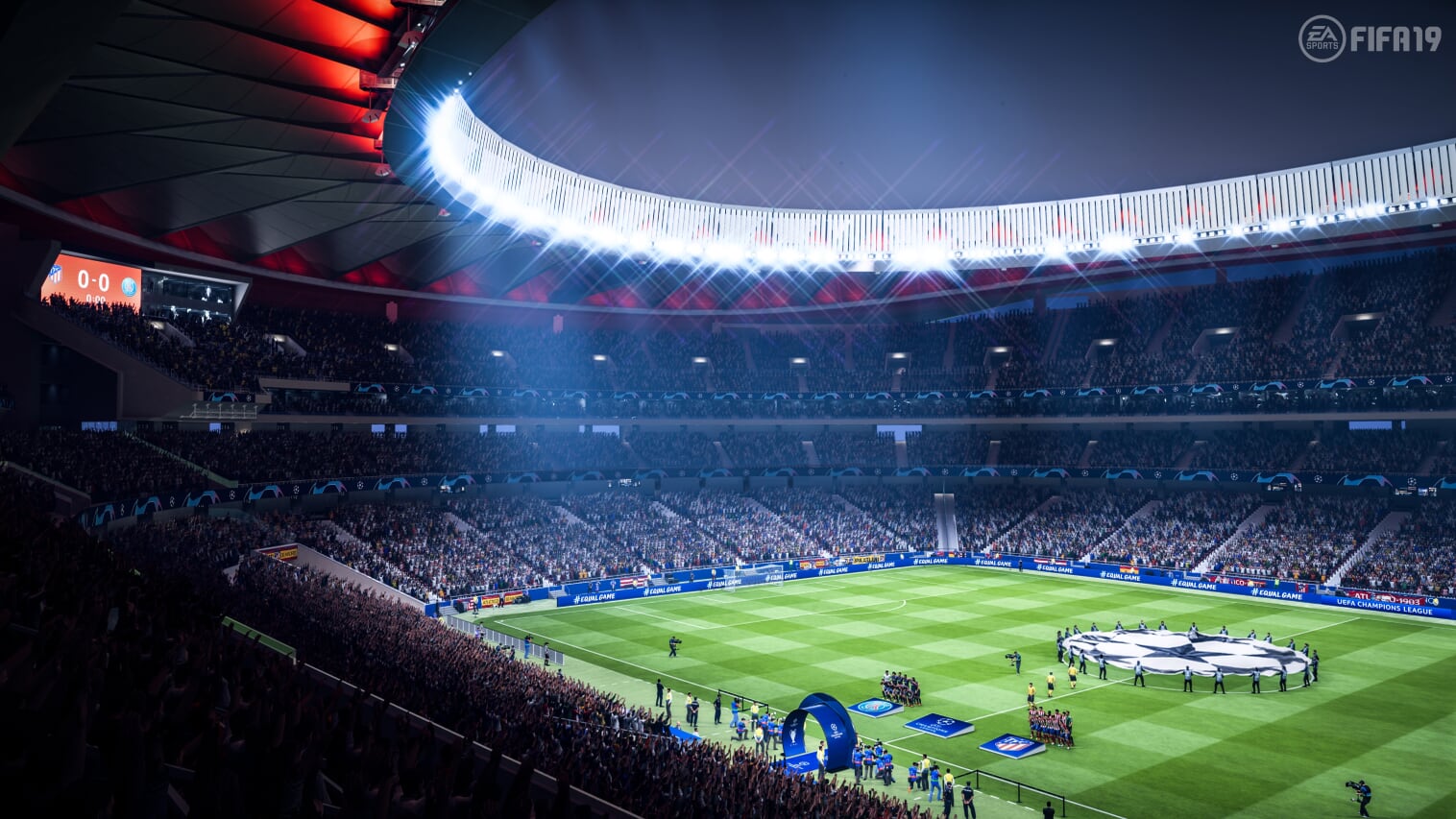
In the demo, two stadiums are available:
- Estadio Metropolitano
- Estadio Santiago Bernabéu
If you do not want to play in the same stadium all the time, change it before the match in the game settings. You can also change the difficulty level. However, the halftime length of 4 minutes cannot be adjusted.
We present all stadiums in FIFA 19 here.
8. Get used to the new gameplay
Finally: Play some matches to get used to the new gameplay. How do the players behave in one-on-one duels? How precise are passes and crosses? Which shots are particularly dangerous?
FIFA 19 offers a lot of new player animations that aim to make the gameplay smoother and more realistic. Ball reception and ball control have been improved, and the feature “50/50 Battles” ensures that players engage more intensely and greedily in duels.
We present all gameplay innovations in FIFA 19 here.
Bonus: Watch the demo trailer for FIFA 19 now
Just in time for the demo release, EA Sports has released a trailer to get you ready for the new FIFA season. The motto is “Your season begins”. We embed it here:
Are you playing the demo extensively? Or are you just taking a quick look? Or are you ignoring the demo and waiting for the release of FIFA 19 on September 28th or on September 25th with early access?
Here you can find out how the FIFA 19 demo is received by the first testers.

Your opinion is important to us!
Do you like the article? Then let us know!