

In FIFA 17, a web app is available for the “Ultimate Team” mode and a companion app can be downloaded. Are these companion features worth it?

In the world of FUT 17, there is always something happening. There are deals waiting on the transfer market, flash offers in the shop, or time-limited squad-building challenges. Whole tournaments can also only be played on certain days. To ensure you never miss out and can manage your Ultimate Team even when you’re not at home, EA Sports provides the web app (desktop version) and the companion app (mobile version) for free.
You can find the FUT web app on the official EA Sports page, and the companion app can be downloaded and installed for iOS from the App Store and for Android from the Google Play Store. It is also available for download in the Microsoft Store.
Start and Login – Getting Started with the Web App and Companion App
Before you can use these services, you need to purchase FIFA 17. The supported platforms are PS4, Xbox One, PC, PS3, and Xbox 360.
The second step is to create a FUT club. This must be set up on the console or PC. A security question is also required that you will need to start and log in to the app.

The third step is to download the companion app, install it, and log in to the app. For the web app, you only need to click on the “FUT Web App” tab under “Ultimate Team” and log in.
Features of the FUT 17 Web App
The web app is excellent for trading efficiently and in an organized way, as you have full access to the transfer market. Read more about trading in FUT 17 here. In the app, this is faster and more convenient than on the console, which is why the FUT web app is essential for any FUT player who wants to earn coins by trading smartly on the transfer market.
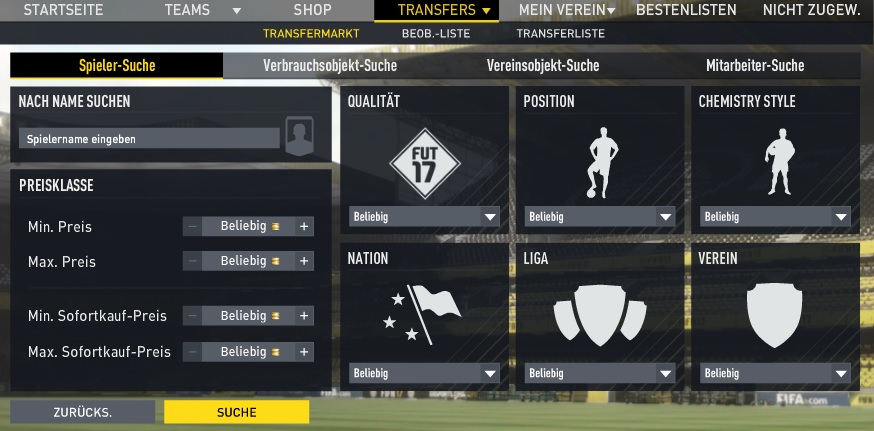
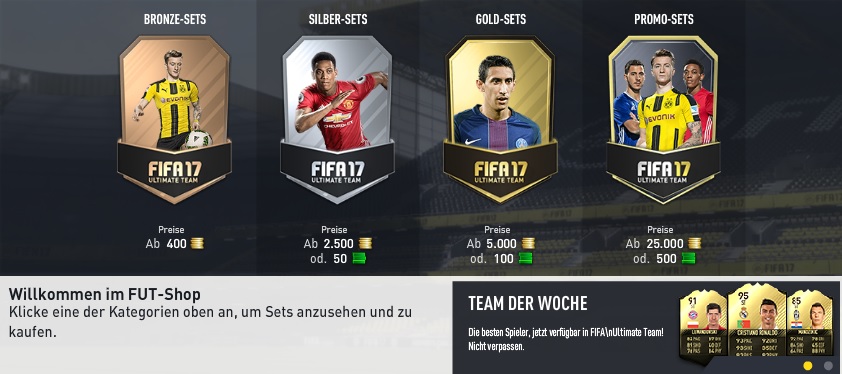
Furthermore, in the web app, you have access to leaderboards, your team management, the shop, and all cards in your club. In the shop, you can invest coins or FIFA Points to purchase packs. For some promo packs, the remaining time may have already expired by the time you’re back at the console. But with a few clicks on your PC or laptop, you can immediately access the app to snag a deal or bargain.
Therefore the conclusion: The web app for FUT 17 is definitely worth it to successfully play the “Ultimate Team” mode. If you have a free minute at work or are currently in your university library, you can quickly check what FUT has to offer. It is also worth it to trade from home.
What can the FUT 17 Companion App do?
The companion app for your smartphone is designed so that you have FUT 17 literally at your fingertips, anytime and anywhere.
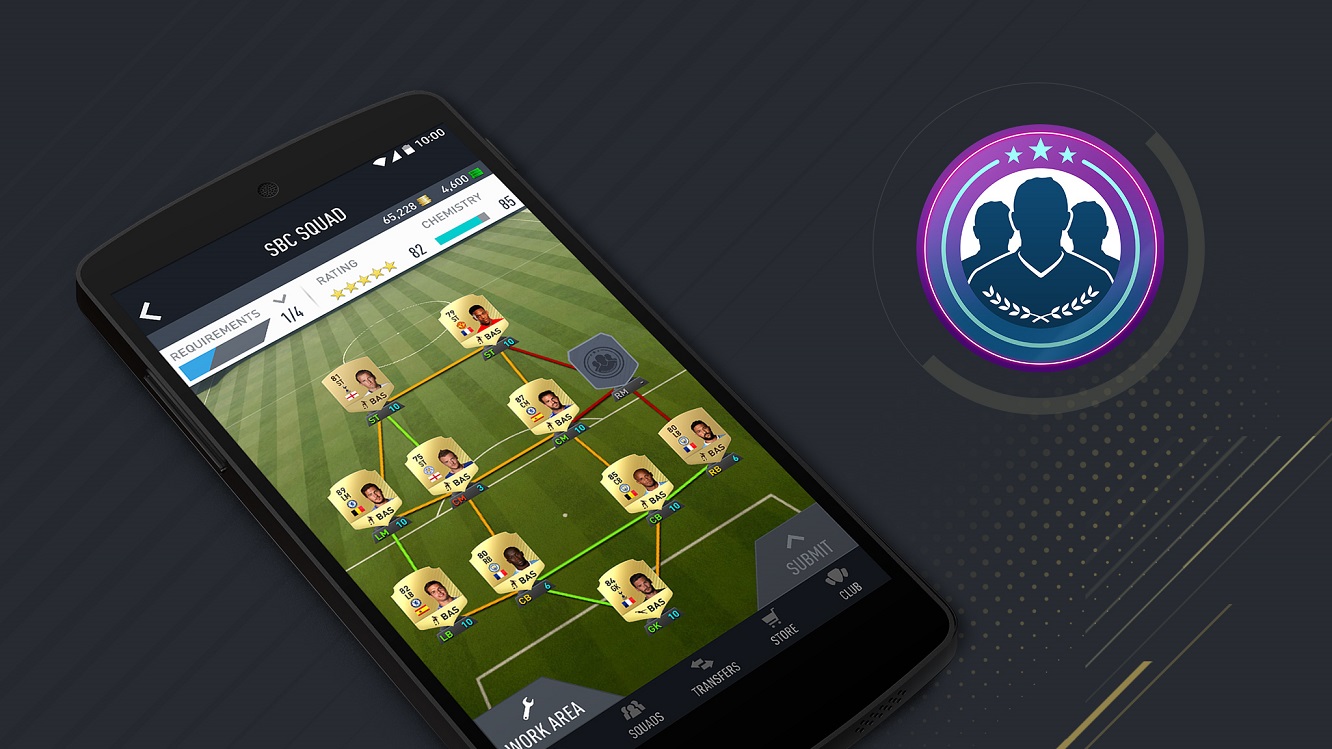
With the companion app, you can even master squad-building challenges: assemble teams, trade in cards, and claim – sometimes – unique rewards. In the app, you can secure the rewards immediately or plan the respective team and finish everything later on the console or PC.
The transfer market is also available in the companion app. You can browse the transfers, list cards, or place bids on items.
Important note: If you’re starting your FUT career with FIFA 17, you’ll need to play a few FUT matches on the console or PC first to unlock access to the transfer market in the companion app. Returning “FUT 16” players have direct access.

With this app, you can also manage your team and your club. Thus, you can prepare for important matches while on the go and get started directly when you’re home. In the FUT shop, you can also purchase packs with coins or FIFA Points using the companion app.
The reviews of the companion app are mostly very positive. It runs smoothly and impresses with its clarity. It is an excellent companion for on-the-go.
The companion app is already useful just for the reason that you can immediately take a screenshot of your team and send it to your friends. This way, you can discuss together which positions in the team need improvement. Therefore, the recommendation is: The app is practical and free, so you should at least try it if you want to successfully start in FUT 17.

Your opinion is important to us!
Do you like the article? Then let us know!