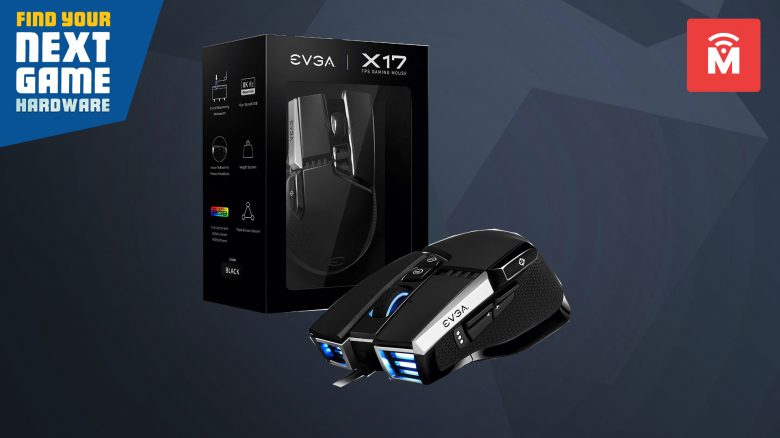
With the X17, manufacturer EVGA has launched a gaming mouse that is specifically aimed at shooter players. MeinMMO tested the mouse for you and reveals how good the mouse is and what lies behind the triple sensor.
The most important things in brief:
- The X17 is an ergonomic right-handed mouse.
- The price for the mouse is 79.99 Euros.
- In the test, the device delivers good ergonomics, and especially crisp clicks and a great scroll wheel. However, the triple sensor and especially the mouse cable do not convince overall.
Which mouse is it? The EVGA X17 is a wired gaming mouse from EVGA. The mouse belongs to EVGA’s X-series, alongside the X17, there are also the X20 and X15. The X20 is the wireless version.
The X17 also supports Nvidia Reflex. This technology is designed to reduce system latency and improve response time.
Features and technical details:
| Sensor | Pixart 3389, optical sensor, two additional lift-off sensors |
| Resolution | Up to 16,000 DPI |
| Switches | Magnetic-optical switches, 100 million clicks |
| Buttons | 10, programmable |
| Design | Black mouse with silver details; adjustable RGB lighting on the front, scroll wheel, and back |
| Gliders | 4 |
| Cable | 2 m, non-removable |
| Weight | 103 – 128 grams |
| Price (RRP) | 79.99 Euros |
| Preview | Product | Rating | Price | |
|---|---|---|---|---|

|
EVGA X17 Gaming Mouse, Wired, Black, Customizable, 16,000 DPI, 5 Profiles, 10 Buttons, Ergonomic... | Zu Amazon |
*Affiliate-Links. Wir erhalten bei einem Kauf eine kleine Provision von Amazon. Vielen Dank für Eure Unterstützung!
EVGA X17 in detail
In the following section, we will present the gaming mouse in detail. We will cover the following aspects:
- Scope of delivery
- Design and build
- Processing
- Software
Afterward, we will explain how the mouse performs in practice. We will look at the weight, speed, and performance of the rodent.
Scope of delivery, design, and build
What is included in the scope of delivery? In addition to the gaming mouse, the package also includes the obligatory manual and a small box with 5 weights of 5 grams each inside the black box.
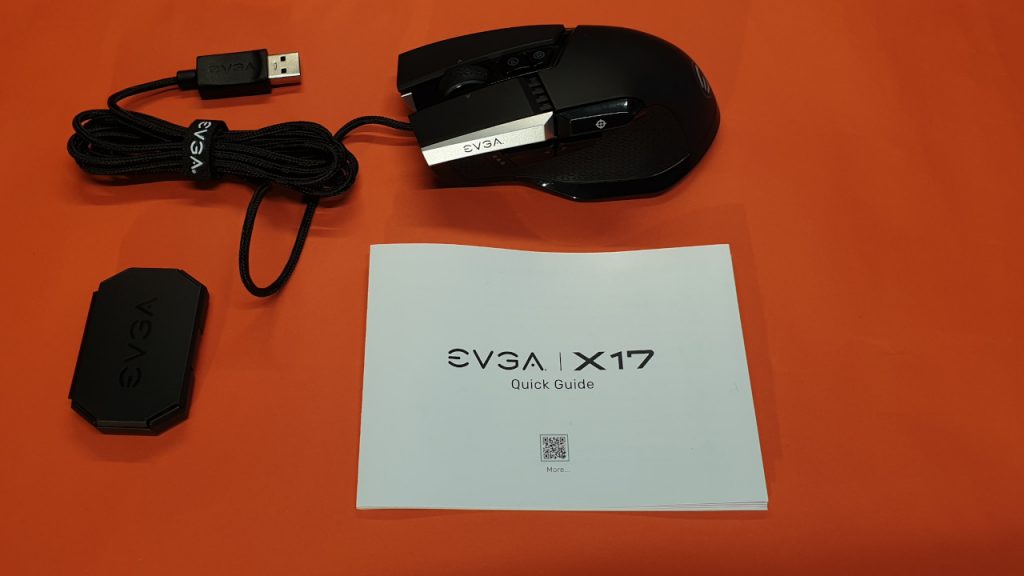
What does the gaming mouse look like? The mouse is styled in simple black and resembles the design of other ergonomic mice like the Logitech G502 Hero or the Roccat Kone Remastered. The relatively high weight of 100 grams is shared by the X17 with its competitors.
On the top side of the mouse are the main buttons. Compared to the competition, these are quite slim. In between is a 4-way scroll wheel and in front are two small buttons with which you can change the profile (P) and the DPI level (D).
On the left side, there are three more buttons. The so-called sniper button is located very centrally. Other mice like the G502 or the Rival 5 typically place the sniper button much further forward. The sides of the mouse are equipped with grip tape to ensure a good grip.
With the X17, EVGA makes clear accents in terms of lighting. Both the logo at the rear and the scroll wheel are illuminated, and the front below the mouse buttons is also lit, giving the mouse a unique look.
The cable is non-removable and is permanently connected to the gaming mouse. The mouse can only be used in wired mode. A wireless option for the X17 would be the EVGA X20.
What special features are there? You can weight the X17 with additional weights. This way, you can increase the weight from 103 grams to a total of 128 grams. This feature is also offered by Logitech’s G502 Hero. Another specialty is the sniper button. This button sits very centrally and above the thumb rest.
As another specialty, the X17 is a triple sensor mouse. The mouse uses two sensors in addition to the standard sensor, which are responsible for the lift-off distance (LOD). The triple sensor algorithm aims to detect the position at which the mouse lifts off from a surface and is set back down to achieve the shortest and most accurate lift-off distance.

Similar to the Viper 8K, the X17 also uses a polling rate of 8000 Hz, which is still used in only a few mice. The polling rate determines how often the PC reads the information from the mouse or keyboard that was previously stored in a buffer. At 8000 Hz, the information is read 8000 times in one second.
| Preview | Product | Rating | Price | |
|---|---|---|---|---|

|
Razer Viper 8K Hz - Beidhändige Gaming Maus mit 8000 Hz HyperPolling-Technologie und nur 71g... | Zu Amazon |
*Affiliate-Links. Wir erhalten bei einem Kauf eine kleine Provision von Amazon. Vielen Dank für Eure Unterstützung!
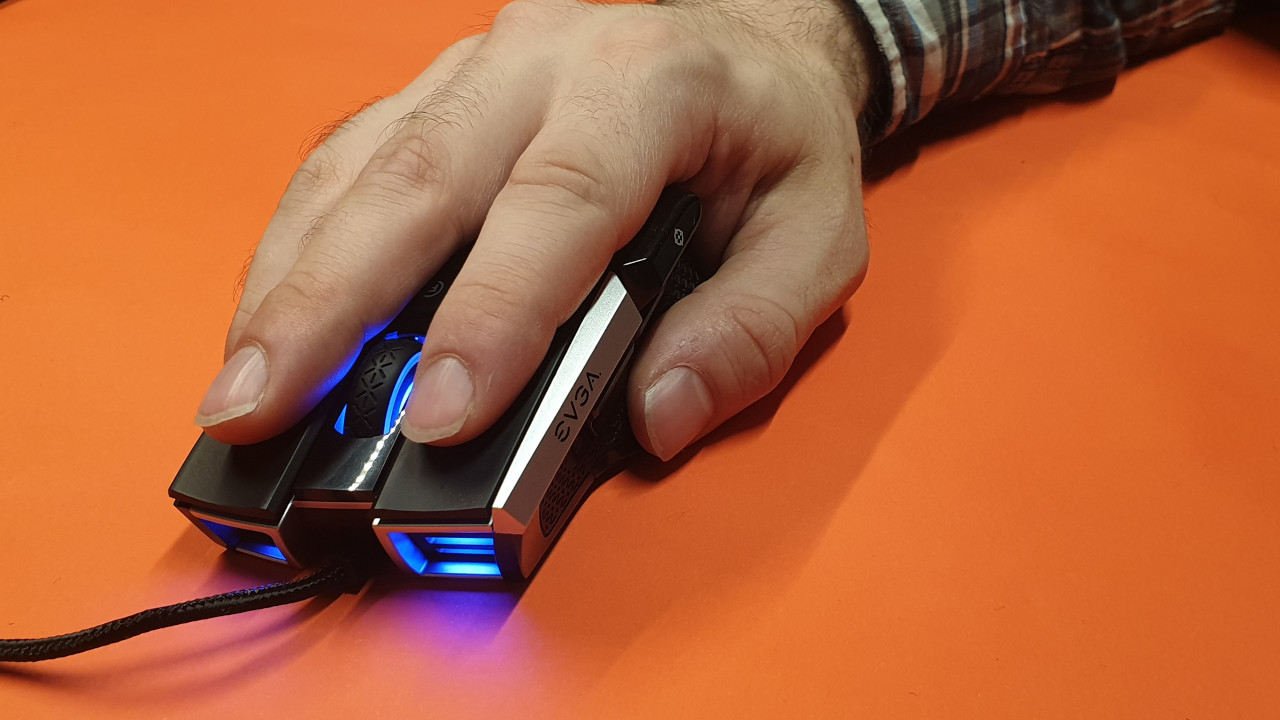
How is the mouse held? The mouse is a right-handed mouse and can only be used by right-handed users. All buttons are located on the left side and are not mirrored. The mouse is primarily aimed at palm grip and claw grip players. For fingertip users, the mouse may be too large and especially too heavy.
Build quality
What we like: The mouse feels really well built. The housing gives a solid and well-built impression without any notable weaknesses, and the scroll wheel and buttons feel good. The grip tape on the sides is also securely attached to the mouse. The high weight also gives the mouse a feeling of security and stability.
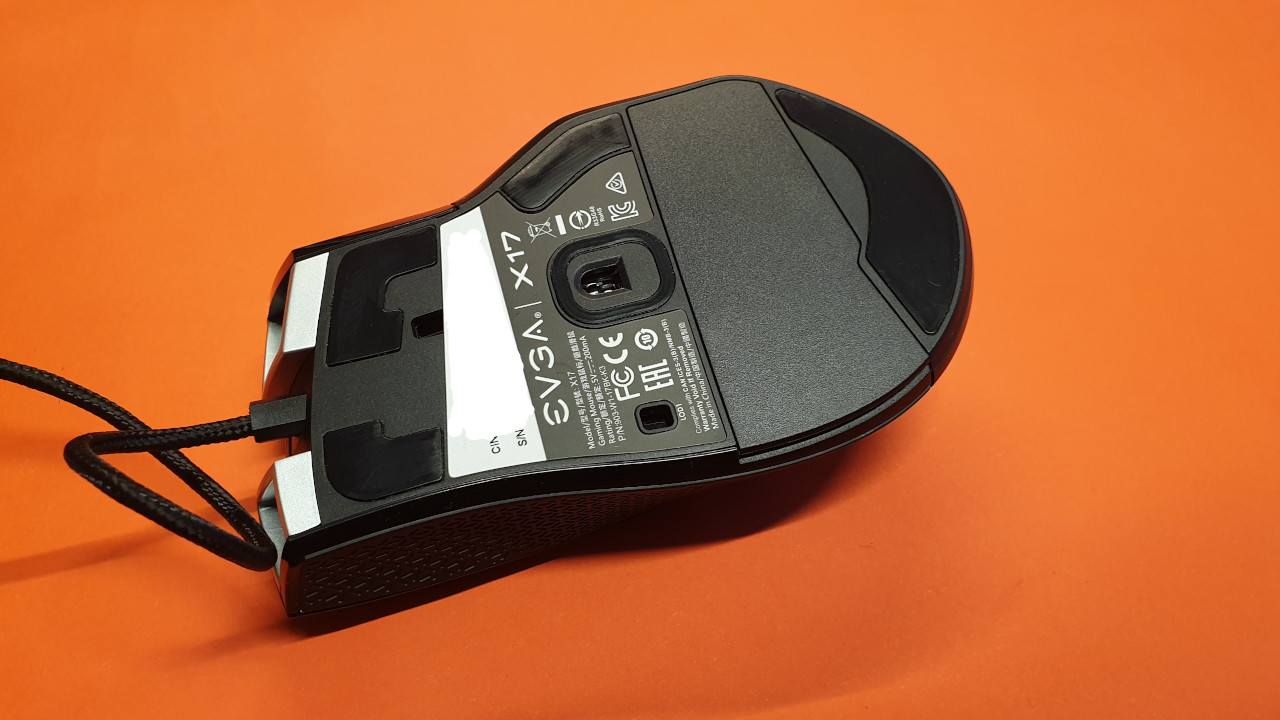
What we like less: The cable is overall quite stiff and not very flexible. In comparison, other manufacturers offer much more robust and higher-quality cables. What we also do not like is the cover for the weight compartment at the back. The cover relies only on small magnets that rattle loudly during movement. The two plastic pins meant to keep the cover secure under the mouse also seem to lack quality.
Another aspect that stands out negatively is the mouse feet. In total, there are 4 pieces distributed on the underside of the mouse. However, these are rather thin. In practice, they provide good grip, but we cannot tell you how quickly they wear out after our testing period.
Software
What we like: The software is overall clearly organized. All functions are spread across 6 tabs that can all be accessed through a window. Here, you can select and change several functions.
In addition to the standard functions, you can also customize button assignments and record macros. You can also change the RGB lighting or turn it off completely if it bothers you.
On the next page, we will explain how the EVGA X17 performs in practice. We will look at weight, ergonomics, and haptics. Additionally, you can read whether we liked the scroll wheel and mouse buttons. Finally, you can read our conclusion.
- 1
- 2