

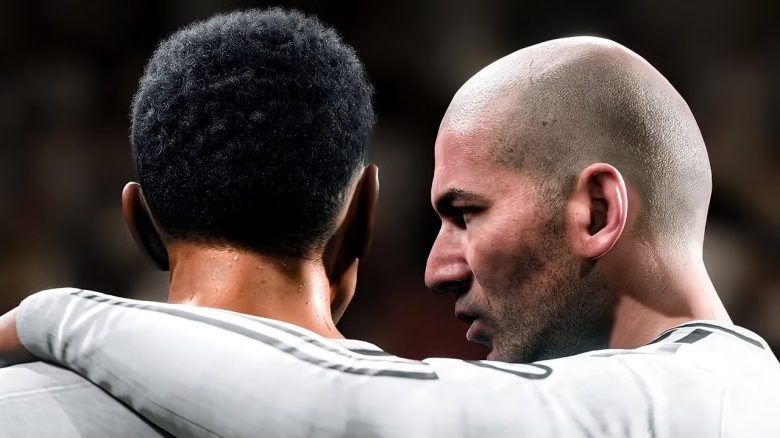
EA FC 26 can be enjoyed not only alone but also online with other players, just like its predecessors. Here you can find out what to pay attention to regarding multiplayer, crossplay, and cross progression.
Is there crossplay in EA FC 26? Yes, you can play with friends on other platforms if you have the following versions:
- PC
- PlayStation
- Xbox
Nintendo Switch and Nintendo Switch 2 do not support crossplay, so you can only play with friends on the same console family.
Are there any exceptions? Yes, for example, you cannot play with a PS4 version against players on the PS5 and vice versa. The same applies to players who are playing EA FC 26 on the Xbox One – they cannot team up or encounter players on the Xbox Series.
What about cross progression or cross-platform? It is not possible to synchronize your progress between different platforms. So you cannot play on PC and then continue on the Nintendo Switch.
The only exception is the different console generations. You can transfer your progress from PS4 to PS5 or from Xbox One to Xbox Series.
How to disable crossplay
Crossplay is enabled by default. If you only want to encounter players on your platform, you need to disable the function. There are several ways to do this:
- EA connect → Social settings → Cross-Play → Cross-Play settings → No
- Main menu → Customize → Online settings → Matchmaking options (if you want to go through Ultimate Team)
During the match, you cannot enable or disable the feature. You need to finish your match first in order to make any changes.
All modes where crossplay is possible in EA FC 26
Crossplay does not work in all modes of EA FC 26. You can play cross-platform in the following modes:
- Clubs
- Clubs Spontaneous games
- Clubs Friendly matches
- Clubs League
- Clubs Playoffs
- Clubs Training
- Clubs-RUSH
- Co-op Season
- Co-op Season Cup matches
- Live Events
- Online Friendly Matches
- Online Season
- Online Season Cup
- Ultimate Team
- Division Rivals
- Champions
- Online Draft
- Play against a friend
- RUSH
- Competitive
- Champions
- Ultimate Team Co-op
- Squad Battles
- Rivals
- Friendly Matches
Whoever wants to climb the career ladder in EA FC 26 can hardly avoid the transfer market. But first you have to unlock it. Here’s how you can gain access and the problems that can arise: EA FC 26: Unlocking the transfer market in the game and the web app – here’s how

Your opinion is important to us!
Do you like the article? Then let us know!