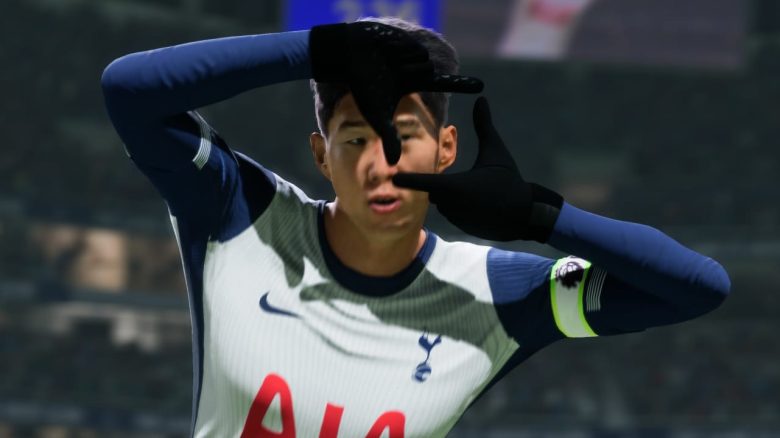
Before you really start playing in EA FC 25 , you should make a few adjustments for your camera view. This could give you an advantage in Ultimate Team and enhance your gaming experience.
Where can you find the camera settings? To change the perspective, you have several options to choose from:
- You can change the camera settings in the main menu after you have started FC 25. You can access the game settings by selecting the gear icon in the upper left corner.
- You can change the camera settings right before a match or after starting a game when you pause the game. Then select under Settings → Game Settings → Camera → Single Player Camera.
We recommend adjusting the camera in an offline game, preferably in kick-off mode, as you won’t have a time limit for your pause here. Additionally, you can try out the settings you have made directly in the game and see if you like them.
Co-op and Broadcast Tele: The Best Cameras Compared
Which camera settings are the best? Among the professionals, two camera perspectives have emerged as favorites:
- Co-op
- Broadcast Tele
This is also confirmed by EA FC content creator and pro Bene “BeneCR7x” Bauer in his latest video on the best camera settings in FC 25 on YouTube.
We show you the pros and cons of the most popular cameras.
Pros and Cons of the Co-op Camera:
- ➕ Overview of large parts of the field: ideal for quick shifts in play to the opposite side.
- ➖ farther away from the action: less precision in passing and dribbling, less insight into the offside line.
Pros and Cons of the Broadcast Tele Camera:
- ➕ closer to the ball carrier: better timing for passes and more precise movements when dribbling.
- ➖ less overview: free players outside the field of view may be overlooked.


How to optimize the camera settings: Regardless of whether you choose Co-op or Broadcast Tele, you can refine both perspectives further. You need to adjust the “Height” and “Zoom”. Both categories can be found at the bottom of the screen when you access the camera settings.
Set the height to 20 and the zoom to 0 to make better use of both perspectives. You will need to try out which camera perspective is really better for you. On MeinMMO, you can also learn how to listen to the new German commentators: EA FC 25: Setting up German commentators – Here’s how