

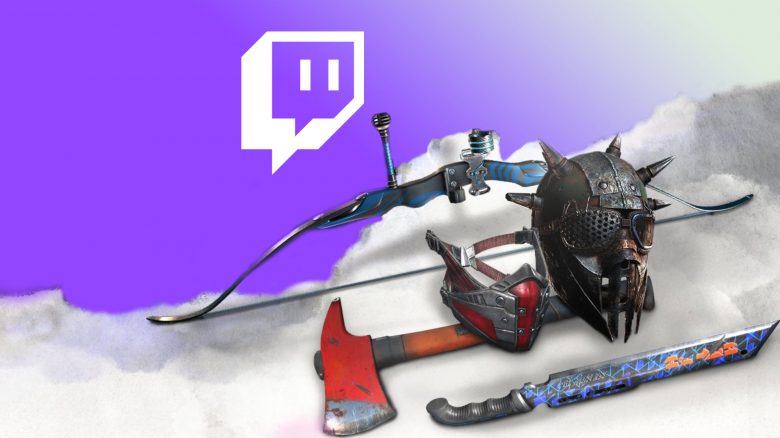
For Dying Light 2, you can now secure weapons and masks as Twitch Drops. For each hour watched, there is a new item. We show you all 5 new Twitch Drops in February and how to unlock them.

What are these drops? If you want, you can expand your arsenal of Dying Light 2 with five items. All you have to do is watch selected Twitch streams. For the hours you watch, you will be rewarded with the drops.
Here we show you an overview of the current drops and how to link your accounts to receive the items.
These Twitch Drops are available in February – You need to watch for 5 hours
These are your rewards: For watching Twitch streams, you will receive:
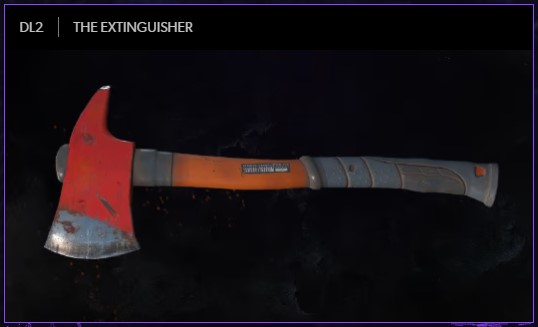
- The Extinguisher
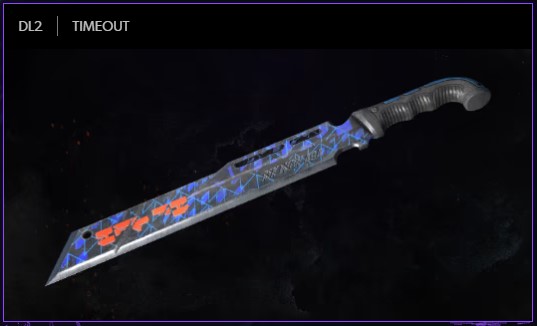
- Timeout
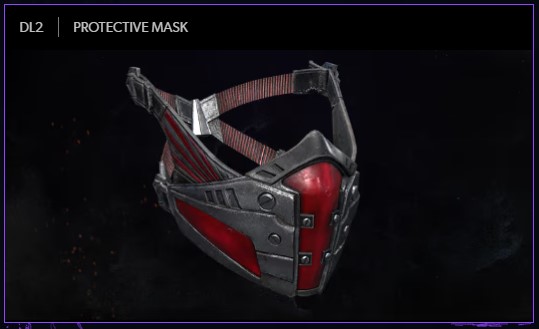
- Protective Mask
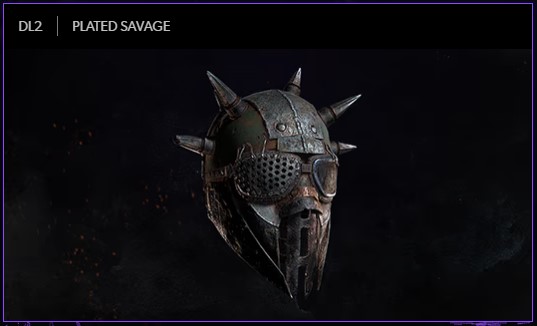
- Plated Savage
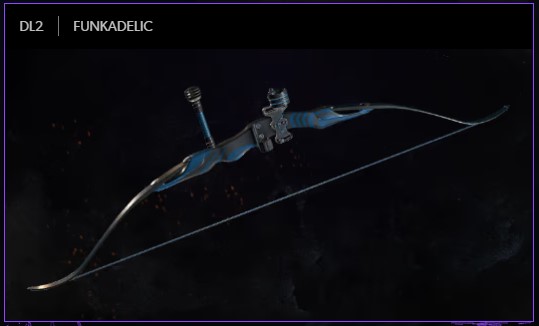
- Funkadelic
How long do you have to watch?
- For The Extinguisher, you need to watch for 60 minutes
- For Timeout, you need to watch for another 60 minutes (120 minutes total)
- For Protective Mask, you need to watch for another 60 minutes (180 minutes total)
- For Plated Savage, you need to watch for another 60 minutes (240 minutes total)
- For Funkadelic, you need to watch for another 60 minutes (300 minutes total)
Connecting TechlandGG account with Twitch – Here’s how
How to connect the accounts?
- Create a TechlandGG account if you don’t have one yet.
- Now link the account to your Twitch account – this can be done on the Techland.gg website
- Next, link your TechlandGG account with the platform you are playing on. This could be Epic Games, Steam, PlayStation, or Xbox.
- Now check TwitchTV in the category for Dying Light 2 for streamers who have “Drops” enabled – usually this is stated directly in the stream title
- After watching a full hour of streams with drops for Dying Light 2, you will unlock the first drop. You will receive a notification on the Twitch website. Then redeem the reward. You can unlock a total of 5 drops by watching 5 hours.
Tip: You don’t need to own Dying Light 2 to secure the items. If at some point you want to buy the game but don’t want to miss out on these shown items, you can receive the drops now. The main thing is that you have a TechlandGG account that you have linked to your Twitch account. Then you just need to claim the content on Twitch after watching. Once you own the game, they will be unlocked for you.

Your opinion is important to us!
Do you like the article? Then let us know!