

The colorful party game Fall Guys is now free-to-play and our author Maik Schneider went straight into crown hunting with his MeinMMO colleagues. However, due to the switch to the new free-to-play system, he lost all his progress and skins. Maik shows you how to prevent this and what you can do if it has already happened.

What happened? Fall Guys is now free-to-play, which suits the crazy party game perfectly. I probably would have never bought it if it hadn’t been included in the PS Plus subscription back then.
In a snug sports shorts and tank top pattern on my torso, I confidently ran towards the finish line and earned fame, honor, and crowns endlessly.
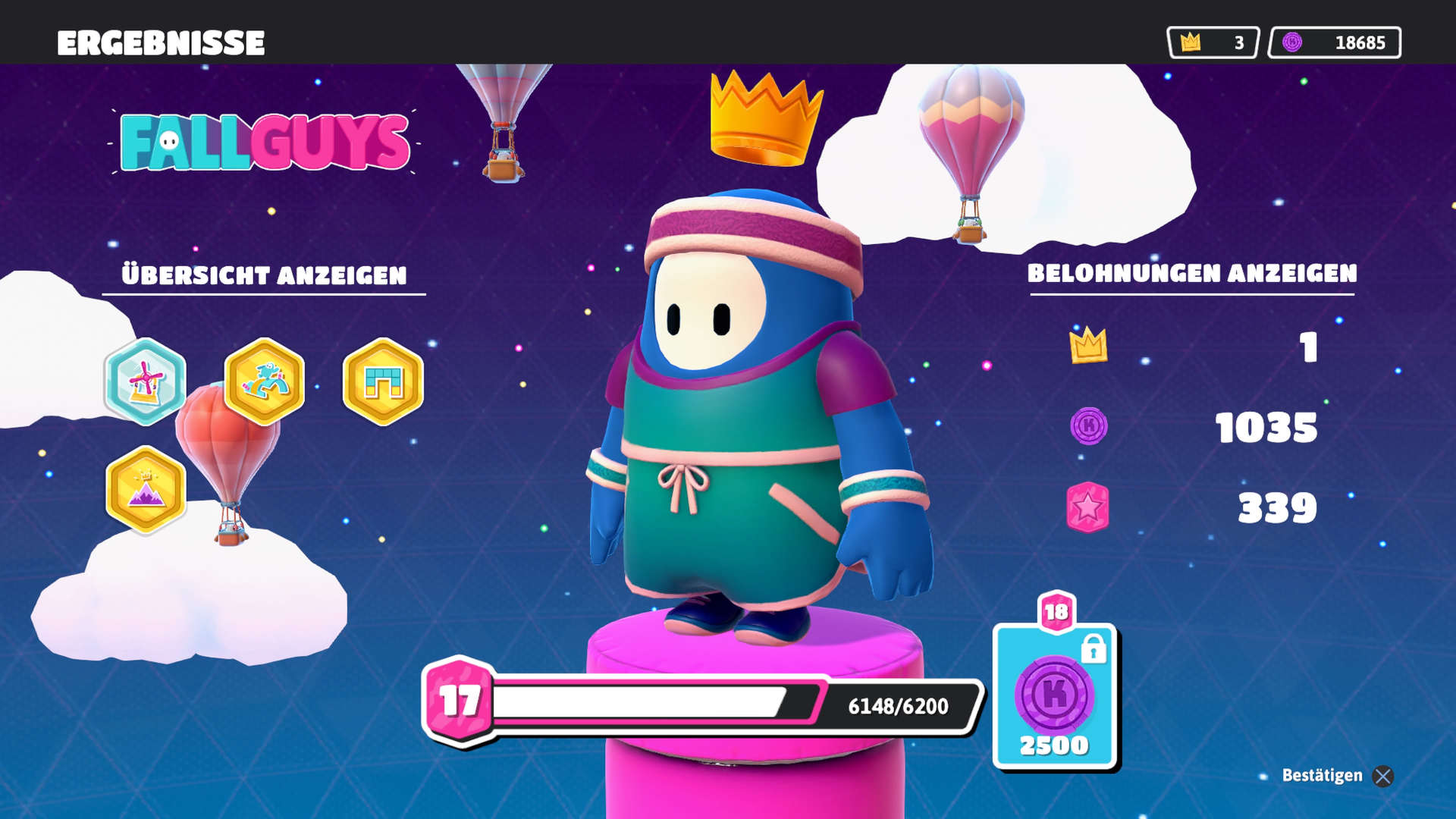
With plenty of playtime and crowns in my pocket, I was a welcome guest in the ingame shop. Every evening full of screaming, nasty tricks, and epic runs ends with an extensive shopping tour and a growing inventory full of cool skins.
But when I started Fall Guys for the first time after the switch to the free-to-play system on June 21, my inventory was empty. All progress gone. My character was back to the naked bean from the beginning.
Because if you’re not careful and make a mistake linking your Epic account, Fall Guys registers the wrong account as the main account. And all your stuff is gone for now – like mine.
If you’re always looking for great co-op games, check out the video:
Fall Guys: Progress lost due to cross-progression
How can you prevent this? It’s actually quite simple, but unfortunately not obvious beforehand:
- After switching to free-to-play, first log into the account where you have the most progress
Whether you were active on Steam, PlayStation, or somewhere else – if you haven’t logged back into your account since the switch to free-to-play, use the account where you played the most first.
You need to link your Epic account on this account. This has been mandatory since the switch to free-to-play. And this is exactly where the crux lies.
Epic uploads the progress from the account you link first. Unfortunately, in my case, that was the account in my Epic Games Launcher.
We will embed the free-to-play trailer of Fall Guys here:
I also have Fall Guys installed on PlayStation, but I didn’t expect everything to go smoothly with crossplay in the first few days. So I installed the game on PC too, so I could definitely get started with my MeinMMO colleagues.
I just wanted to see if the game runs well in the Epic Launcher and bam – Epic created a new account for me. And the new account in the Epic Launcher immediately became my main account.
Just minutes later, I started the game on PlayStation. To even get to the game menu, I had to link my Epic account. And with that, my progress from my crown-rich PlayStation account was overwritten – by the naked bean account of my Epic account.
Everything is gone. At least for now.
Progress can be restored – Support request
Everything is gone – what can I do? Without contacting support, your stuff is gone for good. However, on the Fall Guys homepage, you can submit a support request and change your main account. For this, you need your support ID, which you can find in the game.
- Main account change support request (via fallguys.com)
- Find support ID in the game (via fallguys.com)
I’m currently still in the request process, my progress has not yet been restored. As soon as something happens, I will update the article accordingly.
Fall Guys was a small phenomenon upon release and wormed its way into the hearts of many fans. With the switch to free-to-play, a new chapter of the colorful party game begins, which continues to attract many players with its vibrant charm.
When the title was free on PS Plus, it even broke a record: The most successful PS Plus game of all time enters the Guinness Book of Records 2022

Your opinion is important to us!
Do you like the article? Then let us know!