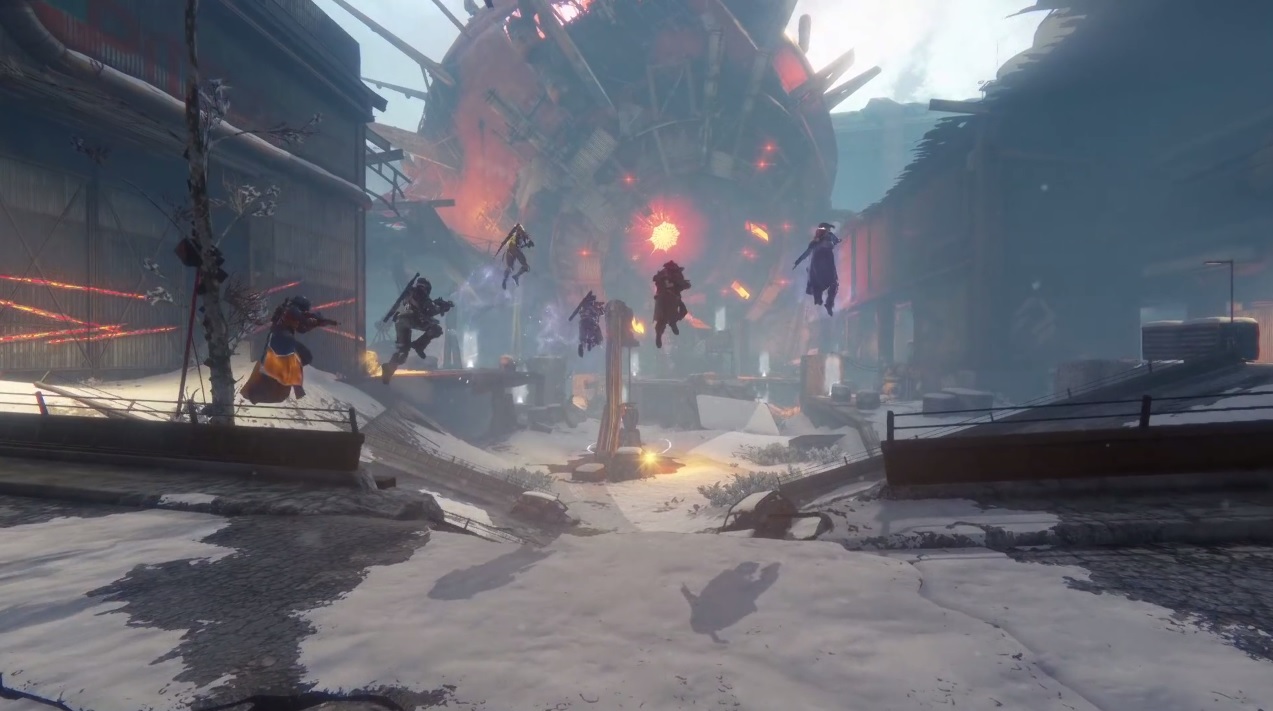
In Destiny you can quickly find out all your statistics about the raids.
In two weeks, the Destiny 2 beta will start. But before you mentally prepare for future adventures, it’s time to look back and sift through delicious statistics.

For example, through the statistics you have established in the raids of Destiny. Many of you have surely spent hours, days, if not even weeks in these 6-player group activities. To give you a compact overview of all your raid statistics, the Guardians RedSox007 and BlazeBoss17 have created a website that serves exactly this purpose: the Destiny Raid Report.
What can the Destiny Raid Report do?
Those who know the Trials Report of Destiny will quickly find their way around the raid report. Both websites are similarly structured. The developers even say that the design of the Trials Report had a major influence on their site.
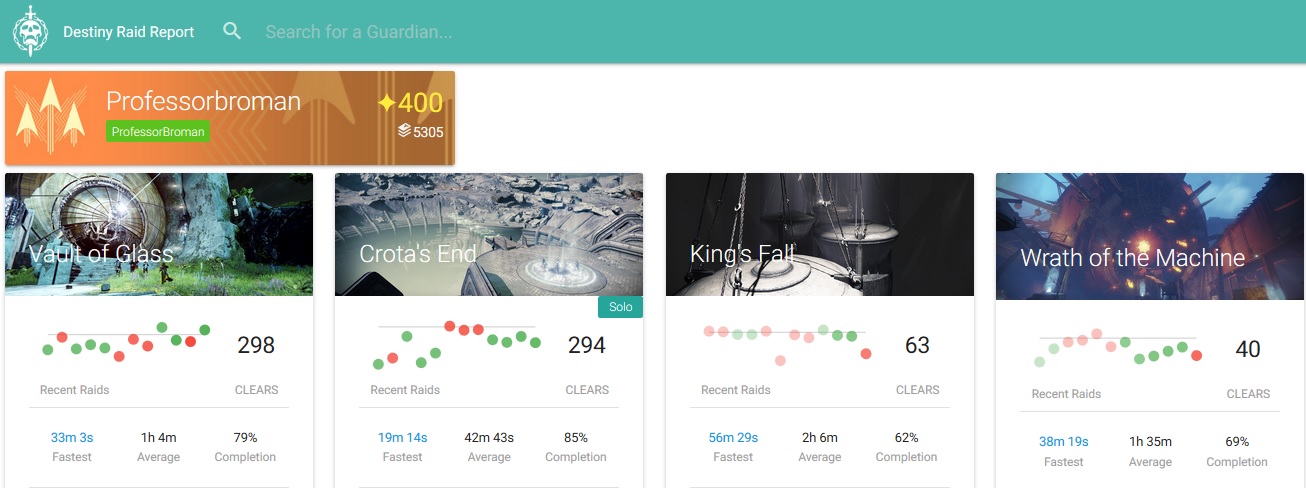
First, you need to enter your account name in the upper bar. Then the emblem, light level, and grimoire score of your Guardian will be displayed. Like here, for example, from the well-known streamer Professor Broman.
In four columns, you will now see all information about the four raids in Destiny. The green dots indicate completed raids and the red dots for failed raid attempts. When you hover over one of these points, you will be shown when that attempt took place and how long it lasted. The higher the point, the faster the run. By clicking on a point, you can see all players who participated in the raid, how many kills they achieved, the K/D ratio, and more details.
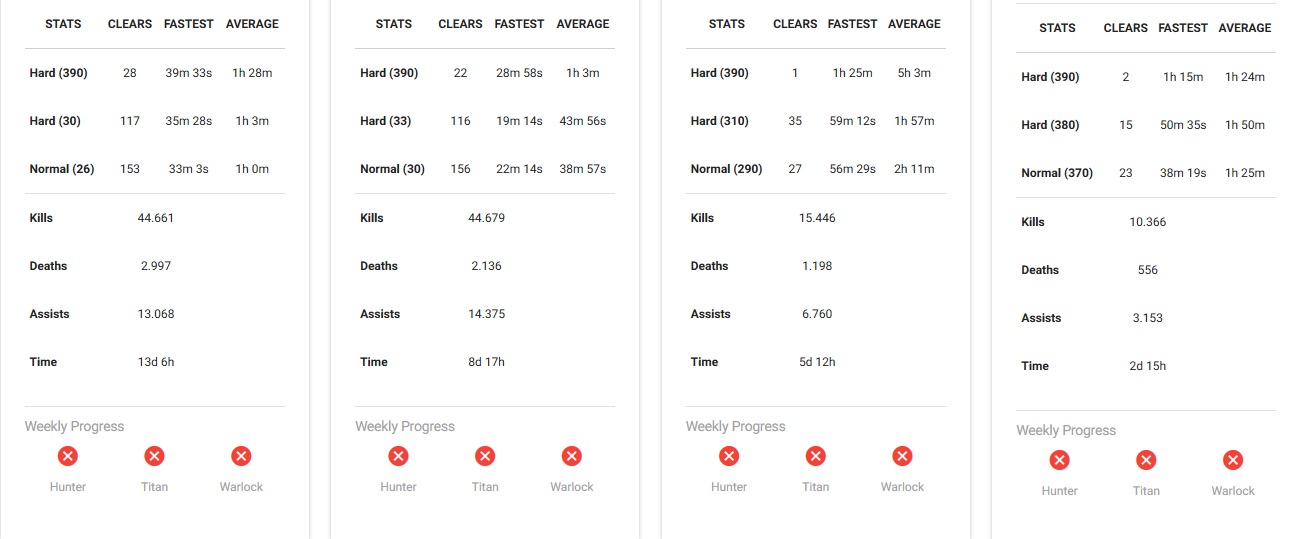
On the overview page of the raid report, you will find many more infos. In the lower half, you can view the total kills, deaths, and assists for each raid, as well as the time you spent in that raid.
For example, Professor Broman spent nearly two weeks in the Vault of Glass, over 8 days in Crota’s End, over 5 days in King’s Fall raid, and “only” 2 days and 15 hours in Wrath of the Machine.
How much time have you spent in the raids?
Interesting: Destiny 2: 5 things we expect from the new raid