

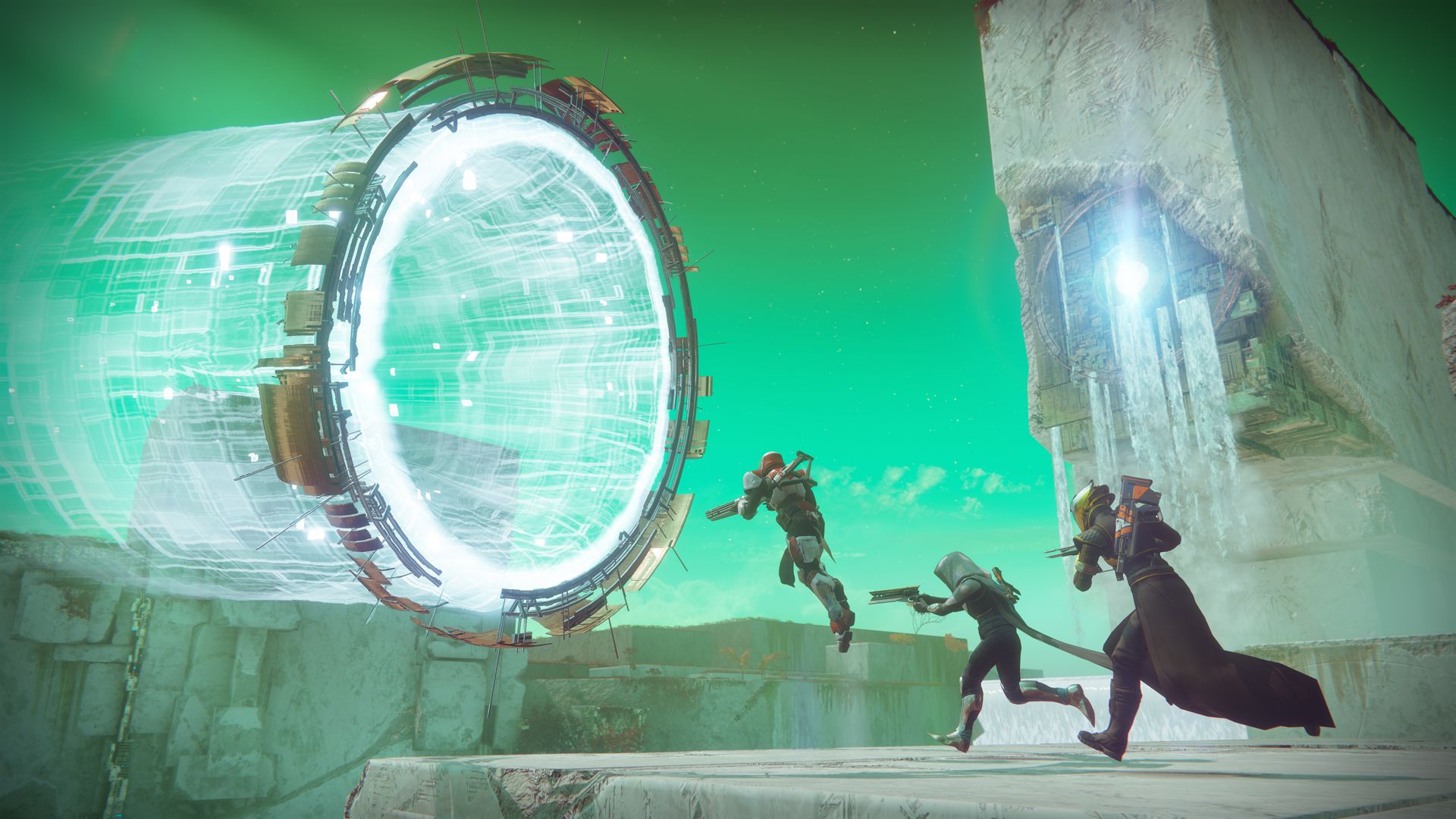
The preload of the beta of Destiny 2 for PS4 and Xbox One is approaching. To do this, you need a beta code. How do you obtain a code and how do you redeem it?

You need a beta code for two things:
- With this, you get early access to the “Destiny 2” beta. This early access starts on July 18 on PS4 and on July 19 on Xbox One. From July 21, all players can join the beta without a code. PC players will have their turn at the end of August.
- This allows you to start the preload of the beta from July 13 at 7 PM.
2 Ways to Get a Beta Key
There are two ways to obtain a key and thus gain early access to the beta:
- You pre-order a version of Destiny 2. As a pre-orderer, you are guaranteed early access.
- You are lucky or fast enough to secure a code through giveaways. For example, the community manager Cozmo distributed beta keys in the last few days.


I have a beta code – how do I redeem it?
The beta code is always 9 digits long and platform-neutral. You must redeem it on the official Bungie site and link it to your Bungie.net account.
- To do this, visit the “Code Redemption” page on Bungie.net.
- You need a valid Bungie.net account to redeem.
- Only from Thursday, July 13 at 7 PM, you will receive a download code for the “Destiny 2” beta. You will be contacted via email. Otherwise, you can go directly here to the code page. Update: Available now!
- After you redeem the code, you must choose the platform and your region (Europe!). Then you will receive the download key.
- Enter this in your console store. The download is approximately 13 GB.
- Codes can only be redeemed once and redemption cannot be transferred or used with another account.
I pre-ordered, where is my beta code? – Amazon, PlayStation Store, Xbox Store
Currently, many players are asking where their beta code is.
Pre-order via Amazon
Amazon promises that you will receive a beta code in time before the test phase begins via email. Many users report having received the code days ago. If you are missing your code, check your spam folder or ask Amazon directly.
Pre-order via Console Store
If you pre-ordered via PlayStation Store or Xbox Store, the official information is:
You will automatically receive beta access at the beta launch through the account in the PlayStation Store or Xbox Store that you used to pre-order.
So a code is not required here. How the preload will proceed is currently not known. More information is expected today at 7 PM.
Update:
- On Xbox One, you just need to search for “Destiny 2” in the store, then you will find the beta version.
- On PS4, many Guardians are searching in vain for the beta. Go to the standard edition of Destiny 2 in the store and click down until the beta is displayed. Otherwise, here is the direct link to download the beta (link opens PS Store).
Keep in mind that Bungie is not always precise with such timing information. If there is still no download code at exactly 7 PM and no preload is possible, then do not panic immediately.
Read all information about the beta of Destiny 2 here.

Your opinion is important to us!
Do you like the article? Then let us know!