When does the PC beta of Destiny 2 start? How can I get keys and codes, and when is the launch of the open beta? All the information about the PC beta of Destiny 2 is here in overview.
The Destiny universe comes to the PC for the first time with Destiny 2. Until now, the MMO shooter was exclusive to PS4 and Xbox One, which is why many players are excited to see how Destiny 2 will be played on PC with mouse and keyboard.
The release of Destiny 2 on PC is on October 24th – however, you won’t have to wait that long to get an impression. Because a beta phase for the PC version will take place at the end of August. Everything you need to know about it will be presented here in the overview.
When does the PC beta / open beta of Destiny 2 start? Release date and time
The PC beta of Destiny 2 consists of two phases. The dates for these are:
Destiny 2 PC beta with early access: August 28, 2017, at 19:00
Destiny 2 PC open beta: August 29, 2017, at 19:00
The PC beta phase ends on August 31, 2017, at 19:00.
All interested players have access to the open beta. However, if you want to start a day earlier via early access, you either need to pre-order Destiny 2 for PC or somehow obtain a beta key.
Keys and codes for early access – redeem key via Bungie.net and Battle.net
If you pre-ordered Destiny 2 for PC directly from the Blizzard store, you automatically get early access to the Destiny 2 beta. This means you don’t need a beta code; you can download the required game data directly.
All other players who receive a beta key from their retailer or won a key must redeem this key first. The following steps are necessary:
Log in to Bungie.net. You can log in to Bungie.net with your Blizzard, PSN, or Xbox Live credentials or create an account.
Once you are logged into Bungie.net, visit the redemption portal (link leads there). Enter the beta key here. You will receive a message that the code has been verified.
Next, go to Bungie’s “Redeemed Codes” page. Here you need to select your platform and region. Choose the only option “PC Global” and click on Go. You will then be shown the beta code that you need for Battle.net.
Now log into Battle.net to redeem the received code in the Blizzard shop. You need an account for Battle.net.
Select “Redeem Code” at the bottom left in the shop and enter the code. A message will appear indicating that you want to redeem the Destiny 2 beta. Click on Continue. Done!
Preload of the Destiny 2 PC beta – When does the pre-download start?
If you want to start playing as soon as the beta launches, you can download the necessary game data in advance.
The preload starts on August 25 at 19:00 our time.
If you have successfully redeemed your code, you can click the large “Install” button. This will start the preload. You need to download about 16 GB. Players without a key can download the data starting August 29.
System requirements for the Destiny 2 PC beta
The system requirements for Destiny 2 have been announced by Activision and Bungie. Check here to see if your computer can handle the Destiny 2 beta:
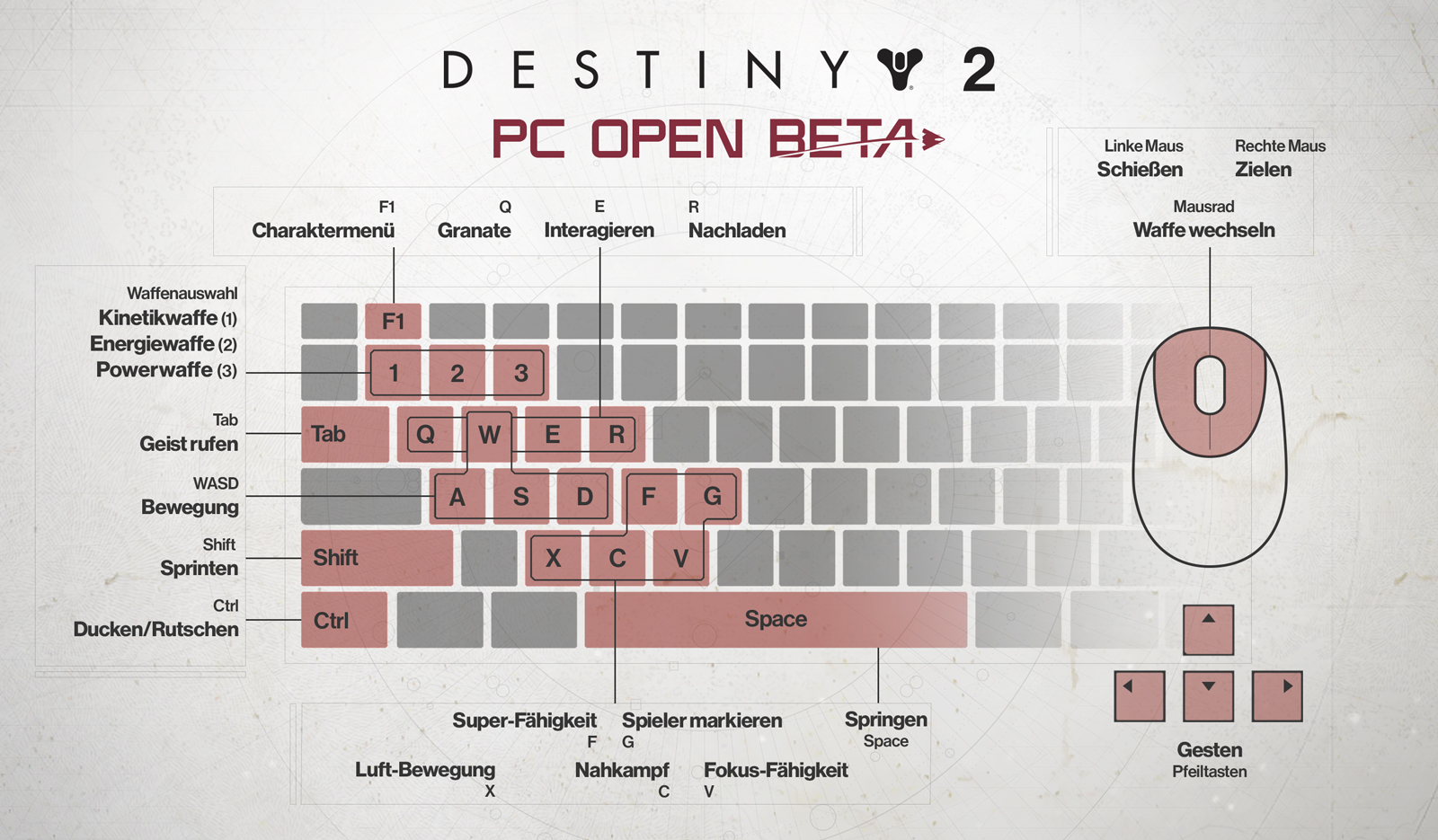
If you are wondering how to control Destiny 2 on PC, there is a graphic here:
The content of the Destiny 2 PC beta – The content
The content of the PC beta is similar to the content of the console beta:
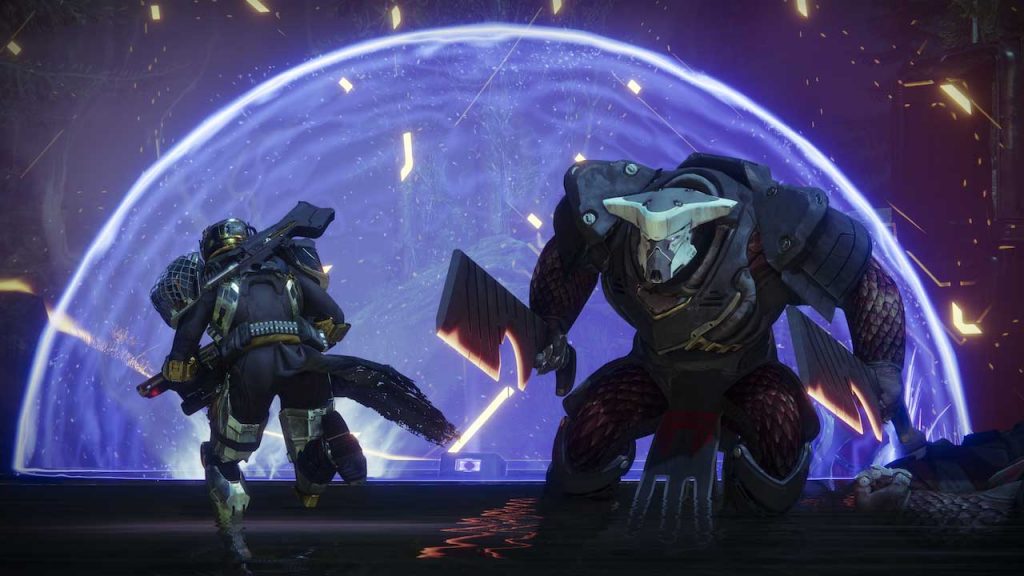
Story mission “Homecoming”: As soon as you start the beta, you choose a character. You then go directly into the first story mission called Homecoming. In this mission, you experience the attack of the Red Legion on the Tower.
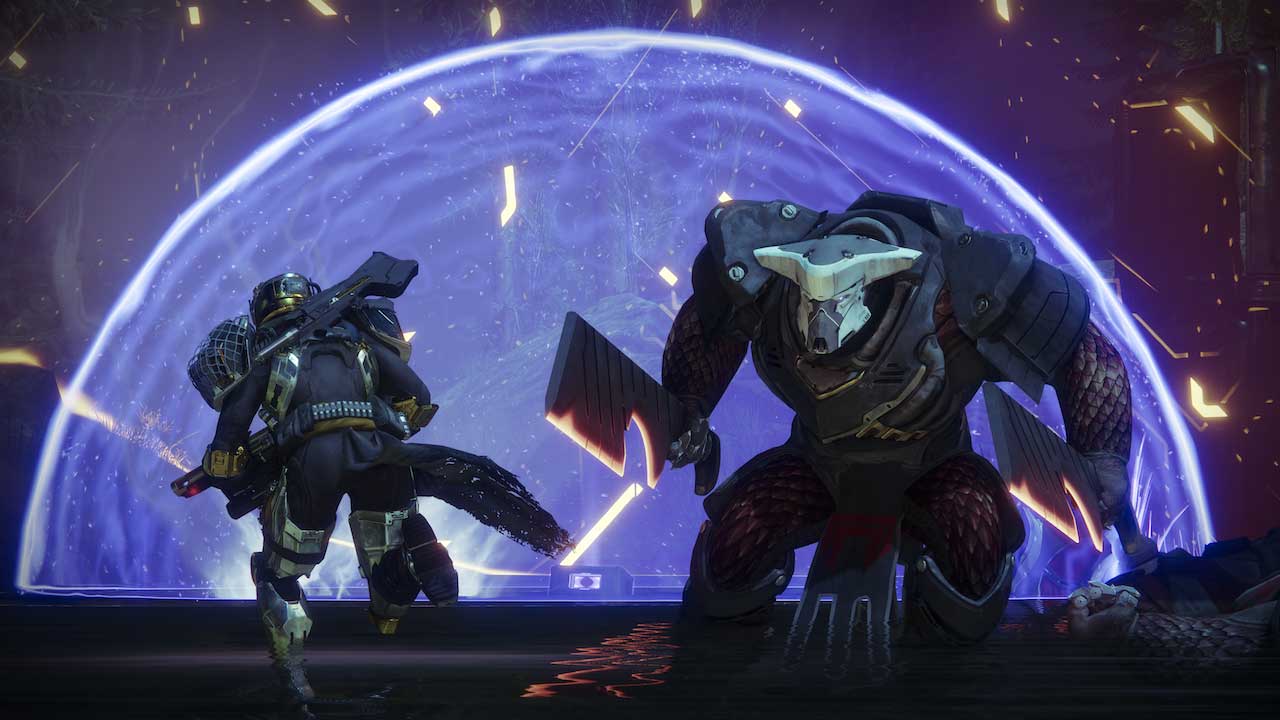
Strike – The Twisted Column: After the story mission, you gain access to a strike – a 3-player group activity. You must face the Cabal and the Vex on the planet Nessus.
PvP: The PC beta will include two PvP modes:
Countdown: An “Assault and Defense” game mode. It will be played on the map “Downtown”.
Control: Capture and defend zones. The more zones you occupy, the more points per kill you receive. It will be played on the map Javelin-4. This map was not available in the console beta.
In the PC beta – just like in the console beta – there will likely be six different subclasses available. These include the Dawnblade, the Voidwalker, the Sentinel, the Striker, the Gunslinger, and the Arcstrider. Read about the new subclasses in Destiny 2 here.
By the way: First issues of the beta are already known, which you can read about here. Keep in mind that this is just a beta version that is being conducted for testing purposes.
Exclusive Mein-MMO discounts on the PC version of Destiny 2
Together with Gamesplanet, we have an exclusive discount on the PC version of Destiny 2!