

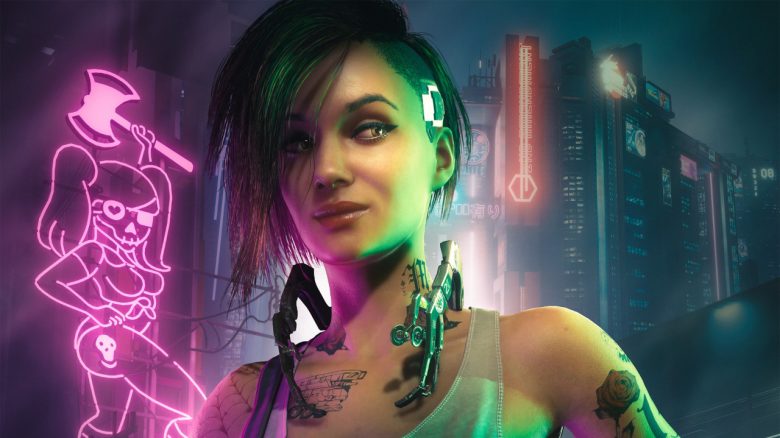
Cyberpunk 2077 has undergone numerous changes with Update 2.0. MeinMMO presents the best graphics settings for the game.
With the major Update 2.0, the system requirements for Cyberpunk 2077 have also changed. One more reason to take another look at the graphics settings of Cyberpunk 2077.
MeinMMO presents the best settings for Cyberpunk 2077:
The best graphics settings for Cyberpunk 2077 2.0
- Quick preset: Custom
- Surface quality: High
Nvidia DLSS
Note: You can only use Nvidia’s DLSS with an Nvidia graphics card. Owners of an AMD graphics card should use AMD’s FSR.
- DLSS frame generation: Enabled if you have an RTX-4000 graphics card
- DLSS Super Resolution: Balanced/Performance
- Nvidia DLAA: Off
Resolution Scaling
Note: You should only use AMD’s FSR if you own an AMD graphics card and cannot use Nvidia’s DLSS.
- Dynamic resolution scaling: Off
- AMD FidelityFX Super Resolution 2.1:
- AMD FSR 2.1 Image Sharpening: Automatic
- Intel Xe Super Sampling 1.1: Off
Simple
- Field of view: Personal setting, tip: 80
- Film grain: Off
- Chromatic aberration: On
- Depth of field: On
- Lens flares: On
- Motion blur: Off
Advanced
- Contact shadows: On
- Improved facial exposure geometry: On
- Anisotropy: 8
- Local shadow mesh quality: High
- Local shadow quality: Medium
- Shadow cascades – Range: Medium
- Shadow cascades – Resolution: High
- Distance shadow – Resolution: Low
- Volumetric fog – Resolution: High
- Volumetric cloud quality: Medium
- Maximum dynamic decals: Ultra
- Screen space reflections quality: High
- Volumetric scattering: High
- Ambient occlusion: Medium
- Color precision: High
- Mirror quality: High
- Level of detail (LOD): High
- Entity density: Medium
Raytracing
- Raytracing: Off
- Raytraced reflections: Off
- Raytraced shadows from sunlight: Off
- Raytraced shadows from local light sources: Off
- Raytracing and lighting: Off
- Path tracing (tech preview): Off
- Path tracing in photo mode (tech preview): On
Video
- Monitor: Any own device
- VSync: Off
- Maximum FPS: On
- Maximum FPS: 120
- Window mode: Fullscreen
- Resolution: Depending on your graphics card
- HDR mode: Off
- Nvidia Reflex Low Latency: On + Boost


The best graphics settings for Cyberpunk 2077 in 4k, 60 FPS
Adjustments for 4K: If you want to play in 4K with stable 60 FPS, we recommend some detail adjustments that can significantly boost the FPS.
If you want to play in 4K, we definitely recommend using DLSS and you should consider switching to “Ultra Performance”. However, note that the image quality may suffer somewhat.
Another option is to completely forgo ray tracing. In our editorial, we were able to achieve 10 to 15 more FPS compared to having ray tracing enabled.
- Shadow cascades – Resolution: Medium
- Distance shadow – Resolution: High
- Volumetric fog – Resolution: High
- Volumetric cloud quality: High
Maximum dynamic decals: Medium or High - DLSS: Depending on the target resolution either Performance or Ultra Performance
More about Cyberpunk 2077: Everything you need to know about the new 2.0 update for Cyberpunk 2077 can be found in the following article directly on MeinMMO:
Cyberpunk 2077: Everything about the free Update 2.0, start time, and 3 things you should do now

Your opinion is important to us!
Do you like the article? Then let us know!