

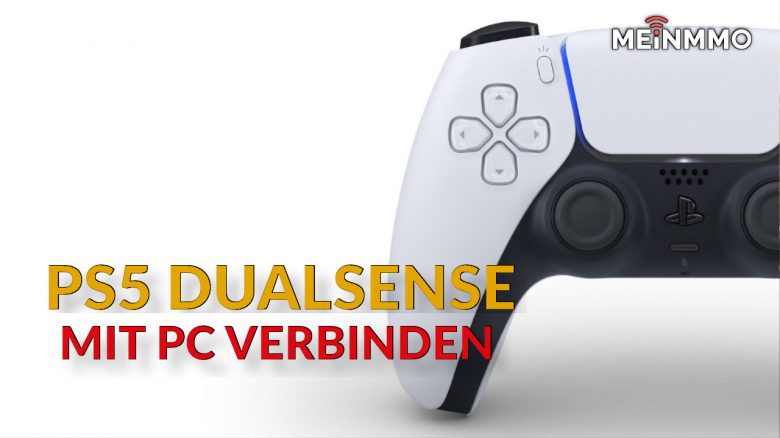
Do you have a PS5 controller and would you like to use it on your gaming PC? MeinMMO presents 3 ways to connect the DualSense Controller to your PC or Macintosh.
Some games are released for both console and PC, but these so-called ports often play horribly with mouse and keyboard. One reason why many users then switch to a controller to play games like Elden Ring on PC with the controller.
We explain how to connect your PS5 controller to the PC and the individual steps.
Connect PS5 Controller to PC – The First Steps
Here’s how to connect the PS5 controller with a cable: You can connect your controller either with a “USB-C to USB-A” cable to your PC or use a “USB-C to USB-C” cable. For the latter, you will need either an adapter or a USB-C port on the PC.
What you need without a cable: If you don’t want to use your controller with a USB cable, you will need a Bluetooth adapter. Some motherboards and almost every laptop have an integrated chip. Next, you should update your PS5 controller to the latest version.
Here’s how to connect the PS5 controller via Bluetooth:
- Turn on Bluetooth on Windows. The icon will be displayed in the bottom right corner of Windows.
- Open the Windows “Settings” and click on “Devices.” On the left side, select the top tab “Bluetooth & other devices.”
- Click the “+” on the right side and then click “Bluetooth”
- Now, press the PS button and the Share button on your Playstation controller simultaneously. This activates pairing mode. Be careful not to accidentally start your PS5 when you press the PS button.
- Ideally, the controller should now appear in the search. Once you select it there, it should connect.
In a further step, you need to choose from two tools if you want to use the controller on the PC. Because, unlike Xbox controllers, you cannot use PlayStation controllers directly on a Windows PC without additional software. There is also a simple solution for Macintosh.
Connect PS5 Controller – DS4Windows
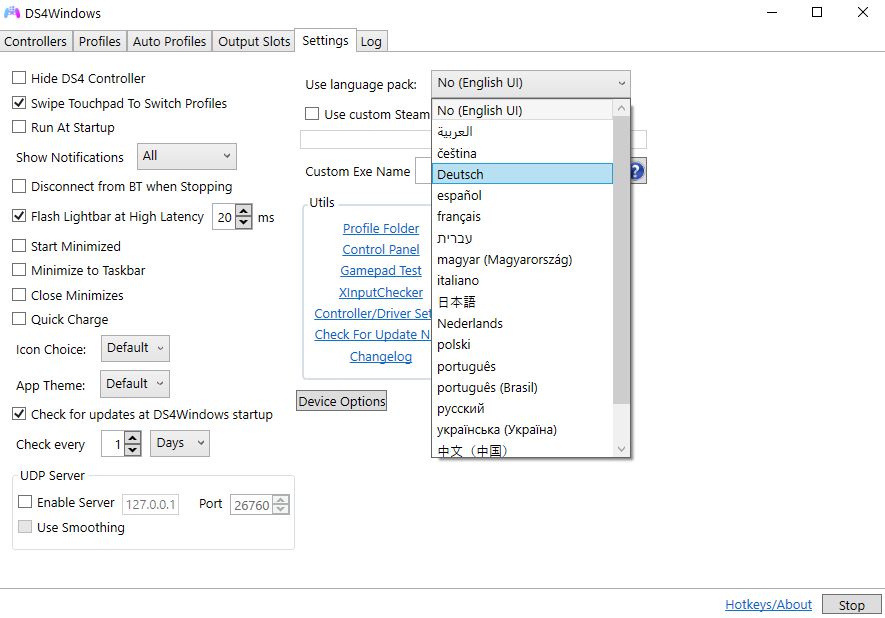
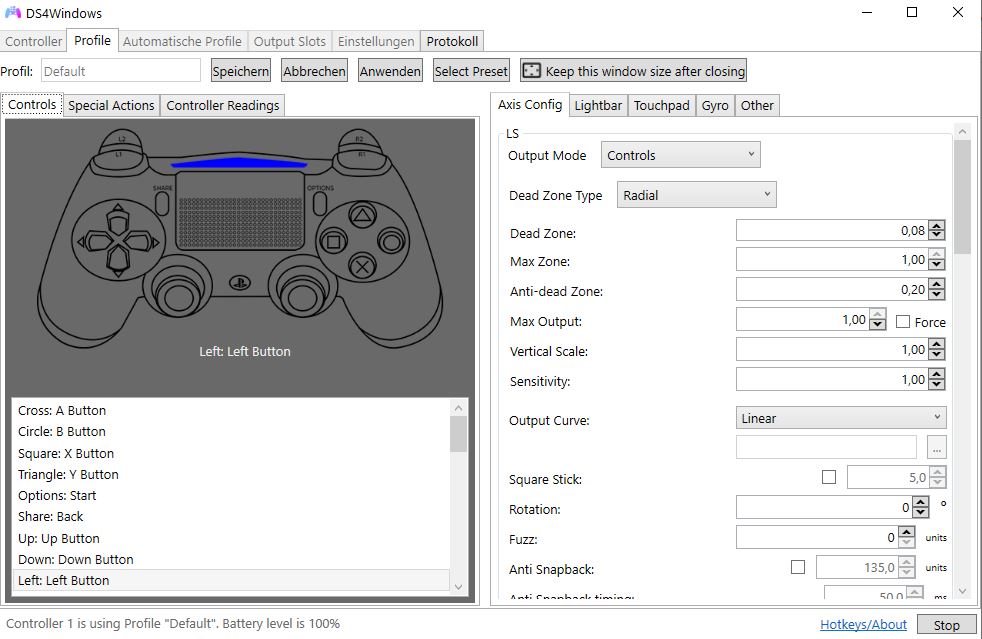
What is this tool? The small, free tool DS4Windows solves the controller problem by tricking Windows: The tool tells Windows that the PS controller is actually an Xbox controller. This way, both PS4 and PS5 controllers can be used on a Windows machine with DS4Windows.
Here’s how it works: To use DS4Windows, you need to have .NET Framework 5.0 installed on your PC. The new 6.0 version does not work for us. .NET is a runtime library from Microsoft and you can download it directly from Microsoft.
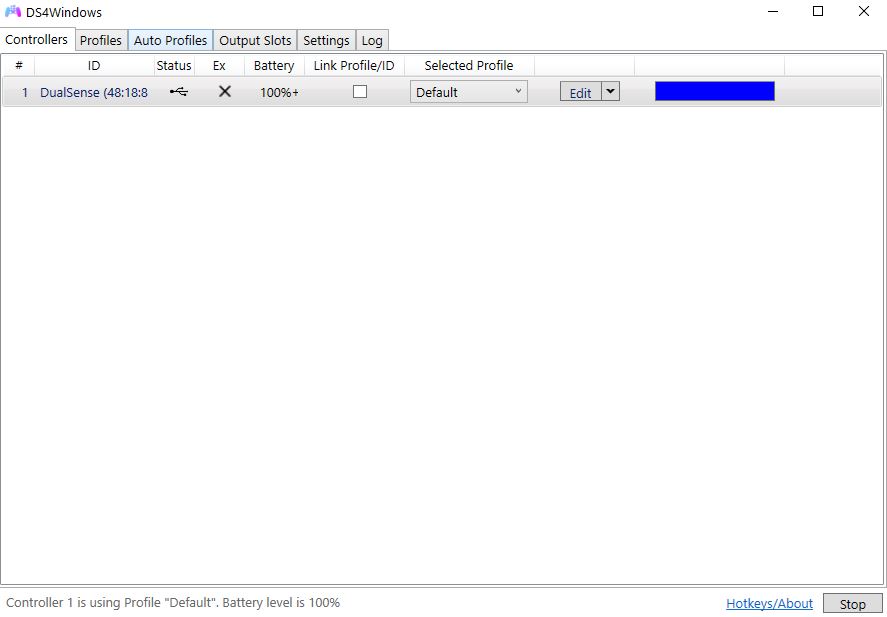
Then download the approximately 8 MB tool and start it. Then connect your PS5 controller to the PC. Normally, the controller will be recognized directly by the software and you don’t need to do anything else.
Connect DualSense with PC – Steam Software
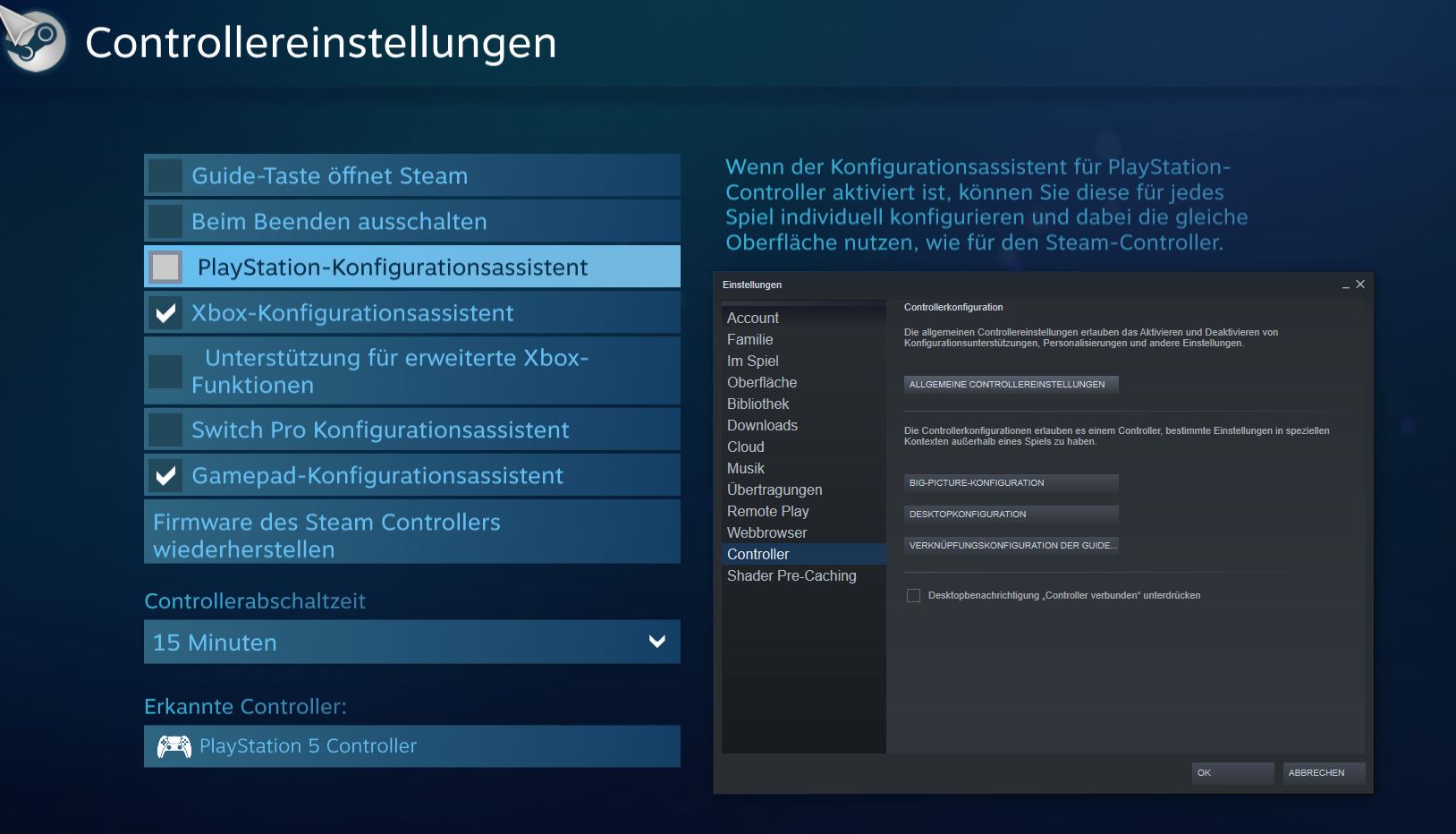
What is this tool? The Steam software is known to just about everyone. Steam now also offers extensive support for controllers, which is somewhat hidden in the menus.
Here’s how it works:
- Go to the top left in Steam settings and switch to the “Controller” tab.
- Click on “General Controller Settings.” A new large window will open outside of the Steam client.
- If you did everything right and the device is already connected, the PS5 controller should now be recognized as a DualShock 4 controller. You should now also be able to navigate the menus with the controller.
Connect PS5 Controller with Mac
What is this tool? DualSenseM is an app that you can install from the App Store. The app connects your DualSense controller with a Macintosh and lets you use the capabilities of the DualSense. However, you cannot configure (map) buttons.
Here’s how it works: Install the DualSenseM app directly from Apple’s App Store and then start the program. If your controller is already connected, it should be recognized directly by DualSenseM.
Games that Support the Functions of the PS5 Controller on PC
How well do PS5 functions work on PC? All features of the PlayStation 5 controller are supported on PC. So you can also use haptic feedback, touchpads, LEDs, adaptive triggers, and even the gyroscope of the DualSense controller on PC. However, the games must also support these functions.
Which games are supported? On PC, you can use the unique functions of the DualSense, such as adaptive triggers or haptic feedback. Many games now support this. Here we present you a list of where you can use these features. In some games, you can currently only use the adaptive triggers:
PS5 Controller Functions on PC:
- Assassin’s Creed Valhalla
- CoD Black Ops: Cold War (adaptive trigger)
- CoD: Vanguard
- Death Stranding: Director’s Cut
- Deathloop
- The Smurfs: Mission Banshee (adaptive trigger)
- Dying Light 2: Stay Human
- F1 2021
- Far Cry 6
- Final Fantasy 14
- Final Fantasy 7 Remake Intergrade
- Genshin Impact
- Ghostwire: Tokyo
- Metro Exodus Enhanced Edition
- Rainbow Six Extraction (adaptive trigger)
- Rainbow Six Siege (adaptive trigger)
- The Riftbreaker (adaptive trigger)
Recommendations for your PS4, PS5, or PC: Are you still looking for a controller for your PS4, PS5, or PC? Then check out our buying guide for PS4 and PS5 controllers. Here we present the currently best controllers you can buy for your console:
These are the best PS4 and PS5 controllers you can currently buy

Your opinion is important to us!
Do you like the article? Then let us know!