

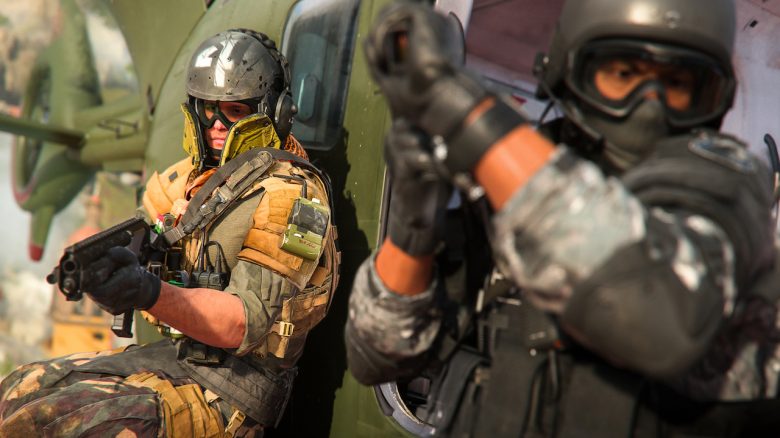
In Call of Duty: Warzone 2, FPS matters. The smoother your image, the higher your chance of coming out successfully from a gunfight. Therefore, we show you the best settings for PC so that you can achieve high FPS.

In CoD: Warzone 2, it’s important to make use of every advantage you can get. Whether it’s good weapons, a refined strategy, or even the right graphics settings. Therefore, we’ll show you the most important settings for your FPS.
Note that these settings will not make you a professional player. They only ensure high refresh rates on your monitor, which will benefit you in combat.
If you haven’t taken a look at Warzone 2 yet, here’s a trailer:
CoD Warzone 2: The Best Graphics Settings
Where do these settings come from? These settings come from Brparadox, the Twitter account of P Customs. They manufacture gaming PCs and sell computer parts as well as optimizations for your PCs.
Which settings are important? Now we present the best settings. Go to your settings and open the “Graphics” tab. Three categories will appear. Navigate to the “Graphics” section and set the following settings:
- Quality Presets: Custom
- Render Resolution: 100
- Upscaling / Sharpening: Fidelityfx CAS – 100
- Antialiasing: SMAA T2X
- Antialiasing Quality: Normal
- Graphics Memory Scaling: 90
- Texture Resolution: Normal
- Anisotropic Texture Filtering: High
- Detail Level Near: Low
- Detail Level Distant: High
- Ground Detail Level: Short
- Particle Quality: Low
- Particle Quality Level: High
- Bullet Holes & Sprays: On
- Shader Quality: Medium
- Tessellation: Off
- Terrain Memory: Max.
- Texture Streaming On-Demand: Off
- Streaming Quality: Normal
- Volumetric Quality: Low
- Delayed Physics Quality: Off
- Underwater Rays: Off
- Shadow Map Resolution: Very Low
- Screen Space Shadows: Off
- Point Shadow Cache: Medium
- Particle Lighting: Low
- Ambient Occlusion: Low
- Screen Space Reflections: Off
- Static Reflection Quality: Low
- Weather Effects: Low
- Depth of Field: Off
- World Motion Blur: Off
- Weapon Motion Blur: Off
- Image Noise: 0.00
- Here’s how you can display your FPS
Additionally, select the maximum value of your monitor as the FPS value and set your “Field of View” to a high value that you are comfortable with.
What do these settings do? Warzone 2 is a real FPS killer due to its massive map and gigantic gameplay elements.
Due to all the data that your PC has to calculate, your frames per second are automatically lowered. These settings ensure that the performance of Warzone 2 improves, but at the same time, you have no disadvantages because your graphics are a bit worse.
If you need the best settings for gameplay in Warzone 2, we have found the right ones for you: Important settings that will make you better in CoD Warzone 2 immediately.

Your opinion is important to us!
Do you like the article? Then let us know!