

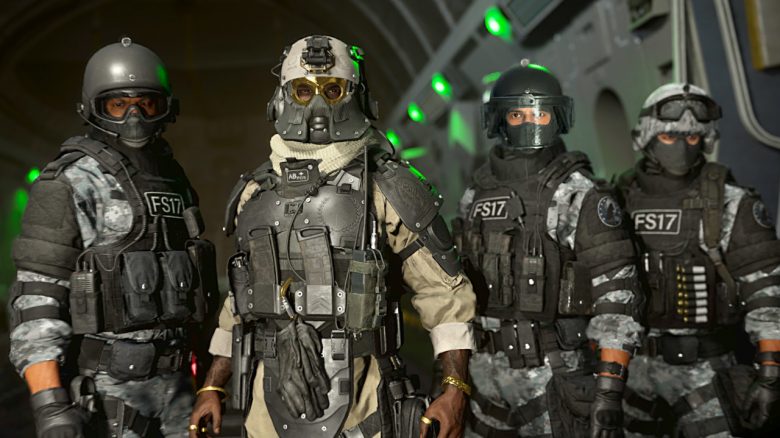
Are you having trouble inviting your friends in Call of Duty: Warzone 2 via the social menu shortly after the release? Then you are not alone. However, there is a fix for the problem that we will present to you here.
Thanks to comprehensive crossplay features, you can play together in Call of Duty: Warzone 2 with all available platforms.
However, the social menu is pretty broken shortly after the release. When you want to access your friends list, the game sometimes throws you back to the main menu.
You can bypass the social bug with the following trick:
- Open the menu at the top right in the main menu
- Go to the “Channels” tab, which has the headphones
- Open your own channel
- You can invite friends to the channel here and thus access the friends list
- You can now invite friends through the channel
The menu is also not quite stable and quickly throws you back to the main menu when you switch tabs.
But this way you can at least access your friends list if the social menu is completely bugged for you.
If you play on the same platforms, then also use the built-in friends list features. Invite friends via the Steam friends list or join on PlayStation through the friends list.
If you are also having problems after the launch, then leave us a comment. We are happy to try to help you.
Coinciding with Warzone 2, Season 1 of Modern Warfare 2 also started. Here you will also find all the info about it: CoD MW2: Season 1 brings more new content than ever before – launch, battle pass, Warzone 2.0

Your opinion is important to us!
Do you like the article? Then let us know!