

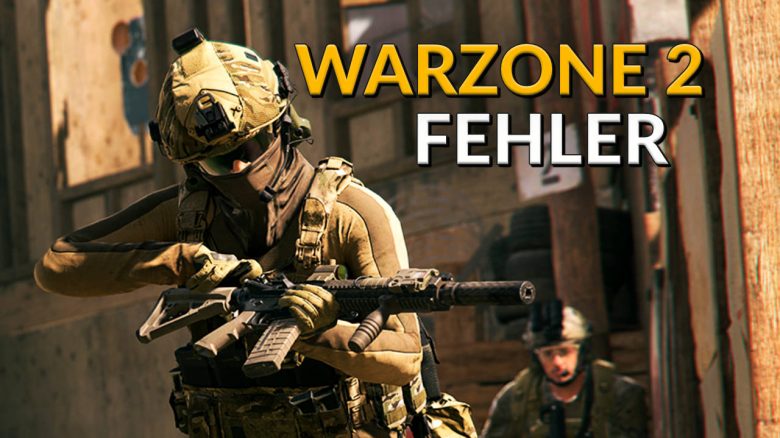
Shortly after the release of Call of Duty: Warzone 2, graphics drivers and download errors are causing trouble. MeinMMO shows you how to fix the problems.
Warzone 2 is finally online, but if you wanted to casually jump into the first rounds, a few problems may have tested your patience.
PC players were plagued by a message stating their graphics drivers were outdated. Console players, on the other hand, were frustrated with error messages like “Cannot be installed” or “Multiplayer not installed.” MeinMMO shows you how you can fix these issues.
PC: How to fix the error message “Graphics driver is outdated”
What is the error on PC? Warzone 2 players who do not have the latest graphics card driver installed will receive an error message “Graphics driver is outdated” when starting the game. This message indicates that you should update your graphics card driver.
How to update the graphics driver? You can update your graphics card driver through GeForce Experience if you have an Nvidia graphics card. The manufacturer provides you with the latest driver here.
Alternatively, you can get the driver from the website of your graphics card provider. Here are the links that will take you to your provider’s website:
- Nvidia – Drivers for graphics cards via nvidia.com
- AMD – Drivers for graphics cards via amd.com
- Intel – Drivers for graphics cards via intel.com
If you generally have problems with Modern Warfare 2 on PC and not just with Warzone 2, MeinMMO editor Benedikt Schlotmann shows you 11 tips on how to fix crashes in CoD MW2.
Console: How to fix the download error
What is the error on console? As console players, you don’t have to deal with updating graphics drivers, but particularly on PS5, the download of content is problematic, as a player shows on reddit.
Additionally, it can happen that Warzone 2 incorrectly indicates that the multiplayer is not installed.
How to solve the download error? If Warzone informs you that the multiplayer is not installed, you can help yourself with a few simple steps:
- Navigate to your downloads and select “Cancel and Delete” for the content pack
- Then click on “Manage Game Content” under “Modern Warfare 2”
- Select the icon that looks like a trash can and the packs for multiplayer, co-op, and Warzone
- Now you can reinstall the content, and the installation of the update should no longer cause any problems
Another problem that some players have noticed pertains to the social menu, which is currently buggy. MeinMMO editor Maik Schneider shows you how to invite friends despite the error.
CoD Warzone 2: Social menu is buggy – Here’s how to invite friends anyway

Your opinion is important to us!
Do you like the article? Then let us know!