

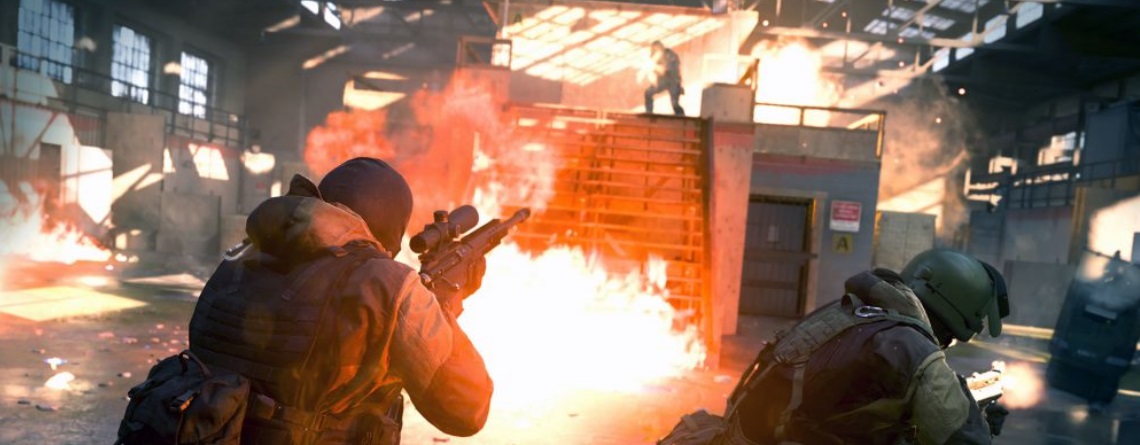
Anyone who wants to try Call of Duty: Modern Warfare before release now has the chance – in the form of the open Modern Warfare 2vs2 Alpha, but only on PS4. Here you will find everything important about the preload, download size, scope, and exact start time.

This is what many fans have been waiting for: Just recently, the developers from Infinity Ward announced an alpha test for Call of Duty: Modern Warfare 2019. And today, August 23, it’s happening: the Modern Warfare 2vs2 Alpha is live, and you can try out the 2vs2 Gunfight mode – provided you have a PlayStation 4.
Call of Duty: Modern Warfare Alpha – the start time
When does it start exactly? The Modern Warfare Alpha was supposed to start on August 23 at 7:00 PM German time (6 PM BST). However, the servers are surprisingly already live. Those who have already downloaded the alpha can get started right away. The alpha test runs until August 25.
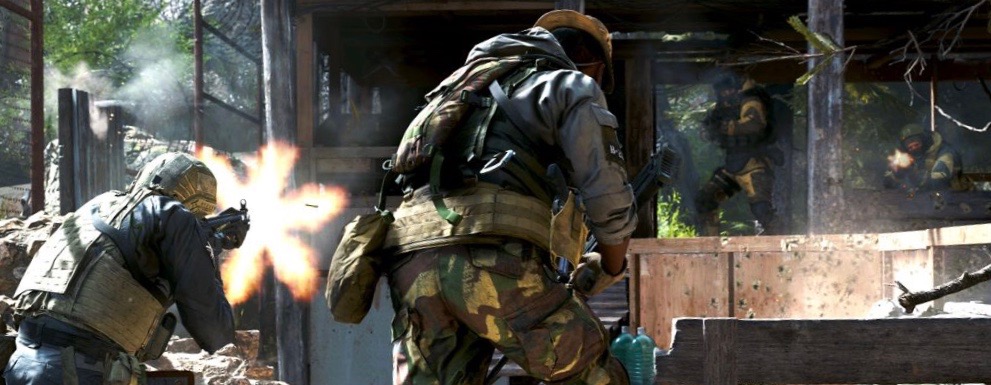
How can I play the Modern Warfare Alpha?
On which platforms can the Modern Warfare Alpha be played? The alpha is exclusively reserved for PlayStation 4. Players on PC and Xbox One cannot participate. However, anyone over 18 years old can join on PS4.
Is PS Plus required for the Modern Warfare 2vs2 Alpha? Officially, it was stated that the 2vs2 alpha of Modern Warfare can be downloaded and played completely without PS Plus.
That is indeed the case – except for Germany. According to numerous player reports here, contrary to the official information, a PS Plus membership is required. Otherwise, you cannot download the alpha.
Call of Duty: Modern Warfare Alpha – Everything about preload and download size
Is there a preload for the Modern Warfare Alpha? Yes, the preload has been active since August 22. You can already download the alpha.
What is the download size for the Modern Warfare Alpha? The download size is 35.895 GB.

This is how much space the alpha takes up on the hard drive: Once the installation is complete, the Modern Warfare Alpha takes up 37.53 GB on your hard drive.
How and where can I download the Modern Warfare Alpha? You can download the alpha either directly through your PS4 console or via the browser page of the PlayStation Store.
- Simply use the search function in the PS Store on the console with the term “Modern Warfare Alpha”
- or follow this link in the PS Store: Call of Duty: Modern Warfare Alpha in the PS Store download
Remember, on the website of the PS Store, you must be logged in to download the alpha.
Should I keep the Modern Warfare Alpha installation after the test ends? Some players hoped that the alpha files could possibly also be used for the beta and then only require a small update.
However, that is not the case. A different client is used for the beta, so you can safely delete the alpha installation from your hard drive after the test ends.
What’s in the Modern Warfare Alpha – The Content
This mode can be played in the Modern Warfare Alpha: The fast-paced 2v2 Gunfight mode. Here, you compete with a teammate against another team of 2 players on relatively small maps in a hectic duel.
These maps are included in the Modern Warfare Alpha: As part of the alpha, you can enjoy a total of 5 maps:
- Stack
- King
- Speedball
- Docks
- Pine
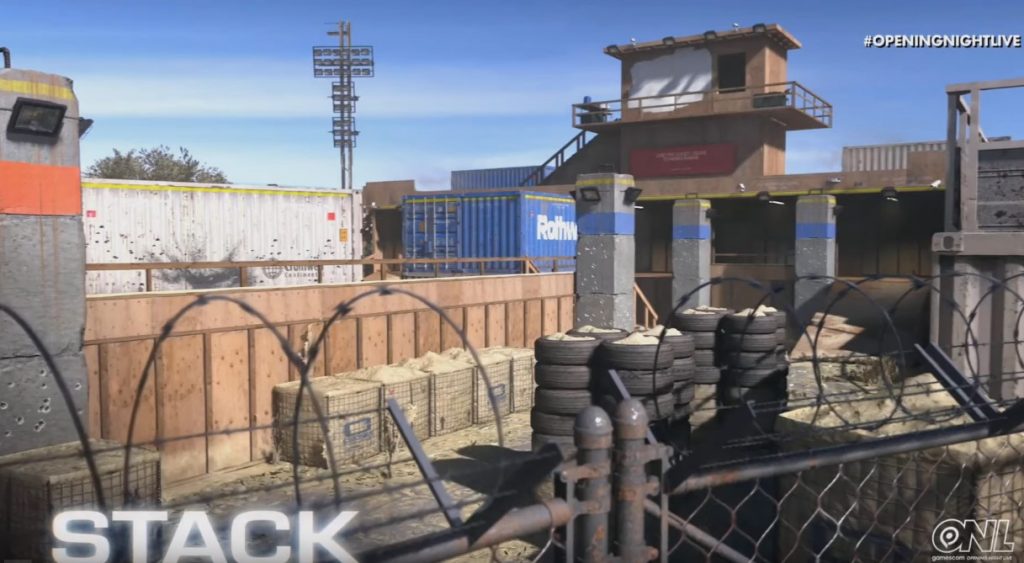

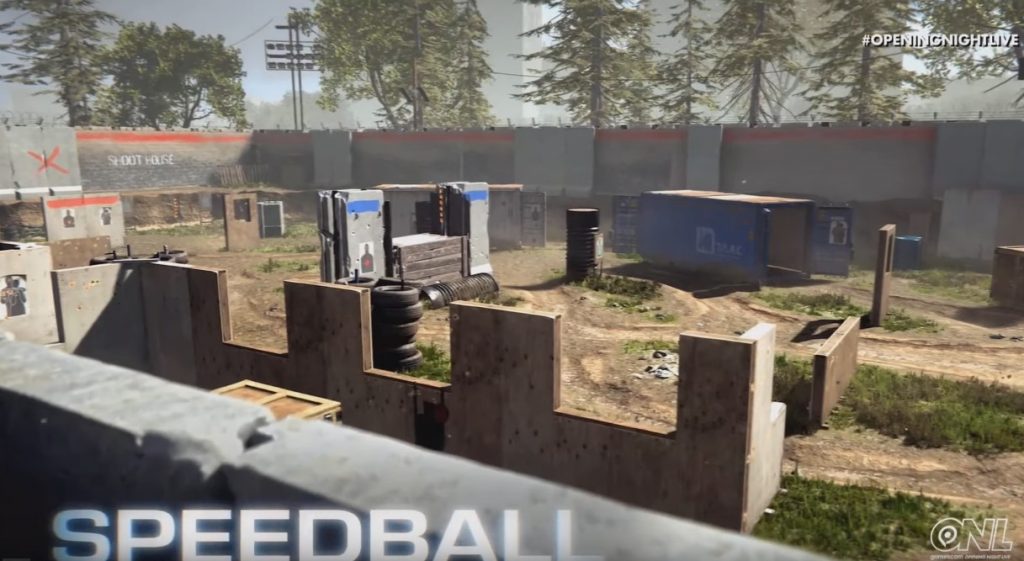
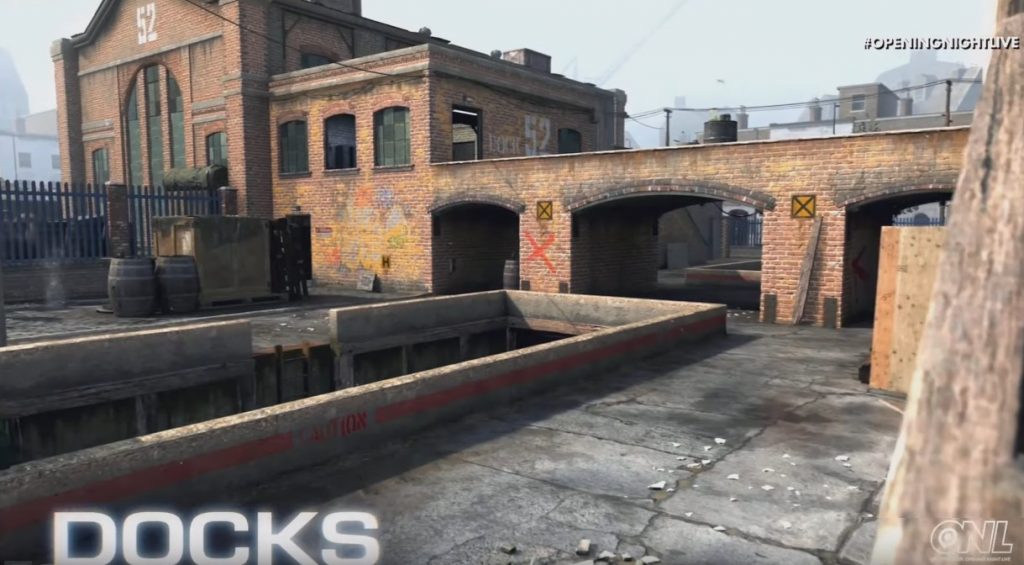
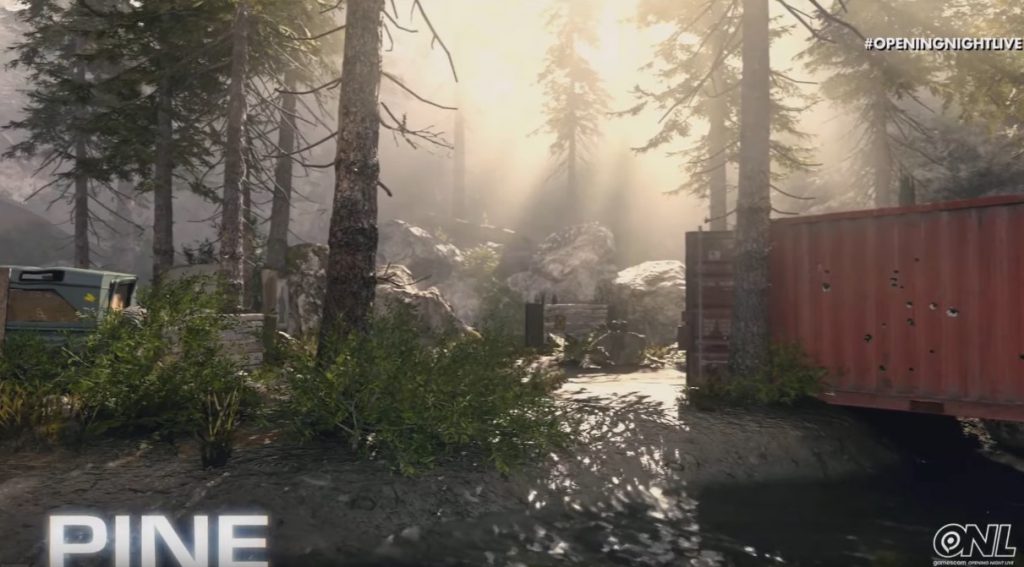
Here you can watch the trailer for the alpha:
When can you test Call of Duty: Modern Warfare again?
If you don’t own a PlayStation 4 and thus miss the alpha, you still have the opportunity to test Modern Warfare and the Gunfight mode before release.
This is your next opportunity – the Modern Warfare Beta: For Call of Duty: Modern Warfare, a beta is also planned in September in addition to the PS4-exclusive alpha. There, players on all platforms, including PC and Xbox One, will be able to get a preview of Modern Warfare 2019.
More about this can be found here: Everything about the Call of Duty: Modern Warfare Beta – Here’s how to participate
When is the release of Call of Duty: Modern Warfare? The 2019 installment of Call of Duty: Modern Warfare will be released on October 25 for PS4, Xbox One, and PC.


Your opinion is important to us!
Do you like the article? Then let us know!