

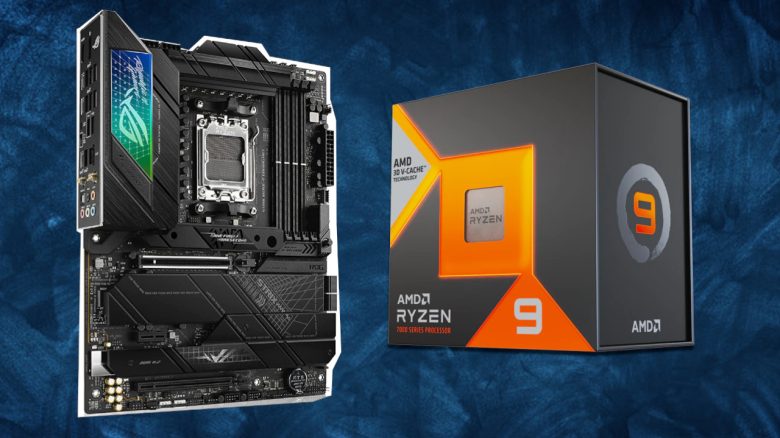
With Ryzen 7000, AMD has released a whole range of new processors. For whom are the CPUs worthwhile and what should you consider when buying or upgrading?
New Generation: With Ryzen 7000, AMD has released new processors. However, there are some changes and things to consider if you want to perform an upgrade.
MeinMMO explains what you need to know about Ryzen 7000 if you want to buy a new processor.
- Ryzen 7000 – The most important changes
- Which Ryzen 7000 should I buy?
- All Ryzen 7000 processors at a glance
- Ryzen 7000 vs 5000 – Is the old generation still worth it?
- Ryzen 7000 FAQ – Questions and Answers at a glance
What should I consider when upgrading? What is new with Ryzen 7000?
With Ryzen 7000, there are plenty of changes in AMD’s processors. We present to you the most important ones. These include the new architecture, the new AM5 socket, and new RAM, as well as a few smaller changes that are relevant to users.
New Zen 4 Architecture
The “Ryzen 7000” series is based on AMD’s latest Zen 4 CPU architecture. Unlike Zen 3, the predecessor generation, Ryzen 7000 are the first 5nm desktop CPUs you can buy.
Basically, a new manufacturing process often brings better energy efficiency. This applies to Ryzen 7000 as well, but especially the CPUs with “X” add-on in the factory state are primarily tuned for maximum performance. The models without “X” in their name, with lower TDP, are instead set to be more efficient by default.
Mainboard (AM5)
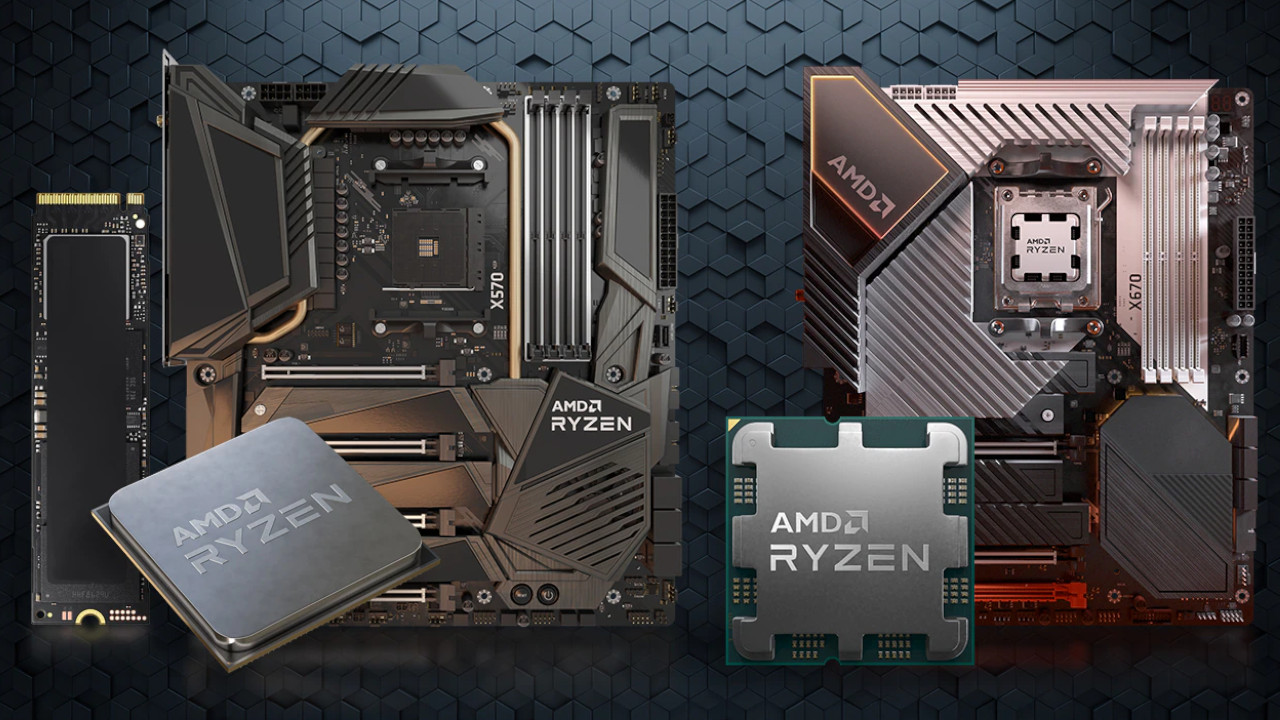
With Ryzen 7000, AMD introduced a new socket for the processors. The processor is inserted into the socket. AM5 replaces the previous socket AM4. This means that you cannot install the new 7000 series processors on the old socket, and vice versa, the old processors cannot be placed on the new socket.
With Zen 4 (AM5), there are corresponding mainboards like X670E, X670, B650E, and B650. In the future, there will also be a budget variant with A620. The new mainboards are all more expensive than the models for the old generation (AM4).
DDR5 Memory
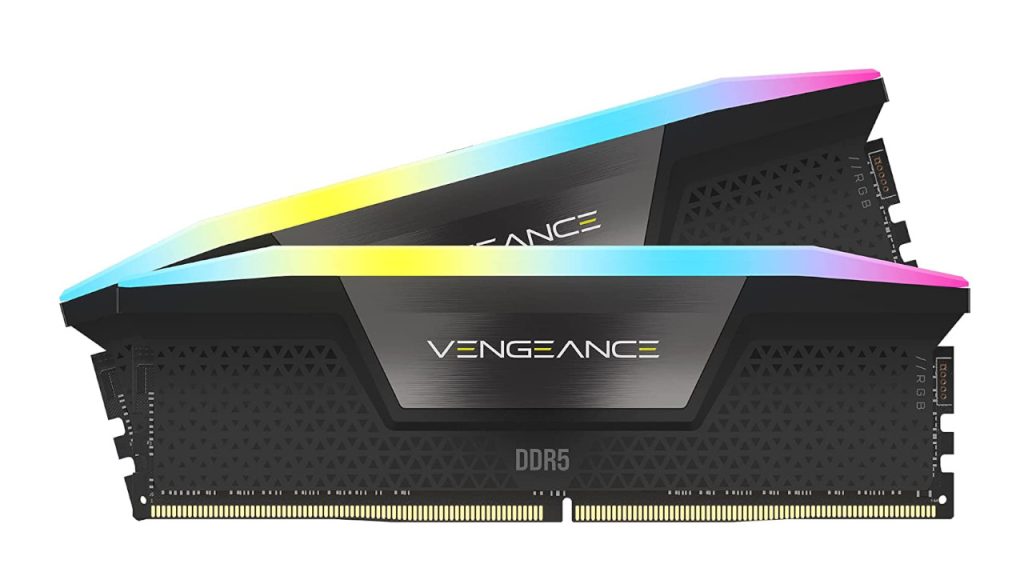
With AM5, AMD also introduced DDR5 memory. Unlike Intel’s 12th generation processors, with Ryzen 7000 you do not currently have the option to use your old DDR4 memory. Therefore, you must certainly buy new memory.
Integrated Graphics Unit
With Ryzen 7000, all processors offer an integrated graphics unit, known as iGPUs. This means that, in principle, every PC with Ryzen 7000 also runs without a “real” or dedicated graphics card. However, these chips are not particularly powerful and are mainly intended for casual gamers and older, less hardware-hungry titles. Anyone who wants to game seriously will not get around a graphics card from AMD or Nvidia.
With Ryzen 3000 and Ryzen 5000, AMD only sold specific processors with iGPU. You could recognize these by a “G” in the product description (like Ryzen 5 5600G). With Ryzen 7000, now all have such an iGPU integrated.
Further Changes in Ryzen 7000
Additionally, Ryzen 7000 now supports AVX-512. These are 512-bit extensions that require certain software. In gaming, this plays a rather minor role. Furthermore, Ryzen 7000 offers support for PCIe 5.0. However, this is hardly relevant yet because there is practically no suitable hardware available.
Beginners, Gamers, and Enthusiasts – Who should buy Ryzen 7000?
Basically, the same pattern applies to all Ryzen processors: Ryzen 3, 5, 7, and 9 are counterparts to Intel’s Core i3, i5, i7, and i9 and represent roughly the same performance class:
- Ryzen 3 is more suited for entry-level and budget models, which are completely sufficient for simple systems and light gaming. However, there are no Ryzen 7000 models in this range yet.
- Ryzen 5 stands for the mid-range from AMD and offers most gamers more than enough performance.
- With Ryzen 7 and 9, you find the most powerful (and expensive) processors for your system. Here you get the full power of the platform.
For beginners: Currently (as of January 2023), AMD, as mentioned above, does not yet offer entry-level and budget options for Ryzen 7000. Additionally, an upgrade to Ryzen 7000 is currently expensive.
We would recommend beginners and casual gamers to take a look at Ryzen 5000 if you really need an upgrade and already own an AM4 motherboard. For example, you can get the Ryzen 5 5600X for about 170 Euros. Upgrade kits consisting of a processor, motherboard, and memory can be obtained for around 300 Euros.
For gamers: The Ryzen 5 7600X is the current mid-range and recommended CPU for gamers. With the 6-core processor, you get more than enough performance if you mainly want to play or simply want a powerful processor. Alternatively, the AMD Ryzen 5 7600 is also an option, which offers about 4-6% less performance than the X variant but operates more efficiently.
Even today, very few modern games can truly utilize 12 or 16 cores. Therefore, the expensive processors are only partially worthwhile for gamers and are more intended for professional users and enthusiasts.
However, waiting might also pay off for gamers: because the AMD Ryzen 7 5800X3D with AMD 3D V-Cache sometimes outperforms the fastest 7000 series model, the Ryzen 9 7950X, in gaming performance. It might be worth waiting for the 7000 models with 3D cache. However, there is no official release date yet (via gamestar.de).
For enthusiasts: If you are a streamer, enthusiast, or just want the best hardware, you currently cannot avoid the Ryzen 9 7950X. With 16 cores and 32 threads, you get the fastest CPU from AMD for your system with AM5 socket.
An alternative is also the Ryzen 9 7900X, which also delivers very good performance.
Who is generally worth upgrading to Ryzen 7000?
When is an upgrade worth it?
- Your system is already 5 years old or you are still using an outdated architecture.
- You always want to own the latest and fastest hardware.
- You use hardware-intensive programs like rendering or photo editing.
- If you want to invest in new, future-proof hardware for the long term.
- If you are interested in high energy efficiency.
When is an upgrade not worth it?
- You have a current processor (AMD Ryzen 5000 or Intel’s 12th generation).
- You are a casual gamer with no high demands or the PC is not your main platform.
- You have a low budget and do not want to invest more than 500 Euros in new hardware.
All Ryzen 7000 processors at a glance (as of January 2023):
| Model | Cores/Threads | Base Clock | Boost Clock | TDP (in Watts) |
|---|---|---|---|---|
| Ryzen 5 7600 | 6/12 | 3.8 GHz | Up to 5.1 | 65 |
| Ryzen 5 7600X | 6/12 | 4.7GHz | Up to 5.3GHz | 105 |
| Ryzen 7 7700 | 8/16 | 3.8 GHz | Up to 5.3 GHz | 65 |
| Ryzen 7 7700X | 8/16 | 4.5GHz | Up to 5.4GHz | 105 |
| Ryzen 9 7900 | 12/24 | 3.7 GHz | Up to 5.4 GHz | 65 |
| Ryzen 9 7900X | 12/24 | 4.7GHz | Up to 5.6GHz | 170 |
| Ryzen 9 7950X | 16/32 | 4.5GHz | Up to 5.7GHz | 170 |
Ryzen 7000 vs Ryzen 5000 – Are the old processors still worth it?
Basically, you can’t go wrong with “Ryzen 5000” CPUs, as the mid-range and high-end models also provide more than enough performance for your gaming in 2023.
Upgrading to Ryzen 5000 is still worth considering, as you pay less than for Ryzen 7000. This is especially true if you already own an AM4 board and DDR4 memory.
Upgrading to Ryzen 5000 can also be worthwhile if you are coming from a very old architecture. Even then, you will immediately notice the performance jump, and you do not have to go for the expensive Ryzen 7000 series directly. However, it may be worth diving straight into Ryzen 7000, as you would be skipping several generations and investing in future-proof hardware directly.
With the Ryzen 7 5800 X3D, there is also a processor that can easily compete with the fastest model of the 7000 series in gaming.
Further Questions: FAQ about Ryzen 7000
AMD uses socket AM5 for Ryzen 7000. Ryzen 7000 is not backward compatible with AM4.
Yes, if you want to upgrade to Ryzen 7000, then you definitely need a motherboard with AM5 socket.
No, Ryzen 7000 does not support DDR4 memory or older. You definitely need DDR5 memory for a functioning system.
According to AMD, the new AM5 platform is supposed to be supported until at least 2025.
For the Ryzen 5 7600X, you currently pay at least 300 Euros. For the better model, the Ryzen 7 7700X, you already pay at least 400 Euros. The top model (Ryzen 9 7950X) currently costs over 600 Euros.
Along with the processor, you also need to calculate for a new motherboard and memory. In addition to around 100 Euros (DDR5, 16 GB), you also need to budget for 200 Euros for the motherboard. For the cheapest combination, you currently pay at least 600 Euros.
The current recommendation here is the Ryzen 5 7600X. It offers more than enough performance with six cores and 12 threads and is very well suited for most games in the mid-range.
For Zen 4 (AM5), you need X670E, X670, B650E, or B650. A620 is not yet available, but is supposed to be released in 2023.
No, you can also combine an Nvidia graphics card with an AMD CPU.
Further recommendations and tips for purchasing hardware: Are you looking for tips and recommendations and want to buy a suitable graphics card for your new processor? On MeinMMO, we explain in detail what you need to consider when buying a graphics card:
What should you consider when you want a graphics card – Buy now or later?

Your opinion is important to us!
Do you like the article? Then let us know!