

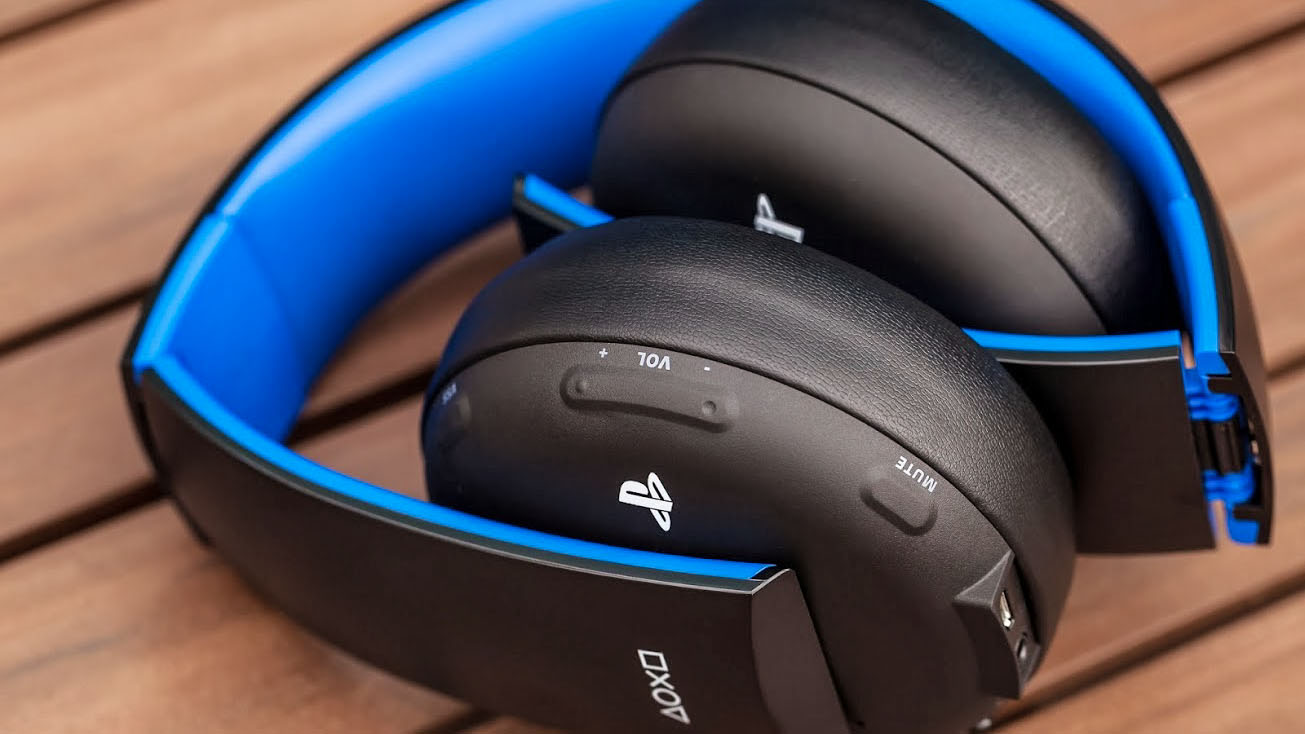
If you want to play online games on the PlayStation 4 optimally, a headset with a microphone is essential. This is the only way to ensure proper communication with your teammates. But which PS4 headsets are suitable for Sony’s console and how do you connect them to the PS4?
No matter if you’re playing multiplayer shooters like Ghost Recon Wildlands or Battlefield 1 or immersing yourself in MMORGs like Star Trek Online or The Elder Scrolls Online: Without a headset, you face significant disadvantages in communicating with your team. And if you don’t have bulky speakers or can’t use them due to noise-sensitive roommates or partners, you can still enjoy amazing sound directly in your ears via 7.1 surround headsets.
Headsets PlayStation 4 – Wireless, Closed, 5.1 or 7.1 Surround? What should I consider when buying?
Not all headsets are created equal; there are many differences. In the following list, you will learn, among other things, the advantages and disadvantages of wireless headsets and what the deal is with closed ear cups.
- Wired headsets are cheaper and more reliable than wireless devices. However, there’s always an unsightly cable in the way.
- Wireless headsets have no annoying cord, but they draw their power from internal batteries. These don’t last forever and need to be charged regularly. It’s frustrating when you’re in the middle of a game and suddenly run out of power. Additionally, wireless headsets are usually more expensive and heavier than their wired counterparts. Some wireless headsets may experience delays in sound playback.
- Surround headsets are usually better than regular stereo headphones since they play sounds in relation to their source, allowing you to hear when a sneaky enemy approaches from behind or when gunshots come from the right. However, be advised: 5.1 or 7.1 in headphones is purely a marketing tactic. Unlike a high-quality surround system that distributes a corresponding number of speakers throughout the room, surround headsets merely simulate surround sound; 5.1 and 7.1 refer to the number of audio channels used.
- Very important is the wearing comfort, especially for long-term use. Because no matter how great the headset is technically, if your head or ears hurt after half an hour, it’s pointless. Ideal headsets should generously enclose the ear, thus shielding outside noises and preventing the game sound from escaping and disturbing your partner, roommates, or pets.
- The microphone is an important selection factor for headsets. It should be adjustable and deliver good quality. Ideally, the headset has a mute button so you can quickly turn it off if, for example, your partner barges into the room yelling, and you don’t want your gamer friends to witness the drama.
Darn, where do I connect a PC headset to the PS4?
Standard headphones, like the shabby included in-ear mono devices, simply plug into the 3.5 mm jack on your controller. However, most headsets have two plugs, one for the headphones and one for the microphone. But you can only connect one of them to the DualShock. Does that mean you can either only talk or listen and have to keep switching?
By no means, as a simple adapter plug for just under 5 euros can solve the issue. Just make sure that the adapter plug has three and not two notches. Otherwise, your microphone won’t work. Alternatively, you can also connect the headset directly to the console via USB dongle.
Especially wireless headphones utilize this technology. But no matter how you do it, thanks to the 3.5 mm jack or USB port, you can connect all PC-compatible headsets to your console.
Top 10 Headsets for PlayStation 4 in 2018
The following list shows the ten currently most popular headsets for the PlayStation 4 on Amazon. Enjoy browsing!
Recommendation from our readers: Astro Gaming Headset for PS4

Your opinion is important to us!
Do you like the article? Then let us know!