

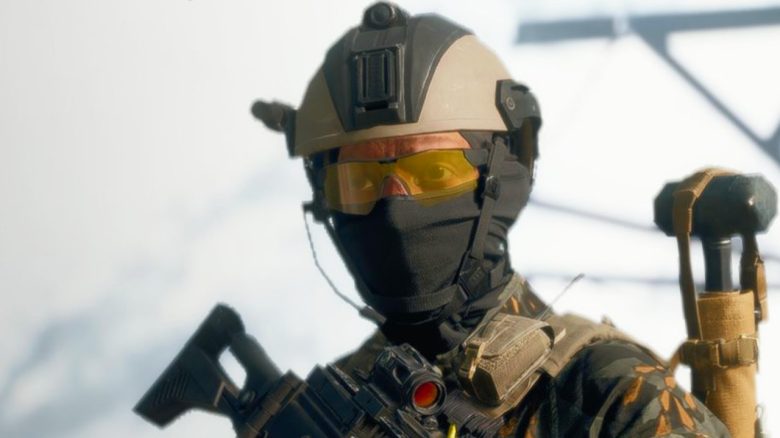
Battlefield 6 fought at release with problems in the EA App and even the head of the game recommends you to rather play the shooter on Steam. However, it does not run smoothly here either.
What is the problem? Some players report that they have issues playing Battlefield 6 through the EA App. When trying to start the multiplayer or the campaign of the shooter, they receive an error message. Battlefield 6 then informs the affected players that a purchase of the content is required for playing, even though they have purchased and installed the full game.
On Reddit, players report that neither restarting the game nor the EA App nor repairing the files helped. They also found that reinstalling the game did not help.
EA subsequently worked hard to fix the error and resolved the issue on the evening of October 11. Players had to restart the game but should now be able to play. The head of Battlefield still had another suggestion.
Head of Battlefield advises to play the shooter at the competition
What does the head advise? Vince Zampella, the head of Battlefield, responded to a fan of the shooter on X when this fan inquired about a solution to the problem.
In response to the question of whether there were any updates, Zampella said: “Can you return it [Battlefield 6] and buy it on Steam?” He specifically advises the player not to use the own launcher but the competing Steam launcher.
However, some players comment that this is not an ideal solution because they would lose the pre-order bonuses. These include cosmetic content such as skins and patches as well as XP boosts.
“Game not yet released” – Battlefield 6 also has problems on Steam
What is the problem on Steam? As EA communicated on X, there is also a problem with Battlefield 6 on Steam. Some players reportedly receive the message that the game is not yet released. Therefore, the affected players cannot start Battlefield 6.
While the developers are working on a solution to the error, they recommend a workaround that has reportedly helped some users successfully. To do this, open the properties section for Battlefield in your Steam library and go to “DLC”. There, you need to disable the contents “Battlefield-Multiplayer-HD-Marker” and “Battlefield-Multiplayer-Marker”.
If you want to know about the status of the servers and possible wait times when starting Battlefield 6, we keep you updated in our live ticker on MeinMMO. Please check back regularly: Battlefield 6: Live ticker for the release – all important information about the launch

Your opinion is important to us!
Do you like the article? Then let us know!