


The preload for the demo of Anthem is now available for download for PS4, Xbox One, and PC. With the VIP demo, you can invite three friends and play together in early access on January 25. We will show you how to distribute the friend codes.

You can now download the demo of Anthem for all platforms. The preload applies to both the VIP demo of Anthem (Closed Beta) and the open demo (Open Beta). You can only play once the launch for the respective demo versions has started.
When does the VIP demo start? Friday, January 25, at 6:00 PM. The VIP demo ends on January 28 at 3:01 AM.
When does the open demo start? On February 1. The open demo ends on February 3.

How do I sign up for the VIP demo? Anthem must be pre-ordered for access to the VIP demo. This can be done via:
- the Origin Access or EA Access
- the Xbox Store or PlayStation Store
Those who have not pre-ordered Anthem via the above methods need a code for the VIP demo. This can be received from the chosen provider. The code must then be redeemed on EA’s website.

This is how to start the download of the Anthem demo for PS4, Xbox One, and PC
Where can I start the preload?
- PC: Open the Origin product page in the browser or client and click “Try it first”.
- PS4: In the PlayStation Store
- Xbox One: In the Microsoft Store
How big is the demo?
- PC: 44 GB
- PS4: 27 GB
- Xbox One: 24 GB
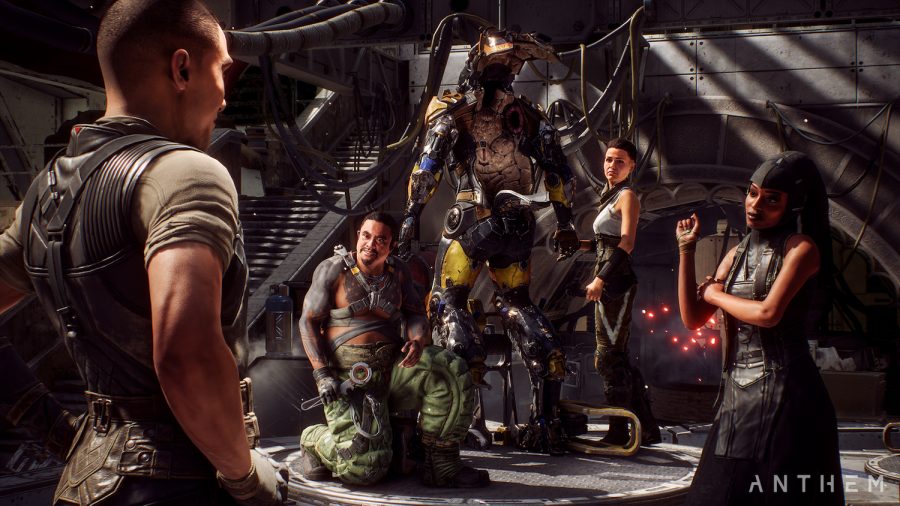
Invite friends to the VIP demo – Here’s how
Invite friends on PS4, Xbox One, or PC: As a pre-orderer of Anthem, you have access to the VIP demo in early access. Every owner of the VIP demo can invite up to three friends, who can also participate in the VIP demo. They do not need to be pre-orderers themselves.
Receive friendship pass: To receive and activate the invitation, you must first download the demo and start the launcher once. The preload is now available.
This is how you invite friends: Go to the Refer-A-Friend page of EA and now
- You will see a friendship pass link when you are logged in
- copy this and send it to up to three friends
What your friends need to do: Your friends can click the link and then log in with their EA credentials. They will receive on-screen instructions to follow.
You have a friend code over? On our Discord server, we have created special channels for Anthem where you can discuss the game. There is also a channel where friend codes can be offered or requested.
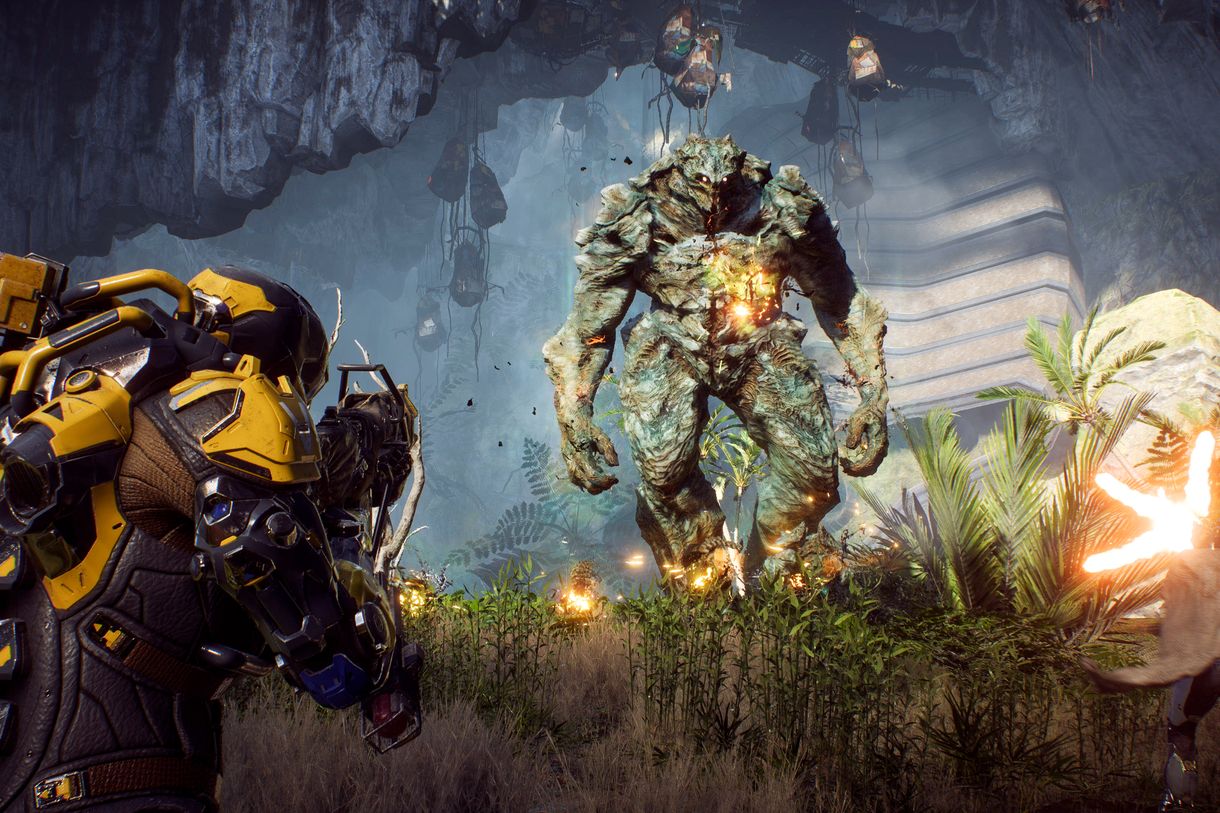
System requirements for PC – This hardware you need
Older machines may have trouble with Anthem. You can now test if your PC can handle it with the demo.
Minimum requirements for PC:
- CPU: Intel Core i5-3570 or AMD FX-6350
- RAM: 8 GB RAM
- Graphics card: Nvidia GeForce GTX 760 or AMD Radeon 7970 / R9 280X
- Graphics card memory: at least 2 GB VRAM
- Direct-X: Dx11
- Operating system: Windows 10 (64 Bit)
- Hard drive: at least 50 GB of free space
Recommended system requirements for PC
- CPU: Intel Core i7-4790 (@ 3.6GHz) or AMD Ryzen 3 1300X (@ 3.5 GHz)
- RAM: 16 GB RAM
- Graphics card: Nvidia GeForce GTX 1060 or AMD Radeon RX 480
- Graphics card memory: at least 2 GB VRAM
- Direct-X: Dx11
- Operating system: Windows 10 (64 Bit)
- Hard drive: at least 50 GB of free space


Your opinion is important to us!
Do you like the article? Then let us know!