At least 2,000 euros is what you have to pay for an RTX 4090, but a player wanted to sell it for 144 euros. Another player prevented that, as the seller was not aware that he could still claim a warranty.
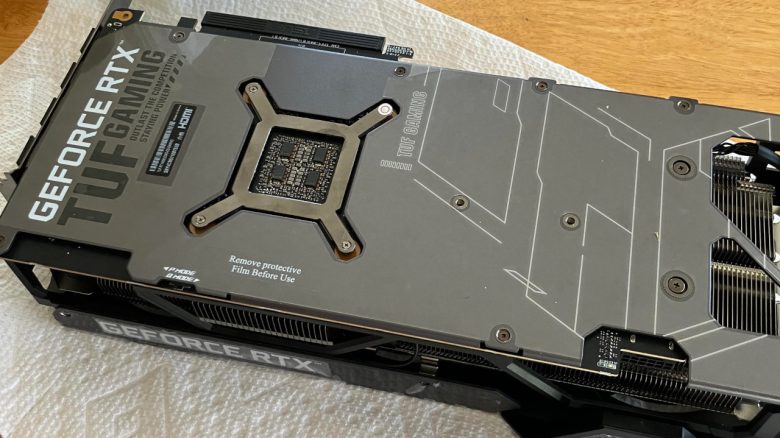
Our title image is a symbolic image. The player wanted to sell a graphics card from Zotac and not from ASUS.
A RTX 4090 sold for a fraction of its price… that’s exactly what a player considered, who wanted to sell a GeForce RTX 4090 for only 150 US dollars (approx. 144 euros) through classifieds. The original price is at least 2,000 euros. The seller would have made a huge loss.
But another player prevented him from giving away his graphics card for too little. And that at the last second, as the seller was already on the way to a happy buyer.
What ultimately prevented the sale? In a conversation, the user realized that the seller did not have much technical knowledge. Furthermore, he was not aware that he still had a warranty claim for the graphics card he bought. Thus, the user reports on Reddit.com:
Yesterday I came across a Facebook Marketplace posting for a Zotac RTX 4090 for $150! The description of the card and the price caught my attention. The posting said that the seller was not very technical and that the card worked for an hour and then would shut off.
I sent the seller a message and started asking him a few questions. Through the conversation, the seller was able to find his purchase receipt and then start a warranty claim with Zotac.
How did it end up? The seller withdrew his sale and was able to enforce his warranty claim. The only one who might be really upset is the potential buyer who wanted to get the GPU for 150 euros. But that will probably not happen anymore.
Graphics card damaged – How can you check that?
Basically, there are various ways to check a graphics card for errors: The easiest is to perform a stress test to find out if the graphics card crashes under high load. However, before you consider your graphics card as the sole culprit, you should check a few other things first:
- Test monitor cables and connections: In some cases, only a HDMI cable that is not plugged in properly is the problem. In that case, you generally should not have a picture either.
- Check power connection: Are all power cables connected correctly and are they properly clicked into the graphics card?
- Check graphics card installation: Check if your graphics card is properly mounted and clicked firmly into the slot on the motherboard. The graphics card should lock into place on your motherboard noticeably and audibly.
- Update or reinstall graphics card drivers: A reinstallation is recommended, for example, if you have installed a new graphics card and have remained loyal to the manufacturer.
- Check games: In some issues, the problem can also be an incompatible game or a bug in the game.
In the end, your graphics card is not broken or damaged at all, but simply a cable was not plugged in properly in your computer, or you just picked the wrong game.


Another player recently paid only 830 euros for an RTX 4090 from Nvidia. But the joy is short-lived. Because he gets a nasty surprise when he wants to install the graphics card in his computer. In the end, he overpaid by 830 euros: Player scores RTX 4090 for only 830 euros – The graphics card is real, but he is still heavily disappointed