

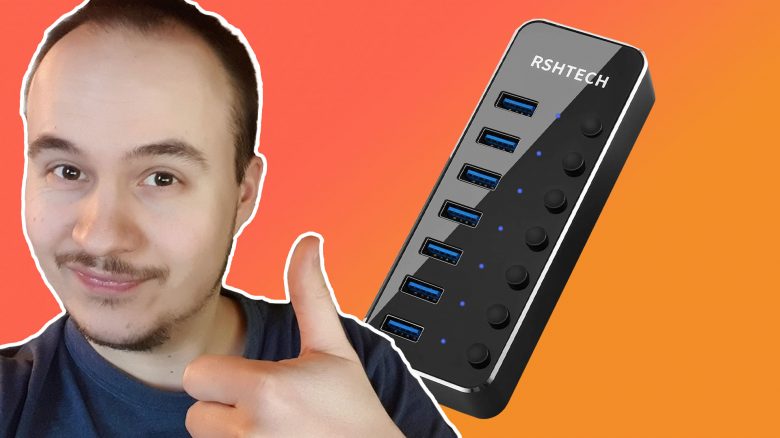
If you care about cable management, then do it like I did and get a USB hub with a power supply. I will show you the advantages here.
What is it about? As a PC gamer, you are constantly faced with connecting things via USB to the computer. Controllers, external hard drives, USB sticks, the phone, power banks, and much more. It becomes problematic when the computer is already filled with a keyboard, mouse, webcam, and other everyday items.
For me, a USB hub was the optimal solution. With an external power supply, there is enough power available, and you can place the slots anywhere under or on your desk as you like. And such a device costs you only about 30 €.
No more USB frustration – My HUB regulates it now
This was my problem: The USB ports on my PC are already well utilized with:
- Mouse
- Keyboard
- Webcam
- Audio interface
- Wireless stick for Xbox controller
- Small desk lamp
On the front of the PC, there is still an additional USB 3.1 slot and a USB 3.0 slot. So if I want to connect two things with a large USB connection, one has to go to the back of the PC. That annoyed me and led to cables lying where they shouldn’t.
To me, a certain degree of cable management is very important. If I see too many loose cables, it just looks messy. It’s enough if one cable is hanging at the front of the PC.
This is how I solved it: The solution was quite simple and had been on my mind for months. A USB hub. That way, I know I will always have enough connections available when I want to spontaneously connect one or more devices.
These can be flashlights or dog LED collars to charge, additional controllers or steering wheels, my camera, my phone, a fan in summer, a string of lights, or external hard drives. There are many devices, and USB ports are now plentiful for me as well.
Especially the devices that only need a USB connection for charging are satisfied with such a USB hub. I have only had problems with my wireless stick for the controller, which had dropouts on the USB hub.
Which USB hub did I buy? I opted for a device with 7x USB 3.0.
It was important to me that it comes with a power supply. I often experienced in the past that there was not enough power available for the USB slots – those issues are now a thing of the past. I decided on a device on Amazon that costs just under 30 €.
The advantage of this device: Each slot can be turned on and off individually. So you don’t have to constantly pull out the plugs and lay them over the edge of the table, but can just press a button.
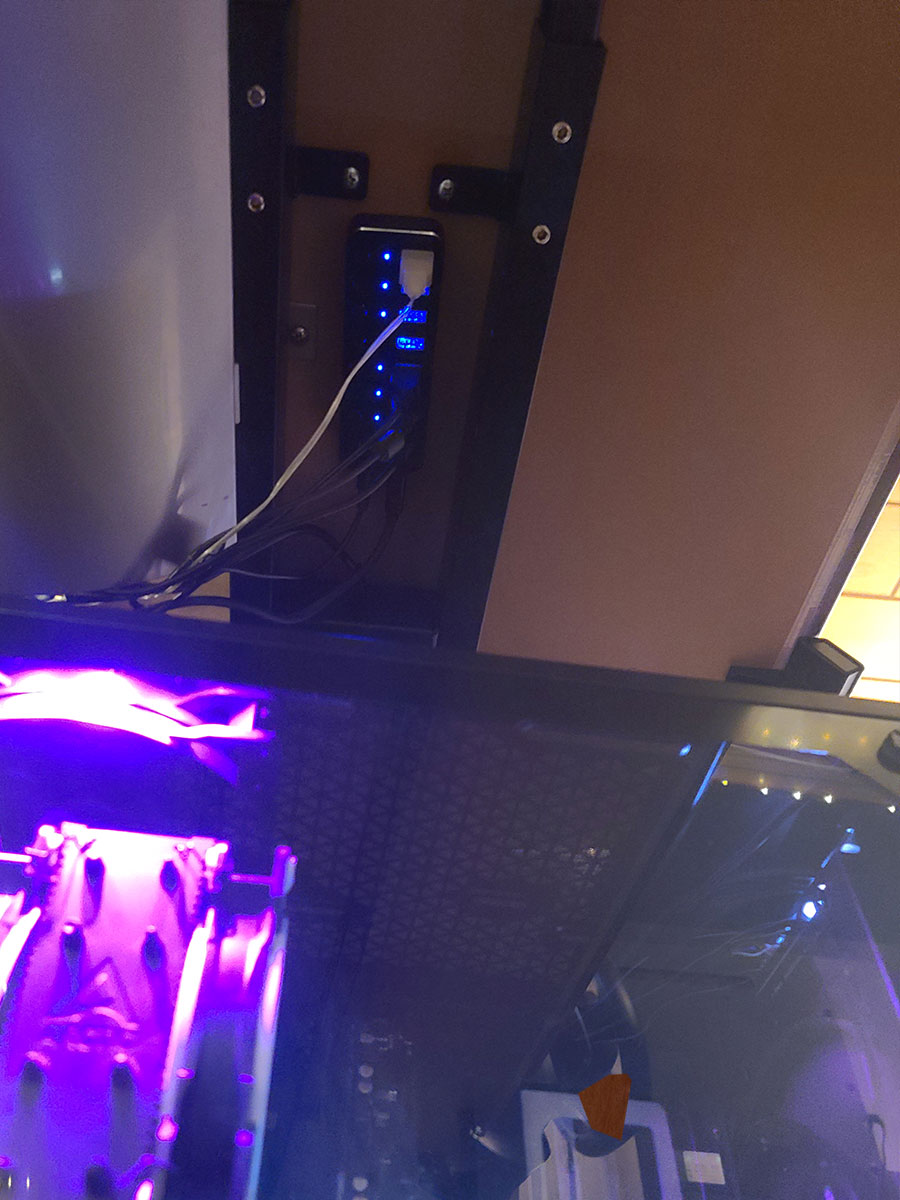
This hub can be easily hidden: I mounted the splitter on the underside of the tabletop of my height-adjustable desk. One strip of double-sided tape underneath, press for a few seconds, and it holds in place.
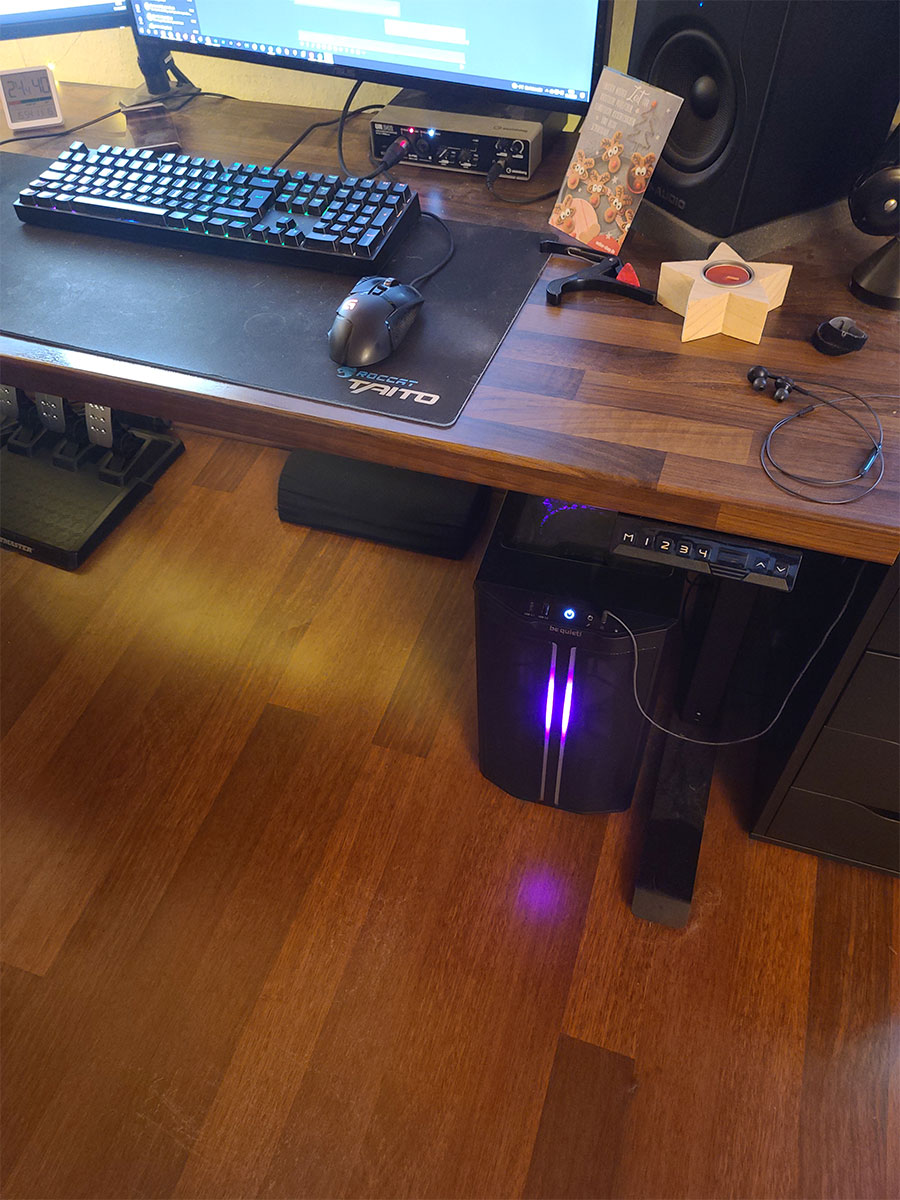
I’m satisfied with the result, as from the regular angle at which I look at my desk, I don’t see the hub or the cables. Just see for yourself:

My conclusion on the USB hub
I can recommend it to anyone working with a desktop PC or laptop to get one of these. It’s worth it if you often want to connect devices via USB to the computer. Furthermore, there are more and more gadgets whose batteries can be charged with a USB connection.
For me, such a splitter is among those things that are inexpensive but have a great utility. I can now turn off USB devices that remain “on” even after the computer is shut down at the push of a button, without having to unplug them.
Additionally, I have the USB splitter close to the tabletop. This way, I can connect my phone to the computer with a short charging cable and raise the PC to standing height. Previously, the cable to the computer was too short, and I had to leave my phone on the case while standing at the desk.
For me, the purchase paid off immediately after connecting, as I also visually benefit from being able to practically hide the many cables under the desk.

Your opinion is important to us!
Do you like the article? Then let us know!