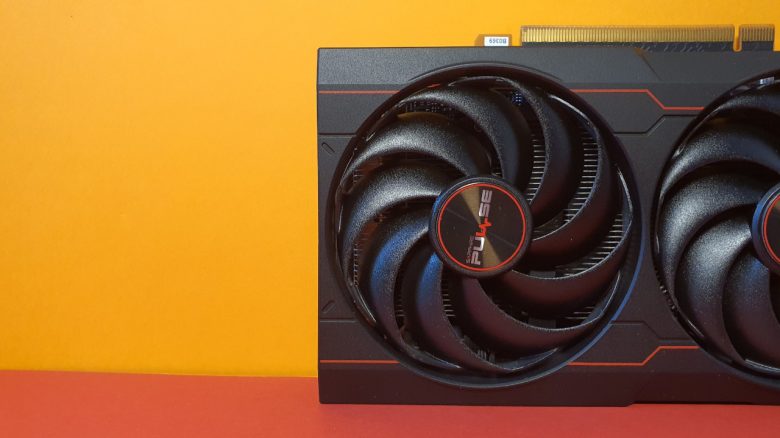
A gamer was bothered by the high volume of his gaming system. The graphics card fans apparently ran continuously at the highest settings – and that was unbearable in the long run.
Our title image is a symbolic image.
After checking connections, replacing fans, and struggling through the manufacturer’s support, the user finally found the solution to the problem: He had to press the “Confirm” button in the graphics card software to save the fan settings. He admits that it wasn’t particularly smart (via reddit.com):
I have no idea how, but I didn’t see the button. Somehow my fans were at 80-100% by default, and since most of the time when I adjusted the slider, nothing happened, I thought the GPU wasn’t the problem.
I’ve never felt so dumb, lmao.
The gamer explains that he can finally game in peace again. But there are good reasons why the user first checked all other options.
After all, a high noise level can not only be annoying but also a sign that something might not be right with your hardware.
With a few tricks, you can noticeably ease your graphics card in everyday use
Why is high volume not a good sign? No gamer likes loud or high temperatures from their graphics card. Because high temperatures usually mean a high wear on the components. High or vigorously spinning fans are often a sign that the cooling of the graphics card or the processor can no longer handle the heat development.
If your graphics card becomes very loud while gaming or in normal everyday use, a few simple tricks are enough to at least contain or reduce the problems.
What can you do against a loud graphics card? In principle, we would recommend limiting the frame rate either through the GPU software or through your game. With an unlimited frame rate, you are not setting a limit on your graphics card, and accordingly, your GPU runs at full performance. With poorly optimized games, this quickly means that you can have a frame rate of 3000 FPS or more in the main menu, even though your monitor cannot display such a frame rate.
Another recommendation is a thorough cleaning of your graphics card, which in the best case costs you only 5 euros. Especially if the warranty of your graphics card has already expired, such a cleaning can be worthwhile. Because a lot of dirt and dust can accumulate between the fans and the cooling fins.
It is generally sensible to clean your gaming PC regularly. Depending on where your PC is located, whether you smoke, or if you have pets in the household, more frequent cleaning is recommended. Because dirt can cause your system to no longer dissipate the heat from the other components. A gamer also had to find this out after opening his gaming PC for the first time in years: