

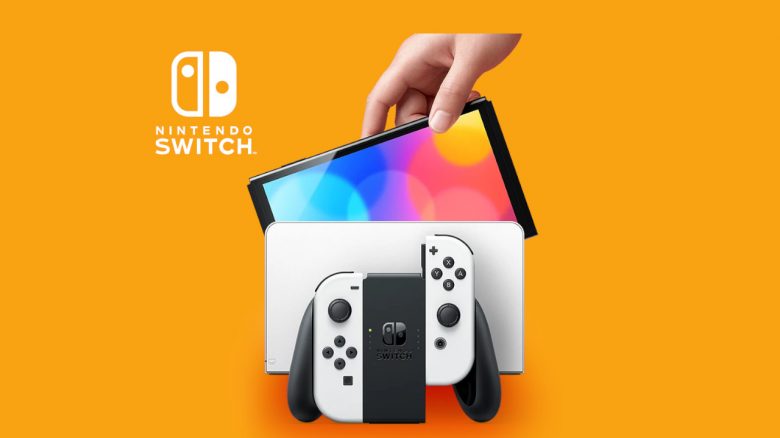
The Nintendo Switch is one of the most popular consoles. It offers some features that many gamers may not be aware of. MeinMMO presents you with a concise dozen in this article.
The Nintendo Switch is a small console in handheld format. At the same time, you can also use the console on the television.
However, the Nintendo Switch also offers a number of interesting features beyond the normal functions. We present the most exciting features in our article.
Finding Lost Joy-Cons
Did you just play on the Switch with friends or children and can’t find one Joy-Con anymore? There is a simple trick to help you find your controller again. However, the condition is that your controller’s battery is still sufficiently charged.
To do this, start your Switch and click on the controller icon. On the next screen, all controllers paired with the Switch will be displayed. Tap on the controller icon of the controller that is missing and that you want to find. The missing controller should vibrate, making it easier for you to locate it.
Creating a Second Account
What does it bring? Many games only offer one save slot per account. However, if you want to create multiple save files, you can use a trick. By creating a second account, you can also save a game with this “user.” In total, you can create up to 8 user accounts on a Switch.
The downside is that you need Nintendo’s online subscription for each account if you want to play online with the other users. Keep this in mind.
Here’s how to create a second account:
- Select “System Settings” from the HOME menu.
- Scroll down to “Users” and select “Add User” and click on “Next”.
- Select the icon you want for the account. Tap on “More Options” to access additional characters and backgrounds.
- Once you’ve chosen an image, enter a nickname. Select “OK”.
- Finally, you can link the new user account with a Nintendo account.
Using International Shops
Some games on the Switch are blocked by a regional lock. This way, you cannot buy certain games in Germany. However, this lock can be bypassed relatively easily.
Go to the settings of your Switch and scroll all the way down. There is a menu item “Region.” Select the region of your choice, confirm the terms and conditions, and restart your console.
If you change the country of your account to Japan, you will also gain access to various exclusive demos that you cannot use with a German account.
Use Your Switch as a Power Bank for Your Phone
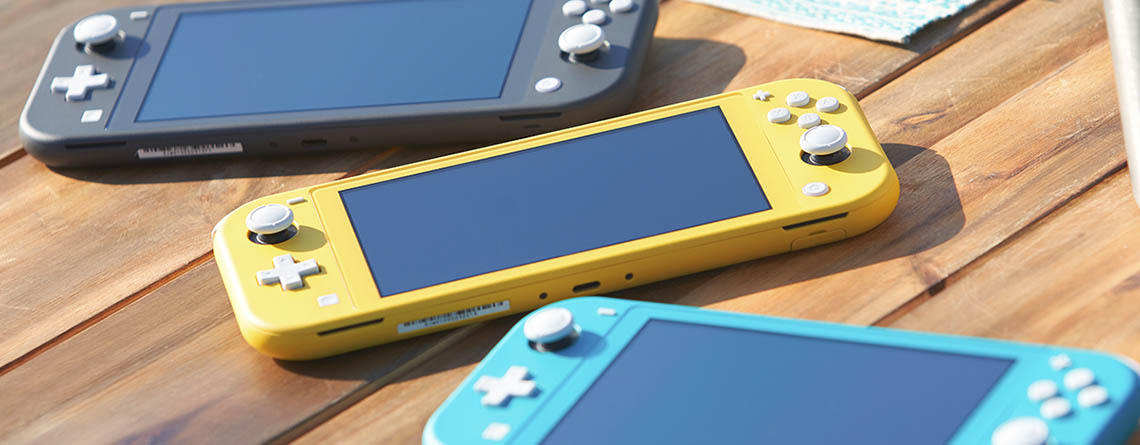
If you are out and have forgotten your power bank at home, you can use your Switch to charge your phone. You just need to connect your phone via the USB-C port of your Switch.
However, note that the Switch has significantly less battery capacity than a proper power bank and is not a full replacement. If that’s not enough for you, there’s a useful gadget to greatly enhance your Nintendo Switch.
Use PS5 and Xbox Controllers on Your Switch
If you don’t feel like using the Joy-Cons or Pro Controller, you can also use other controllers on your Switch.
To do this, connect an Xbox or PlayStation controller to your Switch using a USB cable. Ideally, the controller should be recognized immediately.
Connecting a PS5 controller via Bluetooth to your Switch is not straightforward. You will need a Bluetooth adapter for that. Such adapters usually cost between 15 and 20 euros and connect through the USB port of the docking station.
Configuring Airplane Mode
With Airplane mode, various functions, such as Bluetooth or Wi-Fi, are turned off on your Switch. However, you can reactivate some functions even in Airplane mode.
For example, you can turn Bluetooth back on in Airplane mode and continue using your controller or Bluetooth headphones.
Combine Multiple Switch Screens into One
In some games, it is possible to combine two display units into one. For example, in Mario Party Superstars, you can connect two displays and thus have a larger playing area in multiplayer.
Your characters will seamlessly switch from one screen to the next during gameplay, allowing you to take advantage of the double playing area.

Change Button Mapping
What does it bring? If you have other consoles at home, it can happen that you accidentally press the wrong button on your Switch.
For example, the A and B buttons as well as the X and Y buttons of the Switch are switched with those of the Xbox controller. This leads to the X button of the DualShock or DualSense controller being the bottom one of the four buttons on PS4 and PS5, while on the Switch it corresponds to the A button, which is on the right.
Here’s how to change the button mapping
- Select “System Settings” from the HOME menu.
- Scroll down to “Controllers and Sensors” and select “Change Button Mapping”.
- Now you can choose the controller you want to edit. Click on “Change” and you will be in the button configuration, where you can customize them to your liking.
- Finally, confirm with “Done”.
More Tips for the Switch: Are you looking for more tips and tricks about the Nintendo Switch? You can read a dozen tips for the Switch in the following article:
11 Tips and Settings for the Nintendo Switch That You Should Definitely Know

Your opinion is important to us!
Do you like the article? Then let us know!